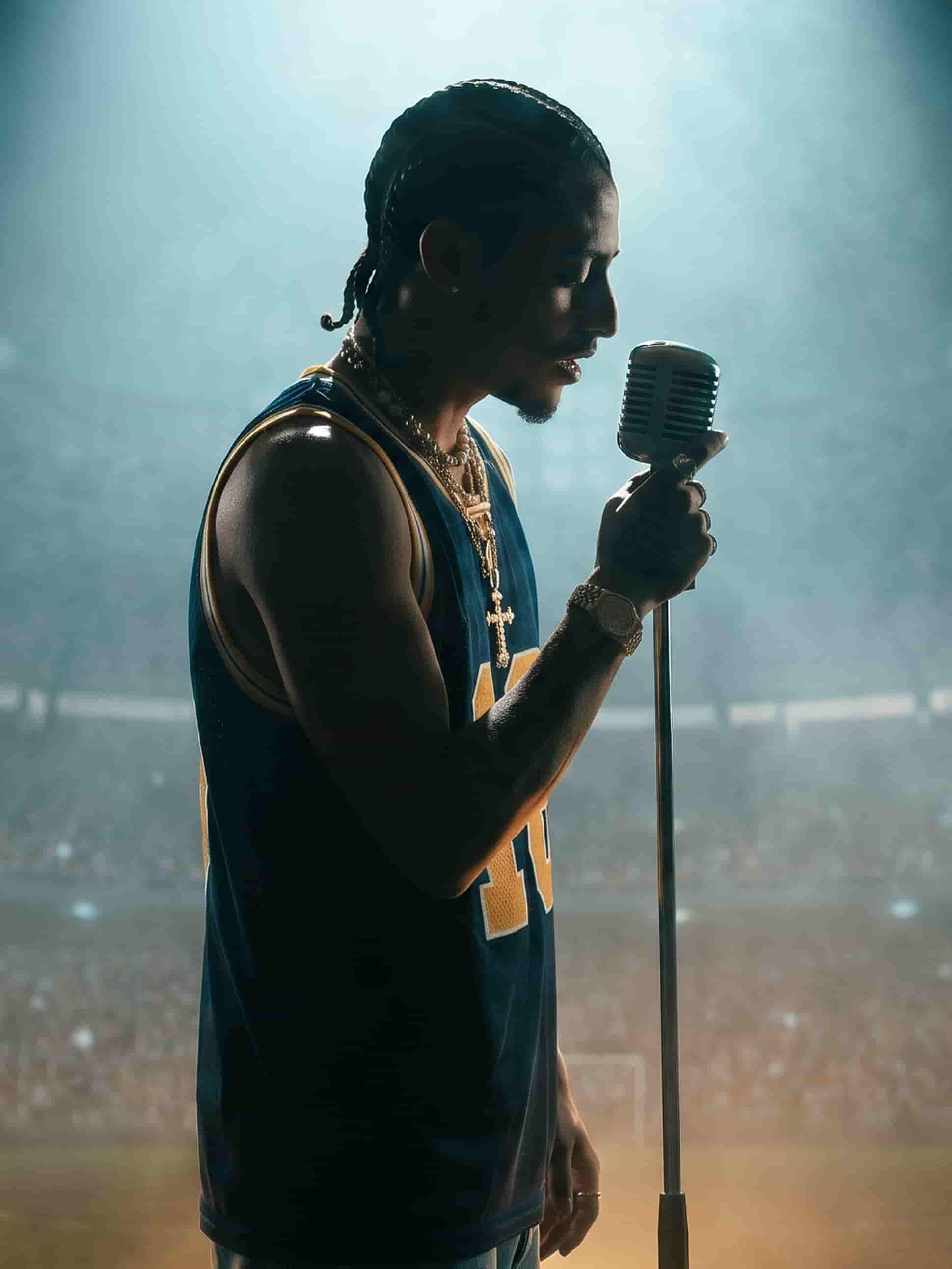
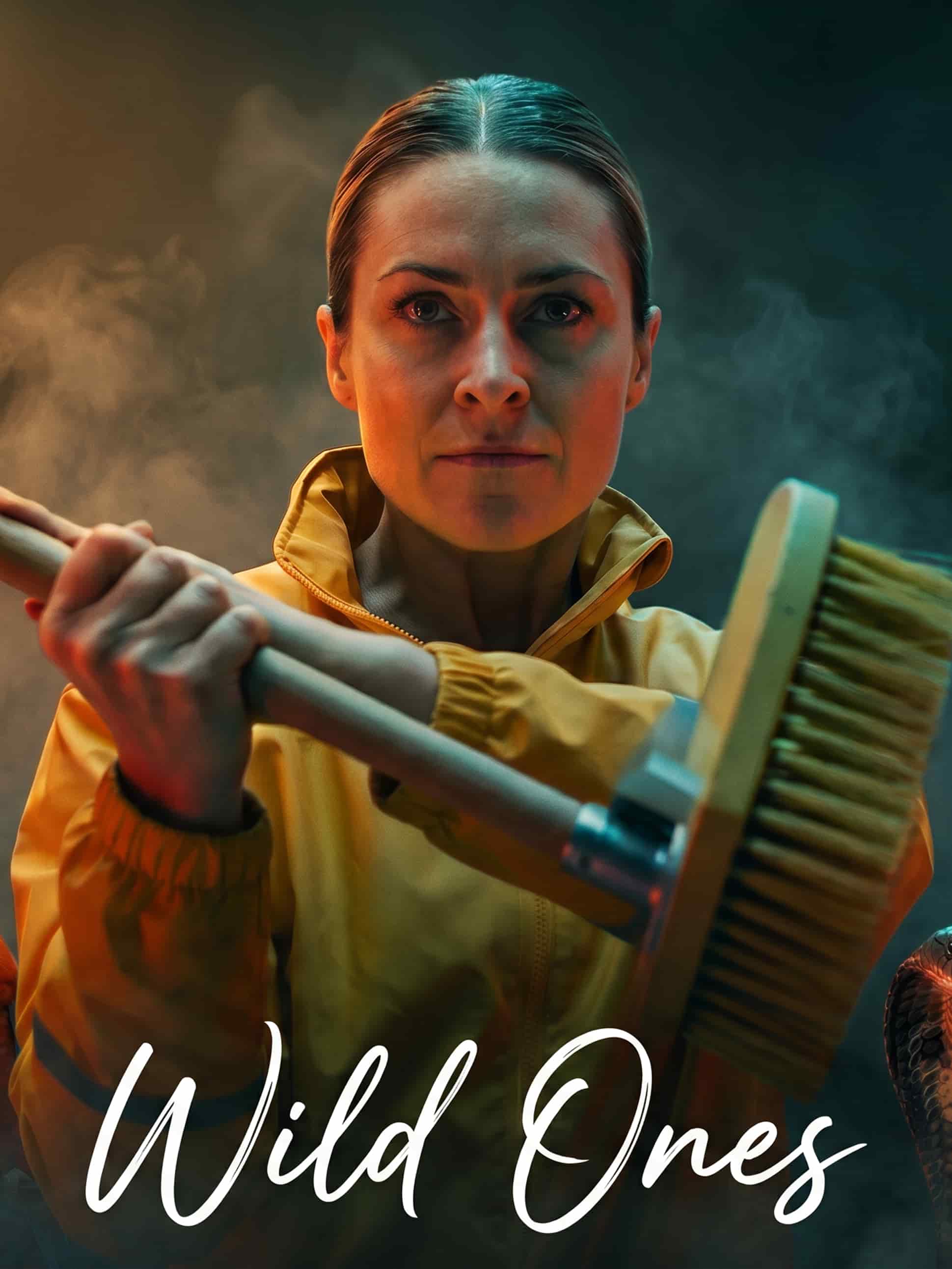
The best video models, one studio
Run the same still through different models and keep the motion that fits.
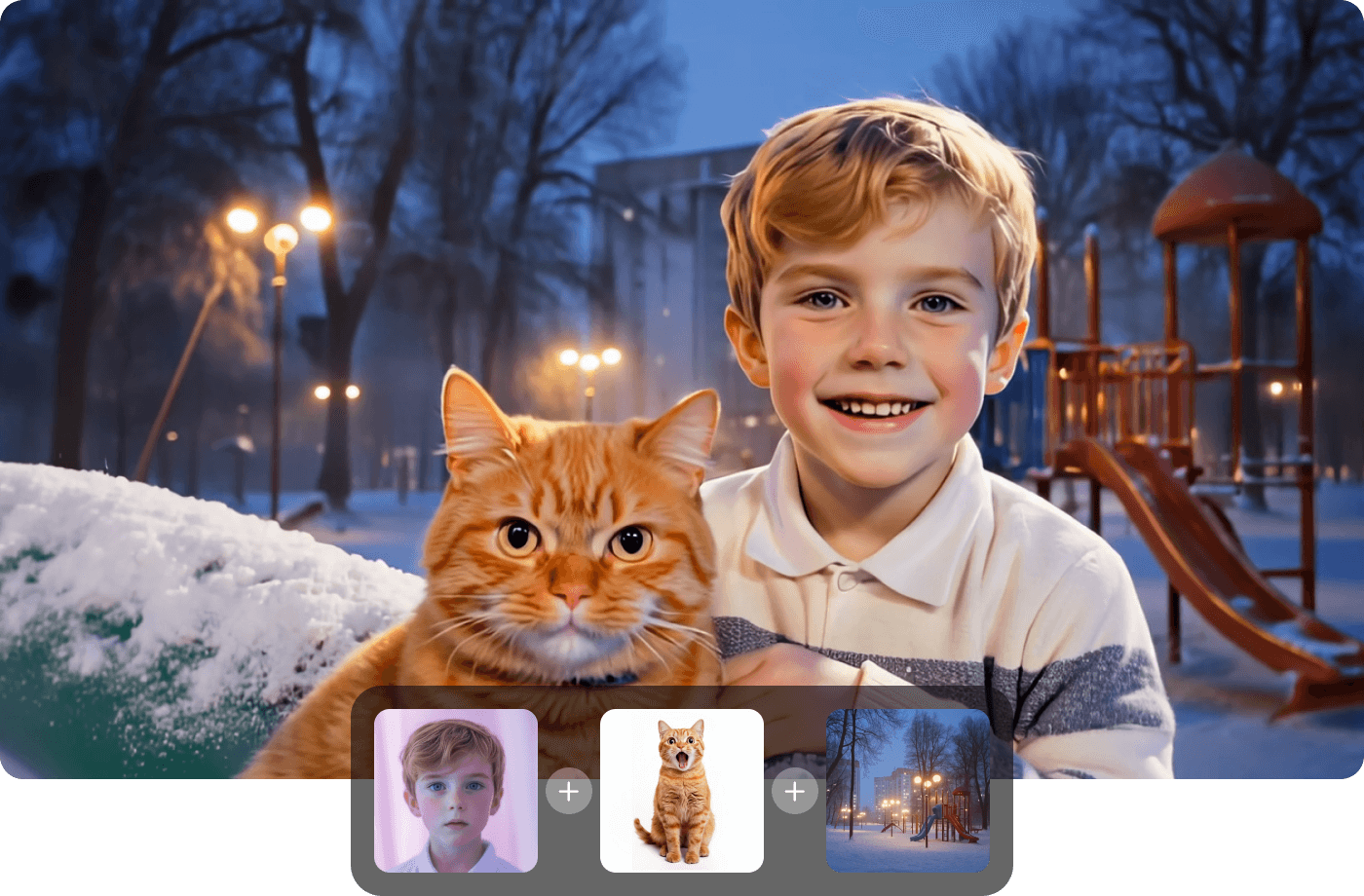
One photo. A whole clip.
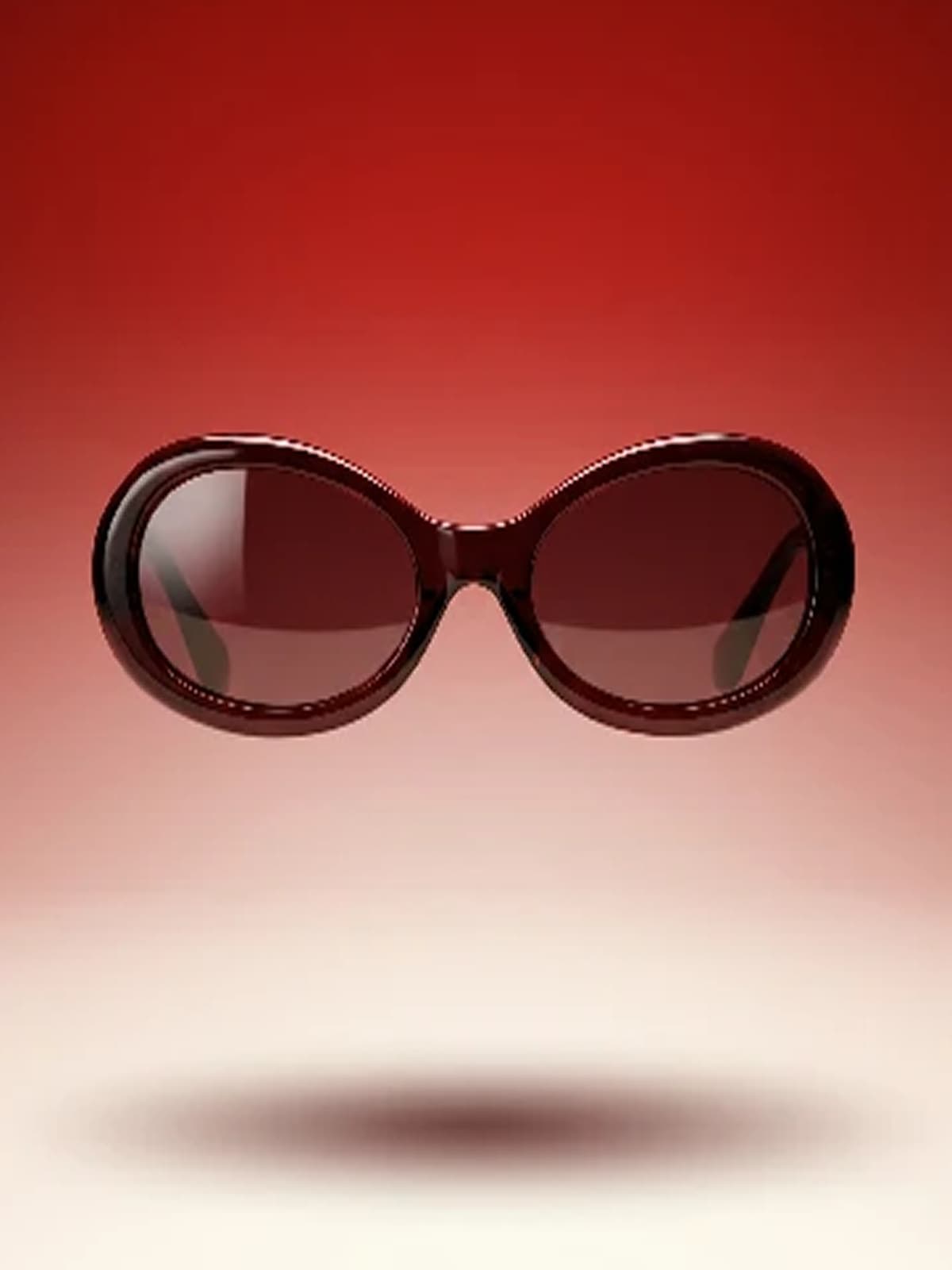
Turn a single product shot or hero image into motion with camera moves, timing, and pacing you control by prompt.
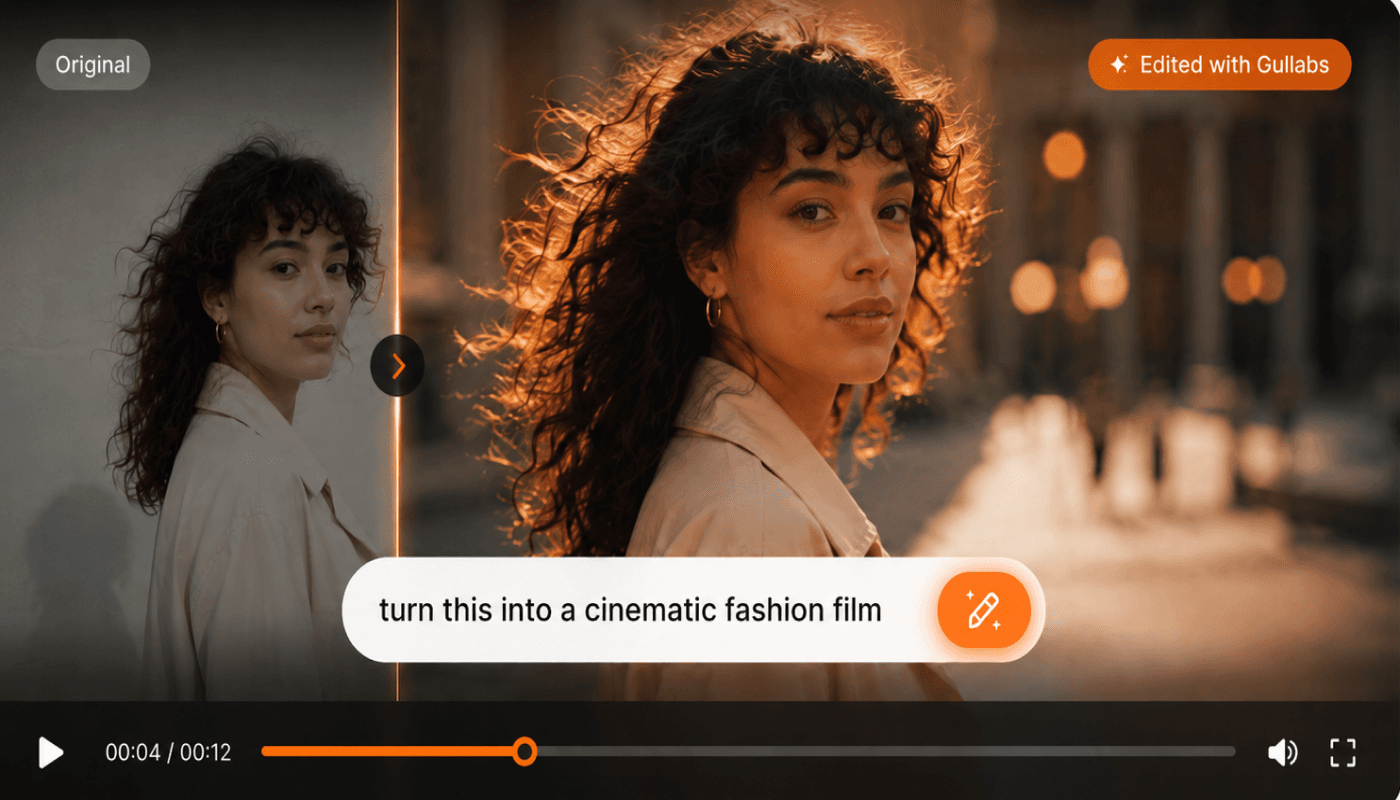
Refine in plain language
Tighten the intro, change the mood, add a push-in. Describe it and Gullabs returns the updated cut.
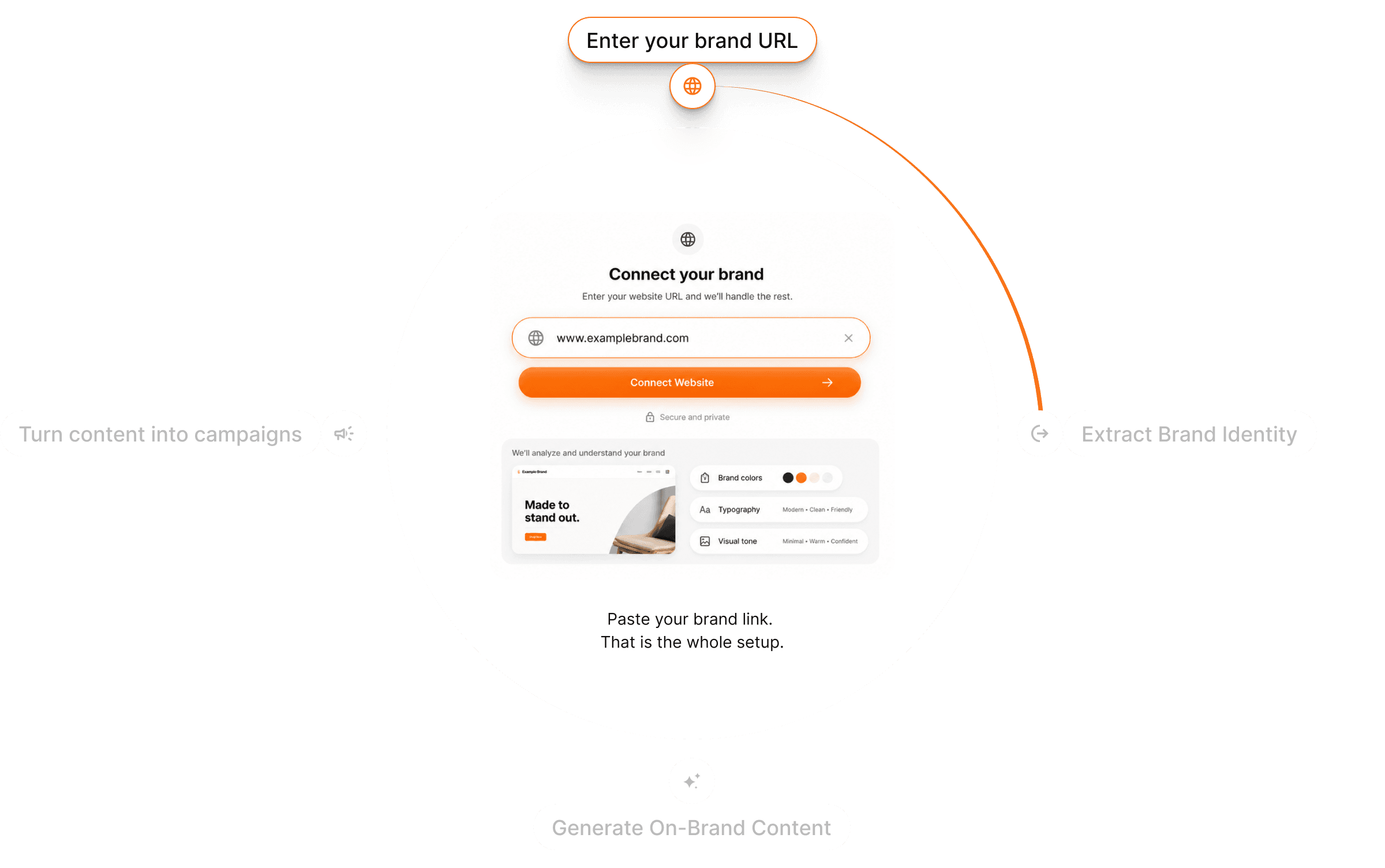
On-brand, automatically
Your brand look carries into every animation by default, so nothing drifts off-style.
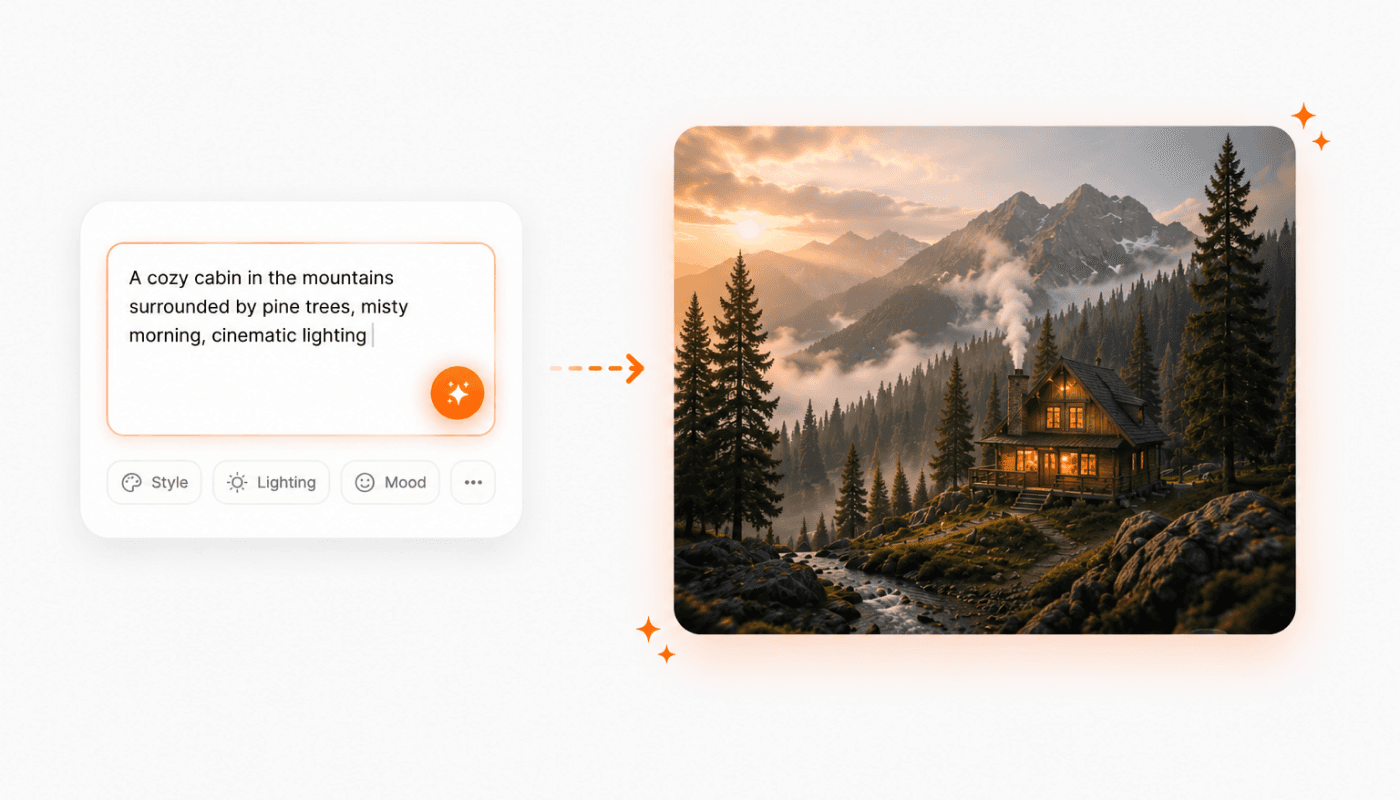
Need a still first?
Generate the source image from a prompt, then animate it — the whole pipeline lives in one place.
From still to video in three steps
Upload your image
Drop in a product shot, hero image, or any still you want to animate.
Pick model & motion
Choose the model and describe the camera move and pacing. Your Brand DNA is already applied.
Generate & refine
Preview, regenerate, or describe an edit. Export when it's right.
Questions? Answers!
Quick answers about turning images into video with Gullabs.
Every generation draws from your credit balance and you always see the cost before you render. See the usage guide for the full breakdown.