The best image models, one studio
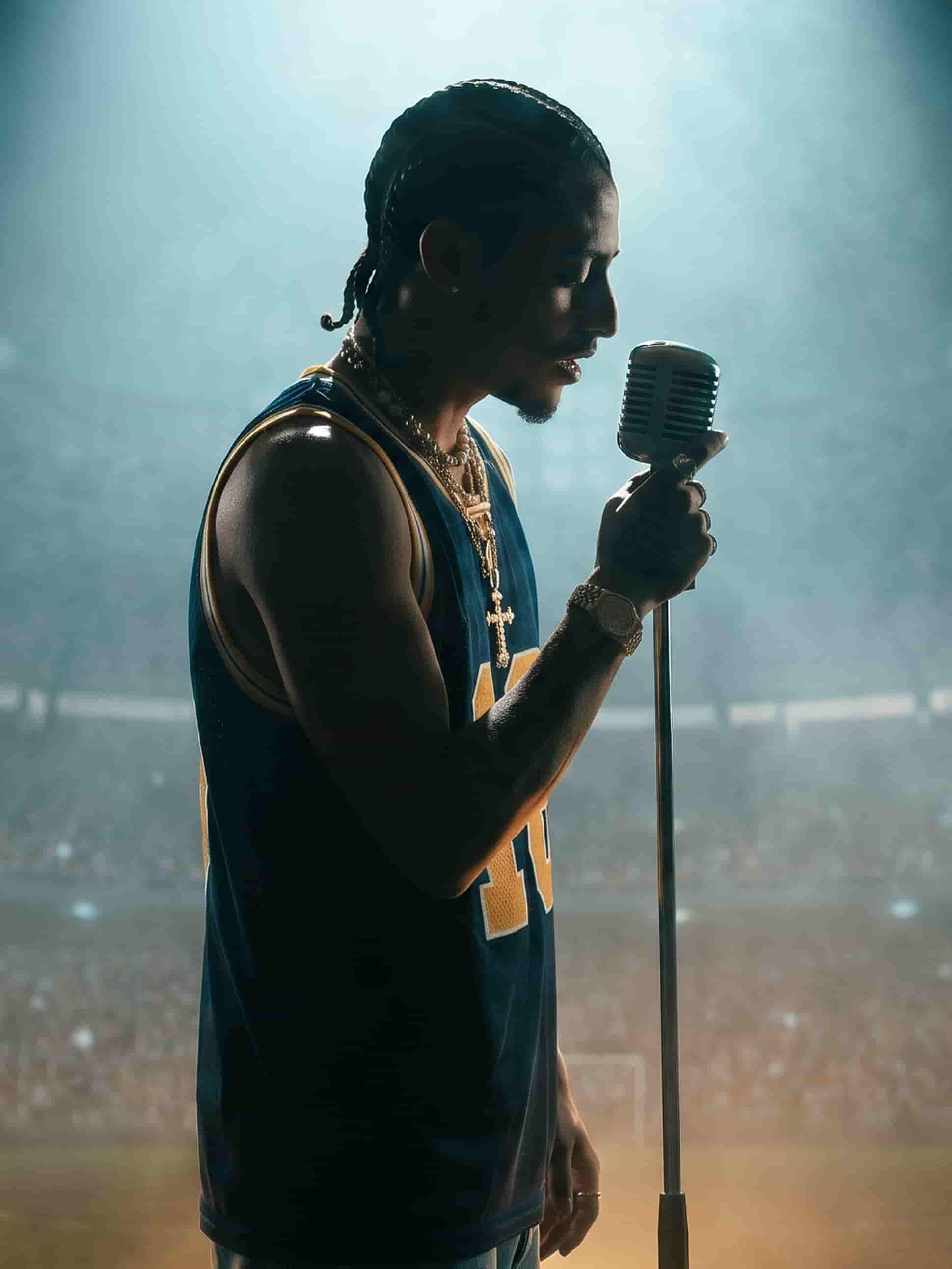
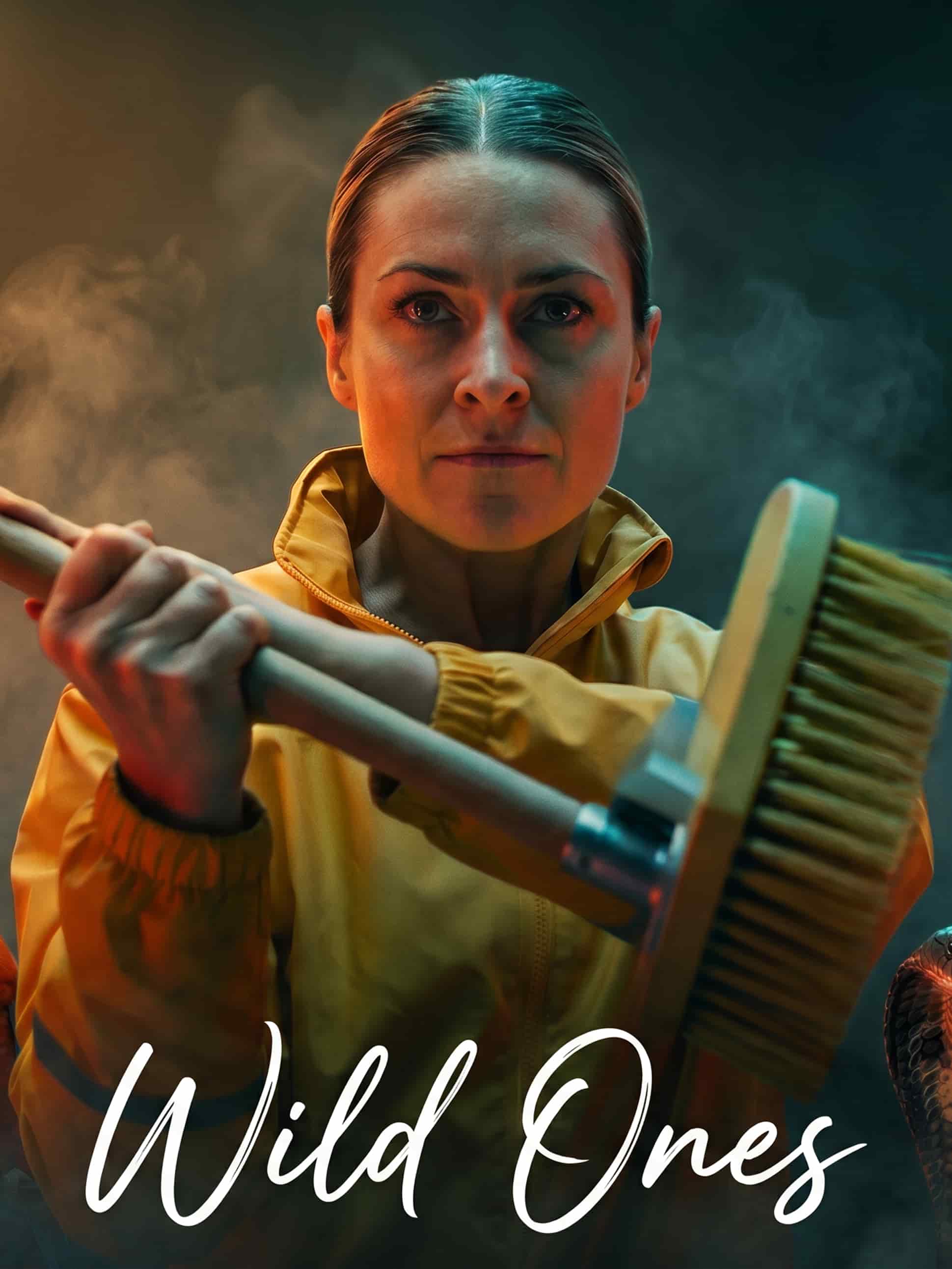
Run the same prompt through different models and keep the one that nails it.
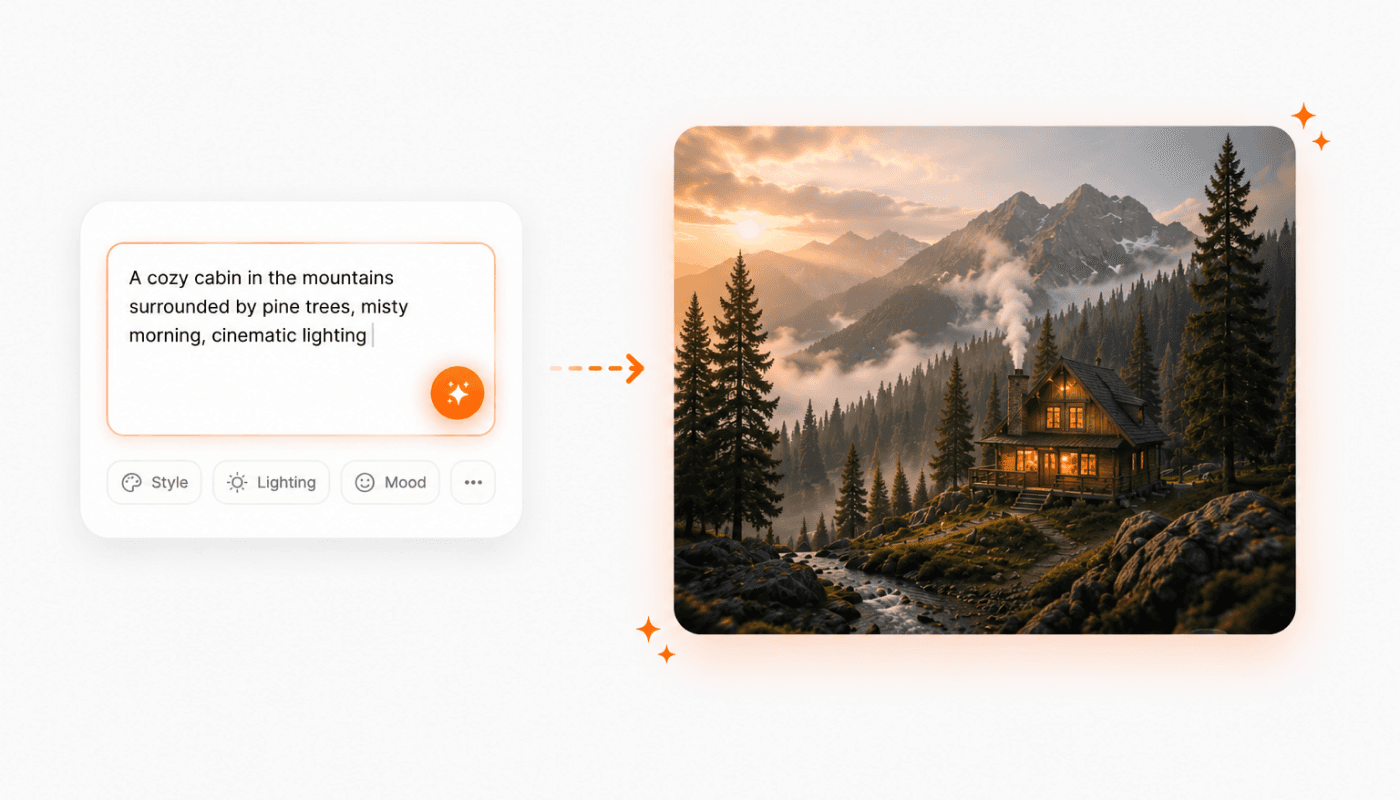
Describe it. Get the image.
Type what you want — subject, mood, lighting, style — and Gullabs renders it in seconds. Short prompts for quick concepts, detailed prompts for a precise vision. Iterate in the same conversation until it clicks.
Change it by describing the change
No masks, no layers. Tell Gullabs what to fix — swap the background, adjust the lighting, remove an object — and get the updated image back. Refining happens where you generated, not in another tool.
On-brand, automatically
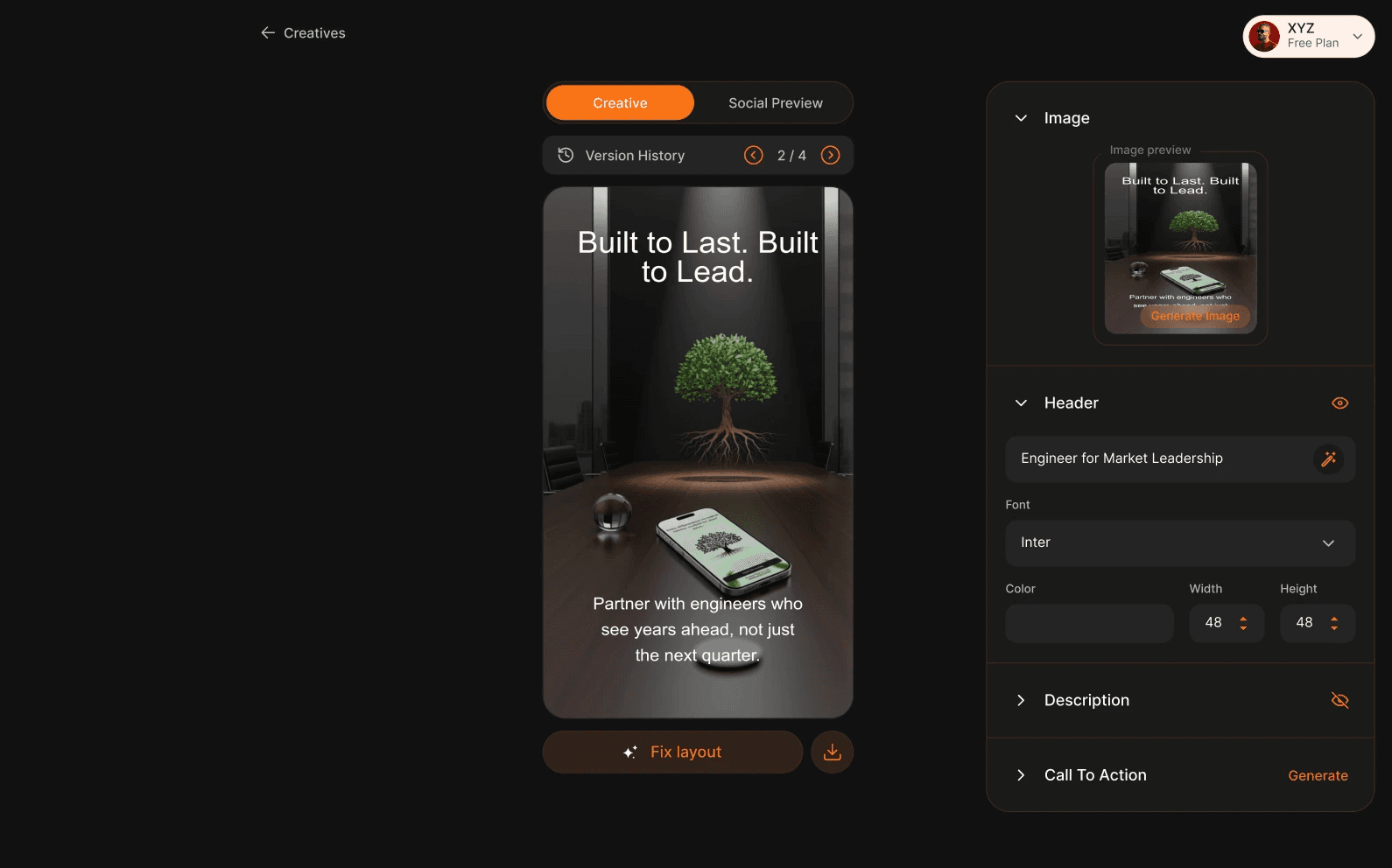
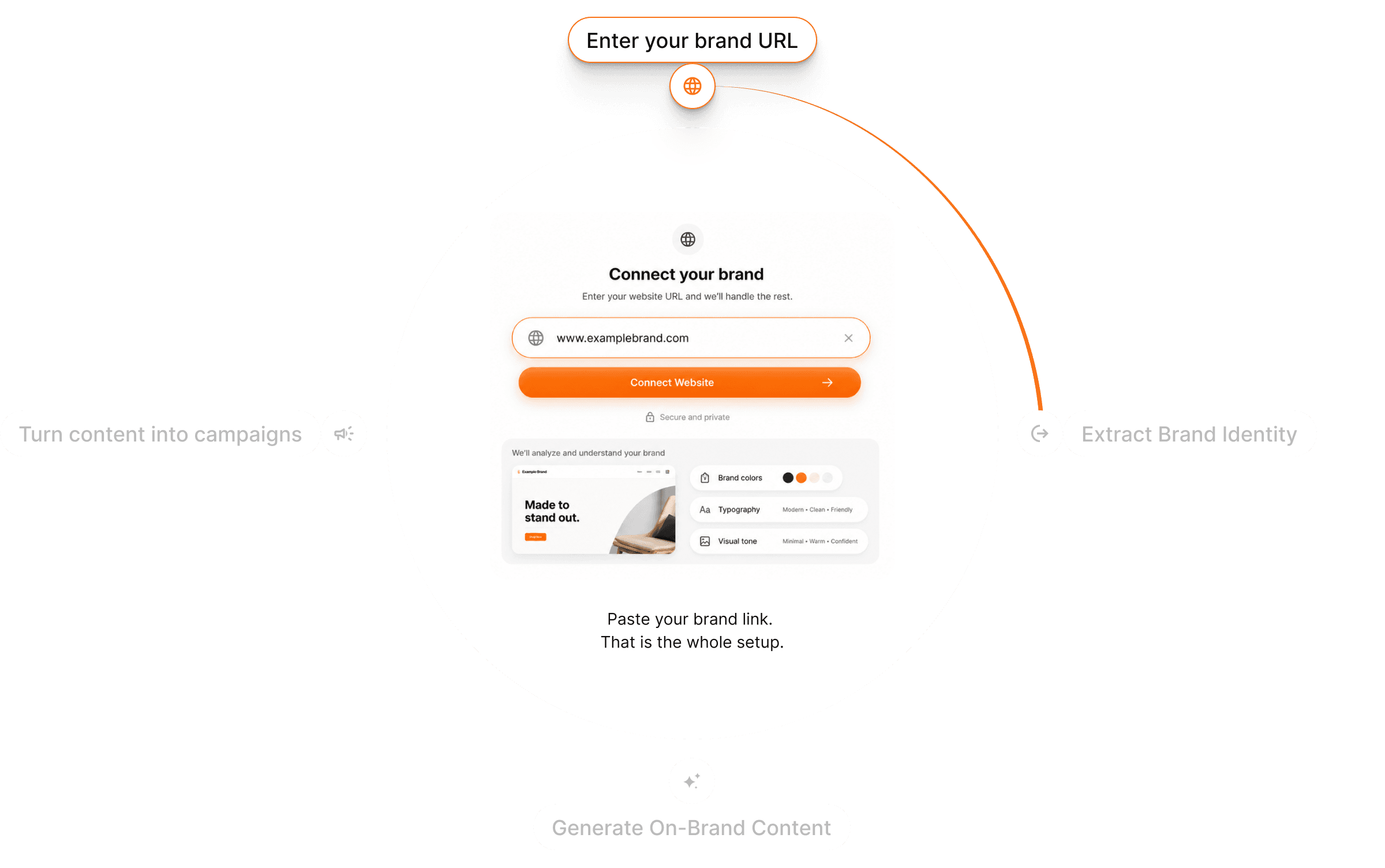
Your website taught Gullabs your colors, fonts, and tone. Every image you generate carries them by default — so campaign assets ship looking like yours, not like a template.
The right model for every image
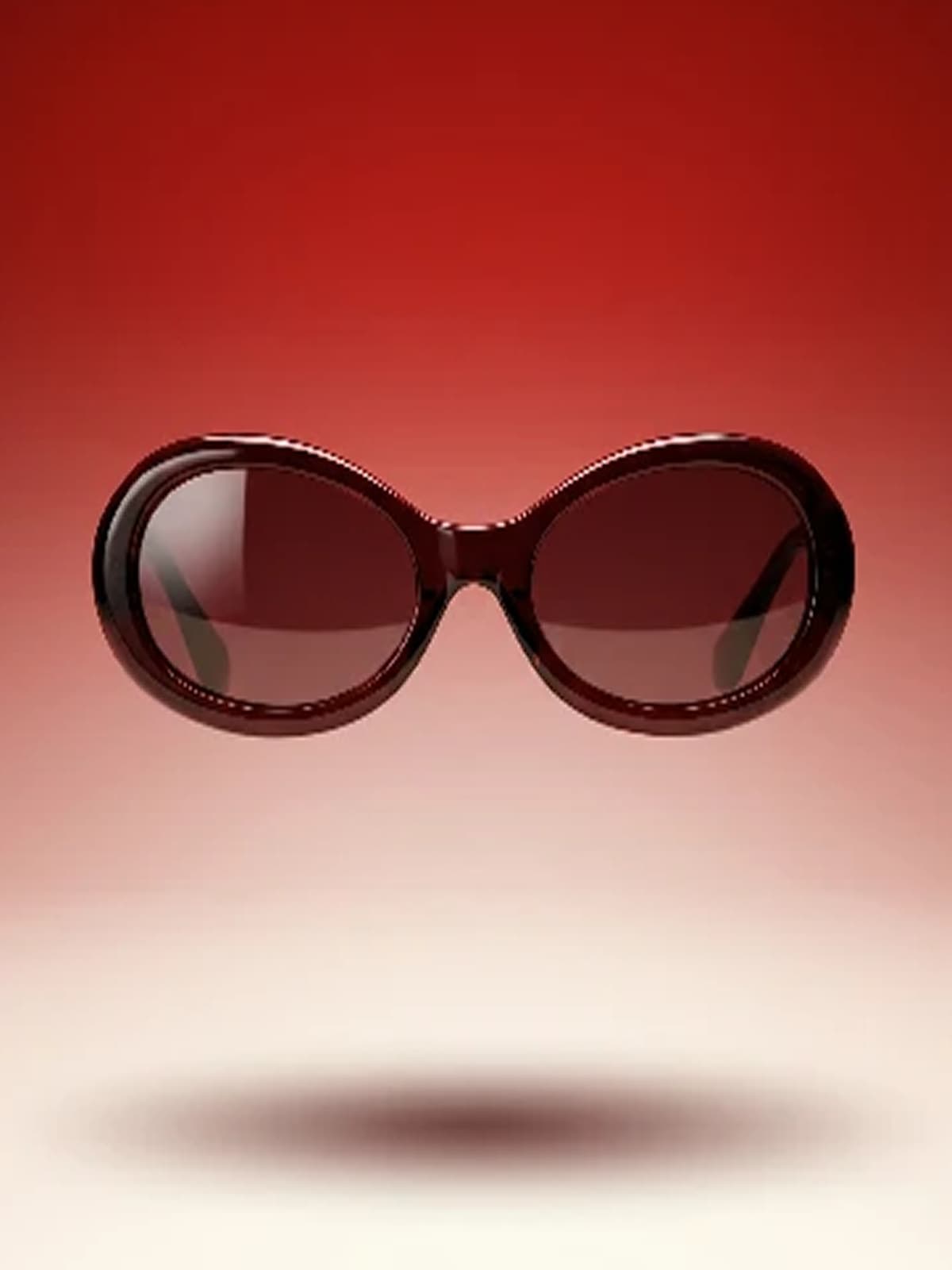
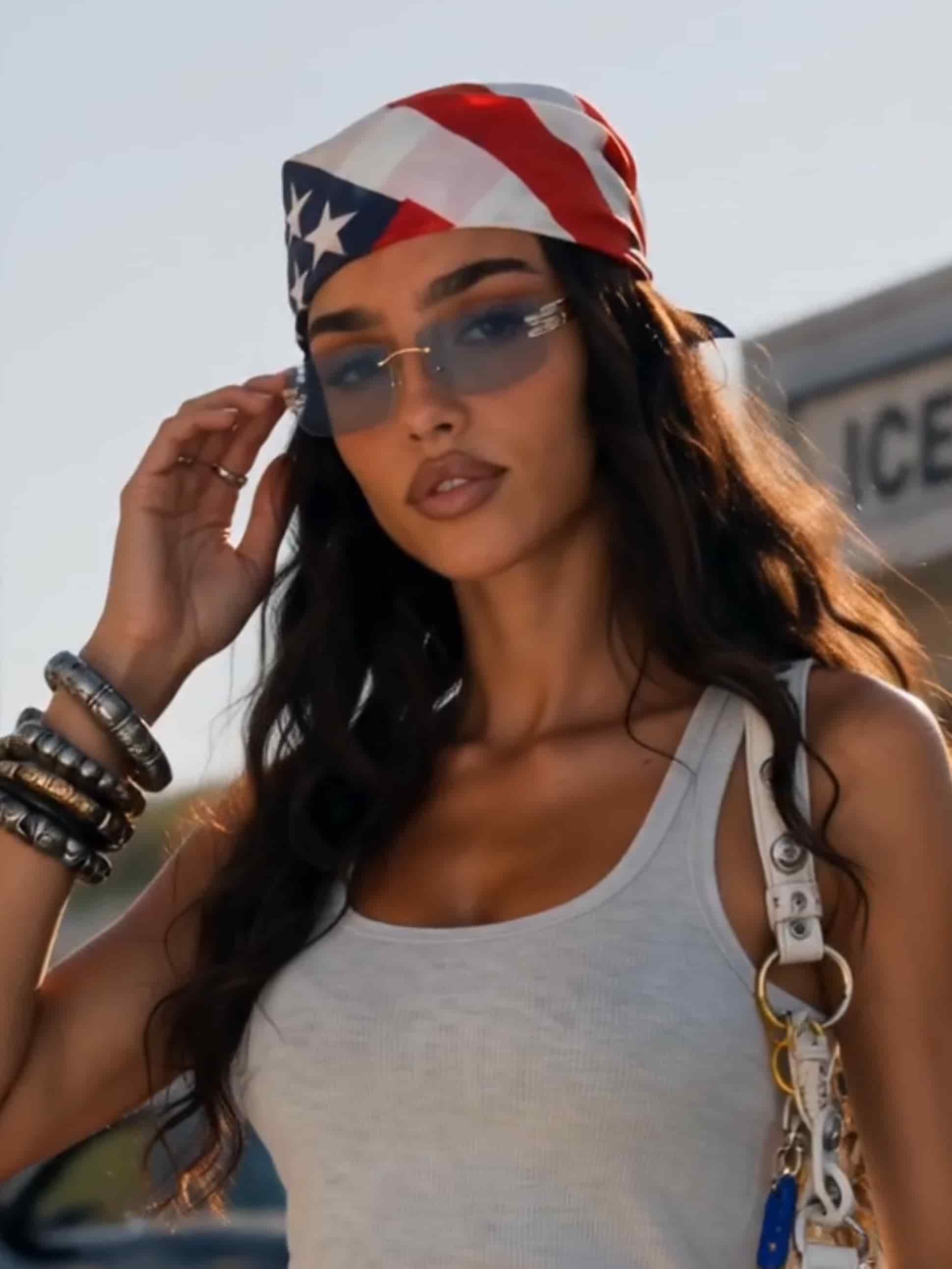
Photorealism, illustration, clean text rendering — each model has a strength. Switch models on the same prompt and compare results side by side instead of settling.
From idea to image in three steps
Describe or upload
Start from a prompt, a reference image, or both — a reference for structure, a prompt for style.
Pick model & ratio
Choose the model that fits the job and set your aspect ratio. Your Brand DNA is already applied.
Generate & refine
Preview, regenerate variations, or describe an edit. Download when it's right.
Questions? Answers!
Quick answers about generating images with Gullabs.
Anything you can describe — product shots, campaign visuals, social graphics, concept art, illustrations. Type a prompt or upload a reference, pick a model, and generate.