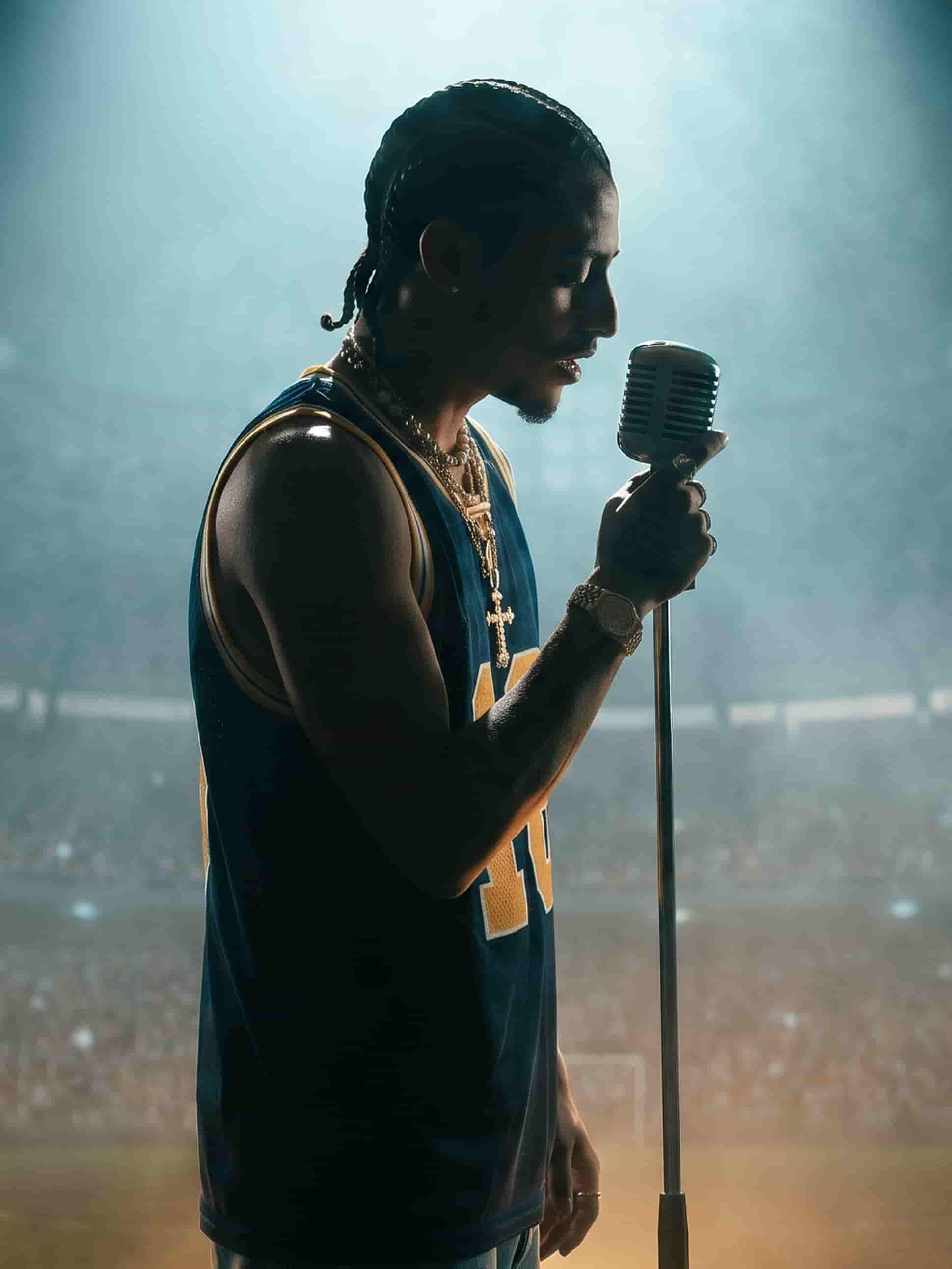
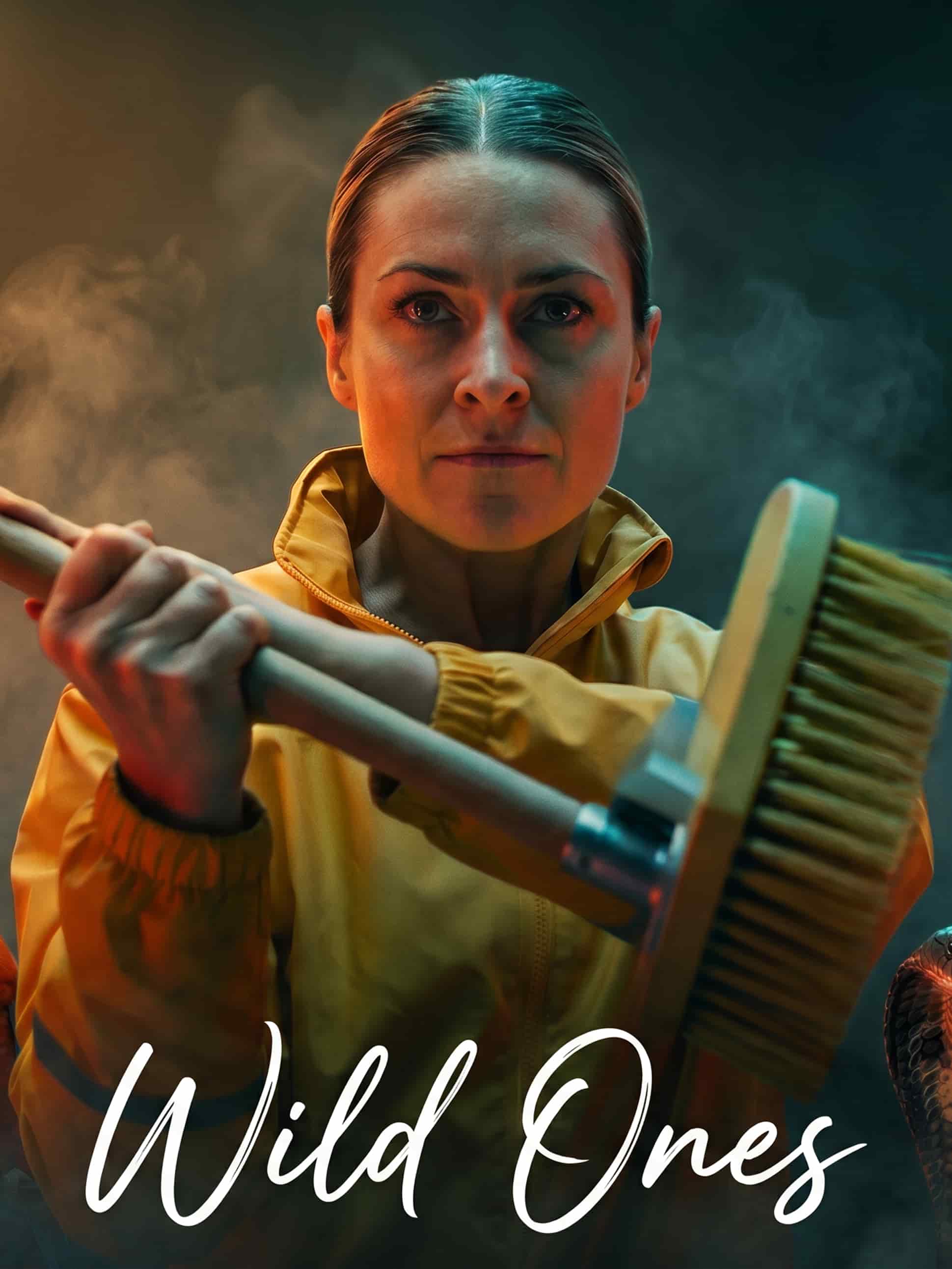
Every model, one studio
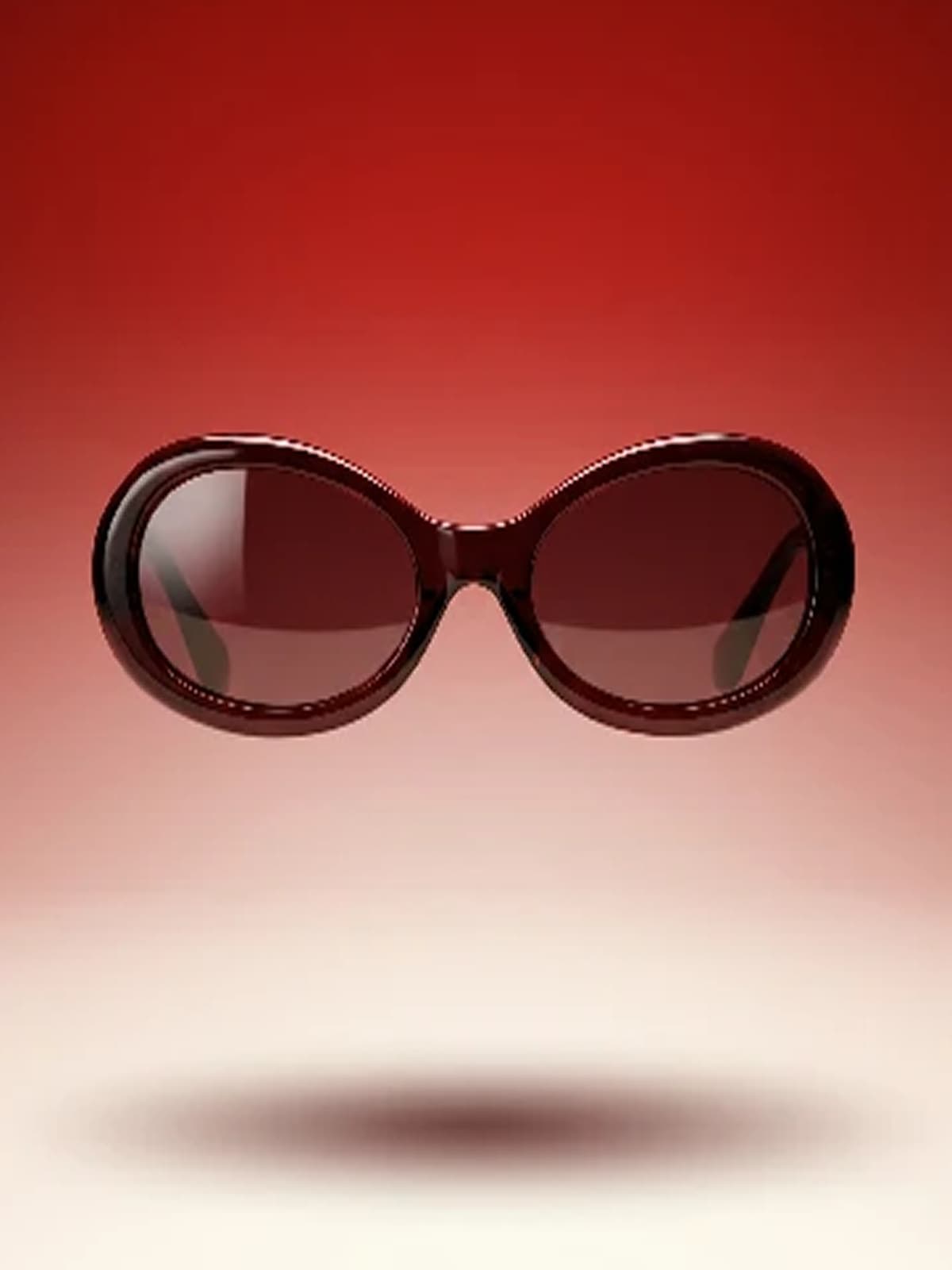
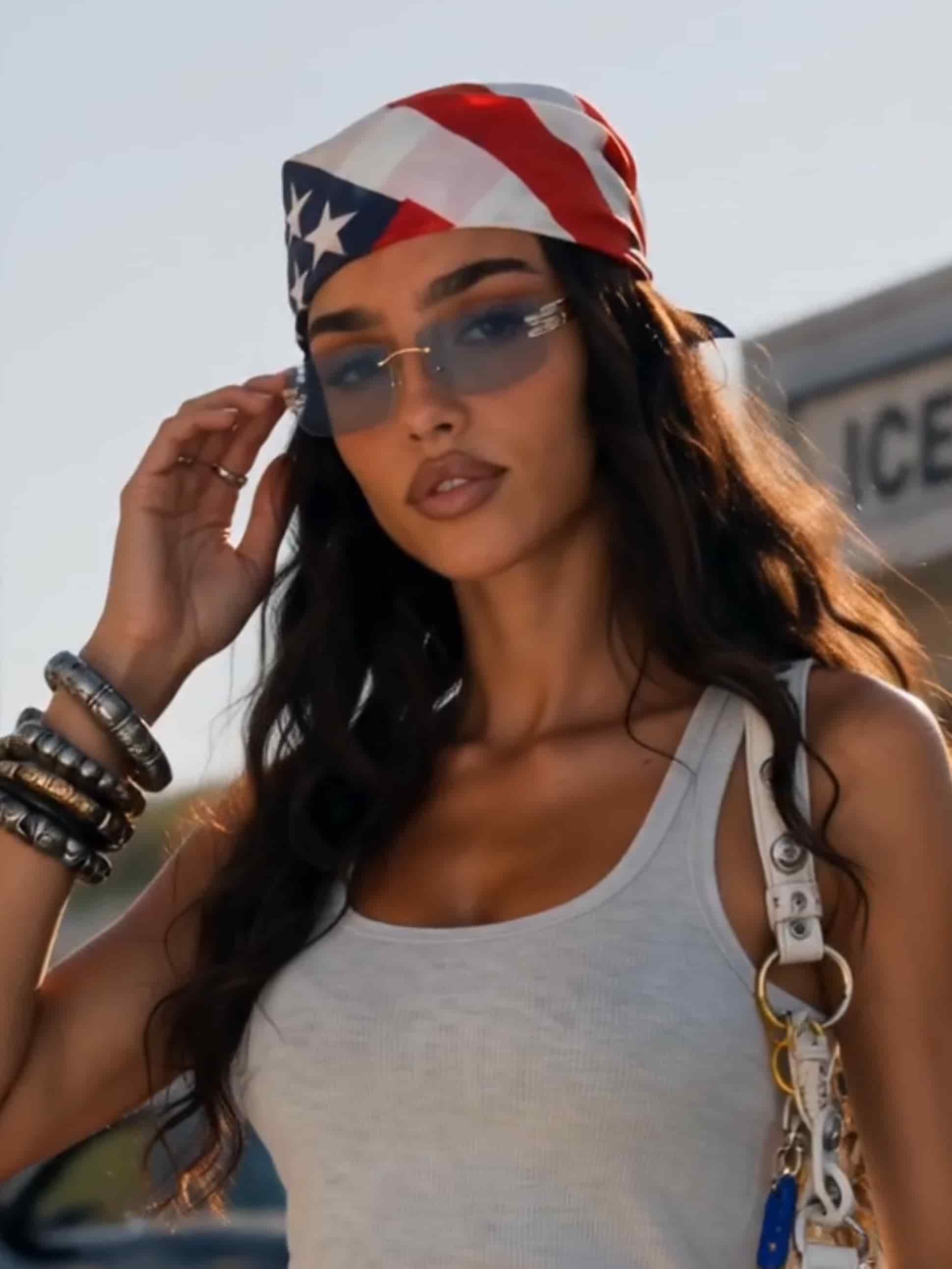
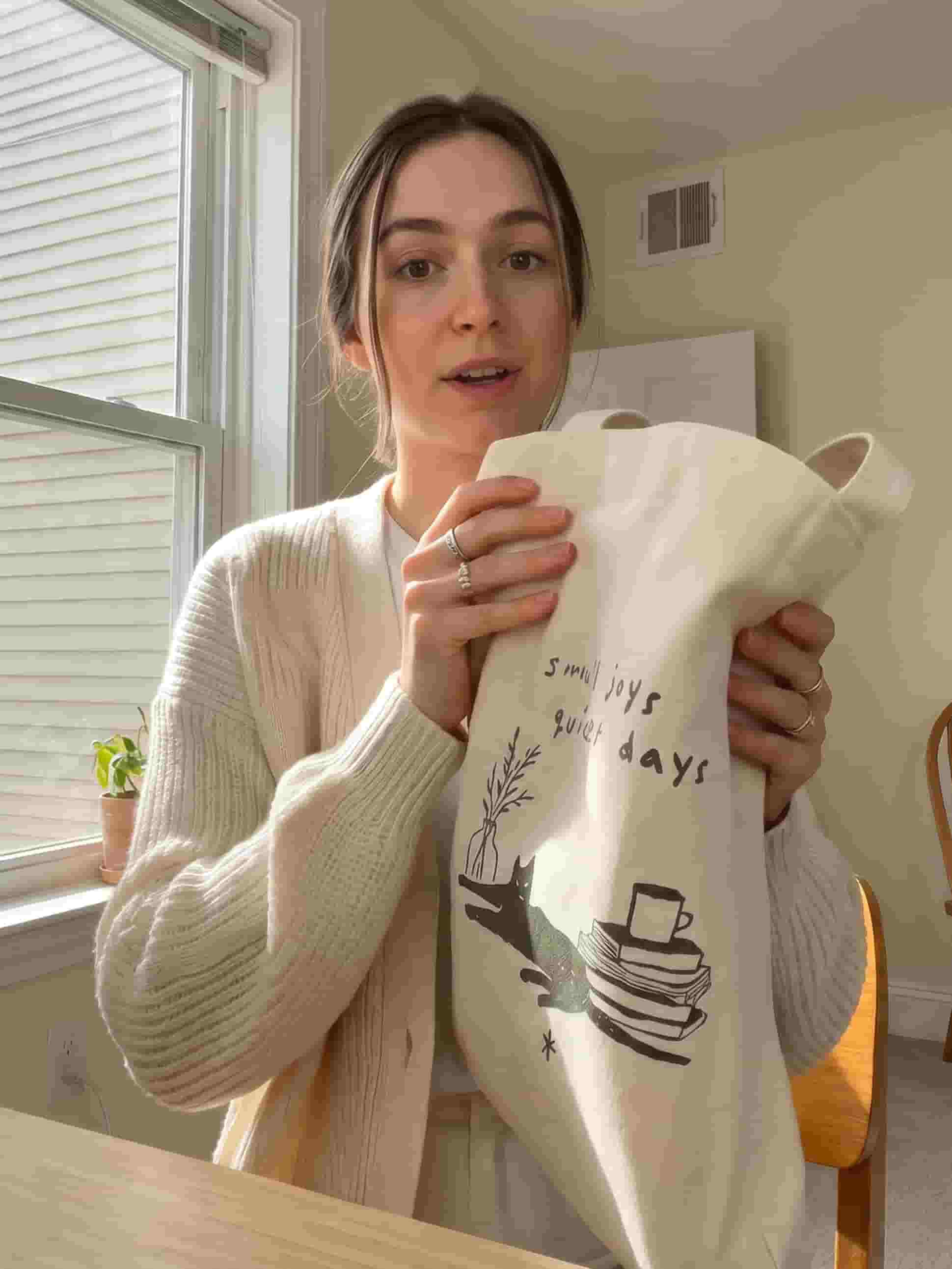
Kling and Seedance. Each brings its own frame, ratio, and quality options. Pick the model that fits the shot and the settings follow.
Describe it. Get the video.
Write the shot and Gullabs renders it end to end: motion, pacing, and sound. No footage, no storyboard, no editor.
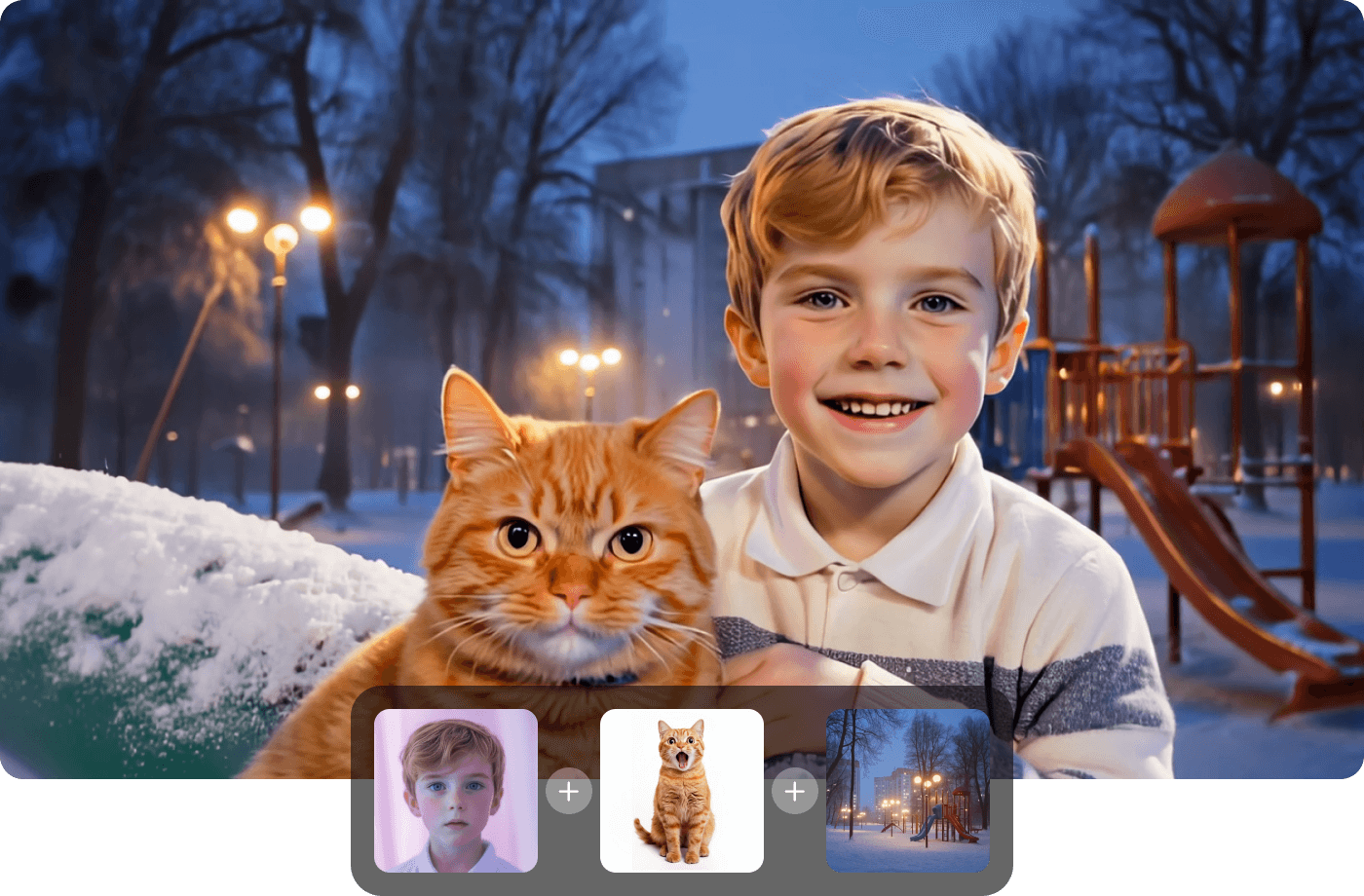
Turn any image into video
Generated an image you like? Animate it in the same studio: a slow push, a product spin, a full scene built from the frame. No export, no re-upload.
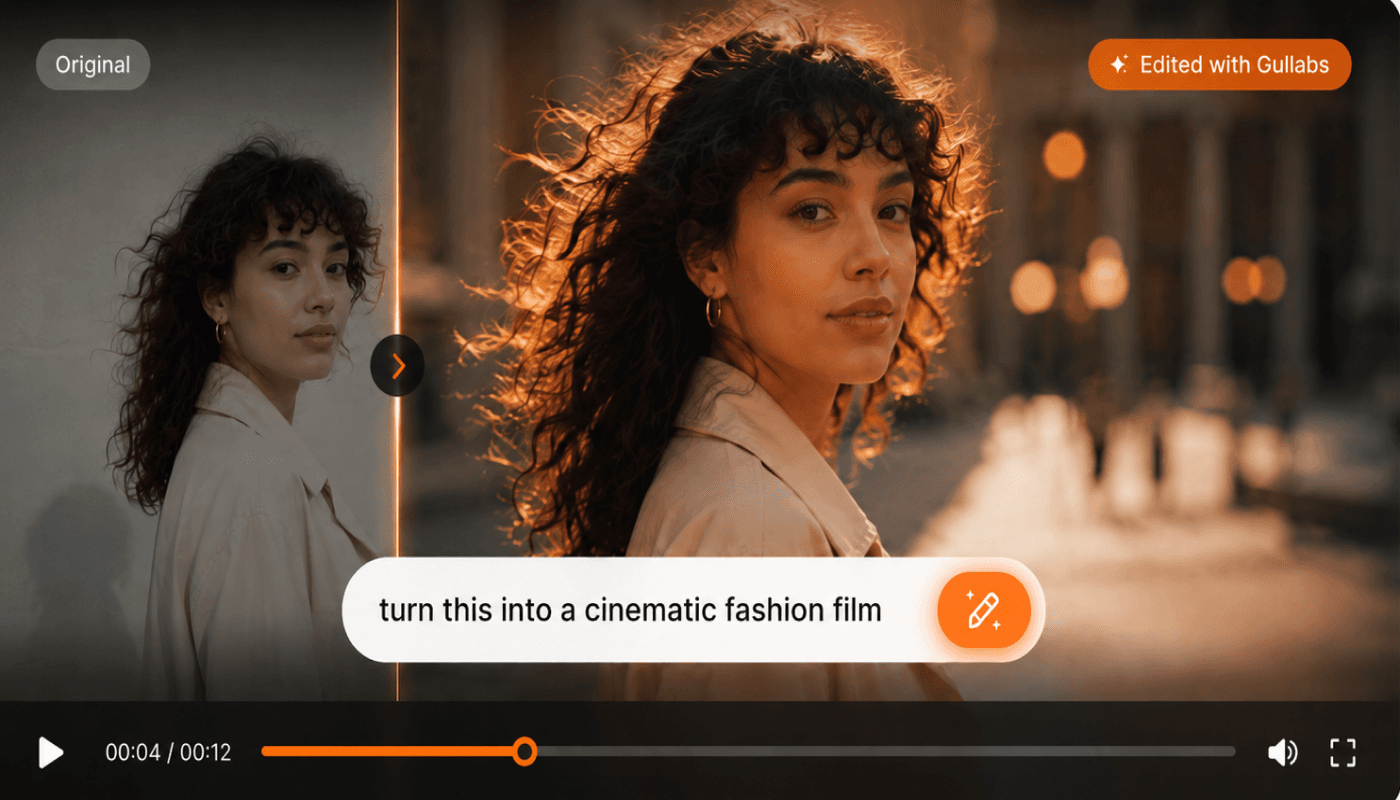
Restyle footage you already have
Feed in a clip and generate a new version of it: different look, different setting, different energy. The motion stays, everything else is yours to change.
On-brand, automatically
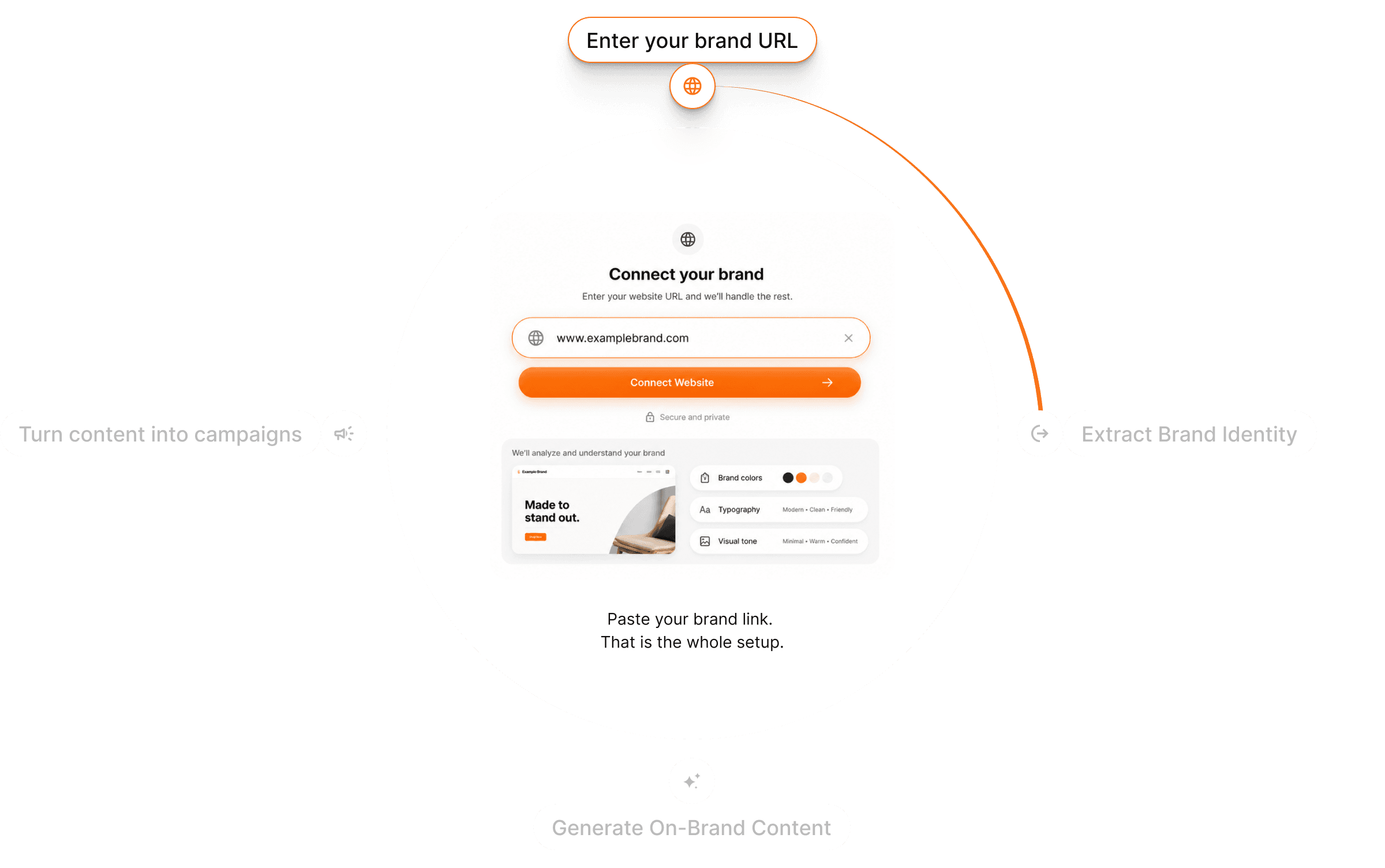
Gullabs reads your website and pulls your colors, fonts, logo, tone, and product details. Every render uses them, so a whole campaign looks like one brand made it.
Each model, its own controls
Frame, ratio, and quality options come from the model you pick. Choose the one that fits the shot and the right settings are already there. No guessing which combination the model supports.
From idea to video in three steps
Start from anything
A prompt, a photo, or a clip you already have. Text sets the scene, an image sets the look, footage sets the motion.
Pick your model
Choose the model that fits the shot and its frame, ratio, and quality options load with it. Brand DNA is already applied.
Generate & refine
Preview, regenerate variations, or send it to the editor. Export when it's right.
Questions? Answers!
Quick answers about generating video with Gullabs.
Each one is built for something different: cinematic motion, fast social cuts, product spins. You can run the same input through more than one and keep the take that works. Your frame, ratio, and quality options come from whichever model you choose.