
The best models for clear explainers
Stills for diagrams, video for walkthroughs. One studio, the right model for each.
Show the product, not a metaphor
Drop in a screenshot or product shot and animate it: a push into the interface, a pan across the feature, motion that follows what you're explaining.

Made to be understood
Clean compositions with room for text, strong contrast, and one idea per frame. Explainers fail when the visual competes with the point.
Simplify by asking
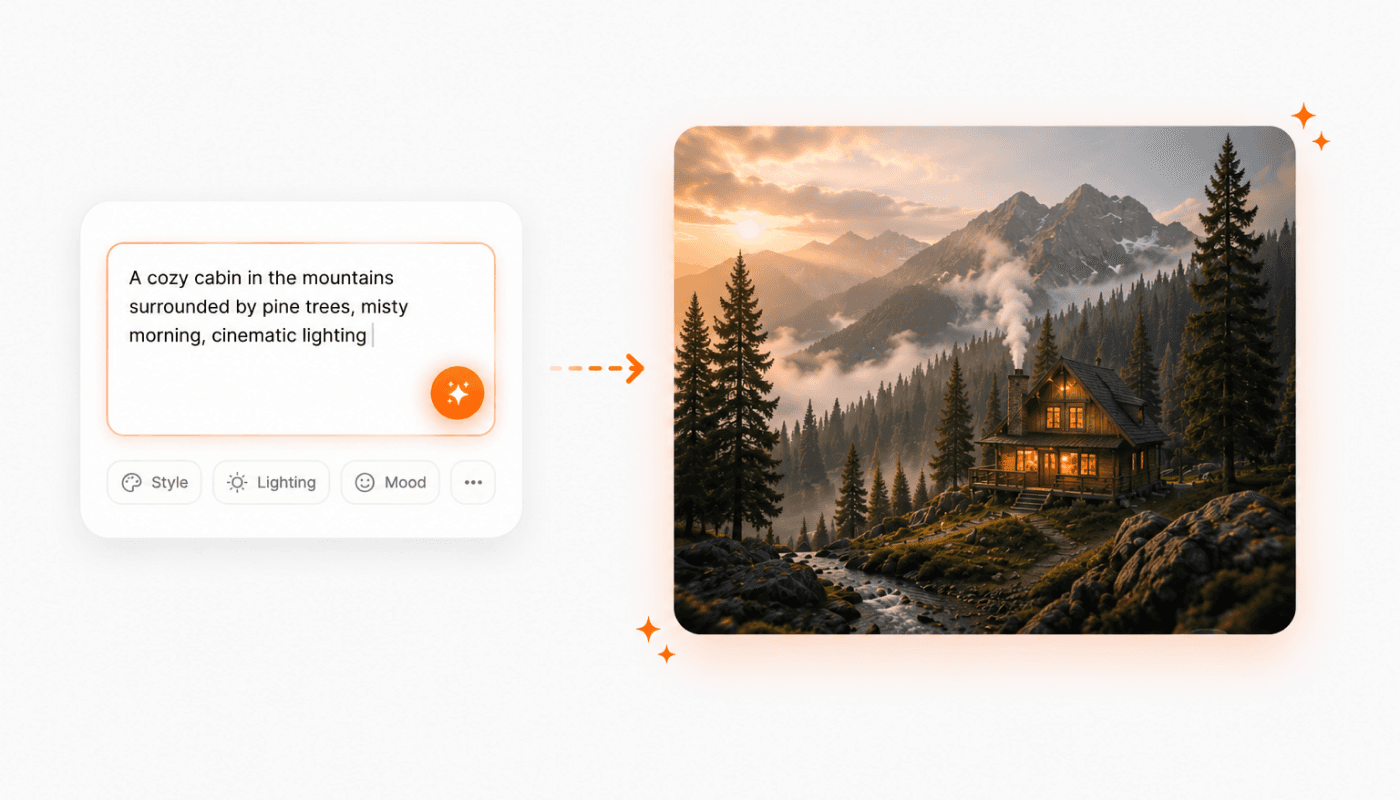
Too busy, too dark, wrong emphasis. Describe the change and generate the shot again instead of starting over.
On-brand from the first frame
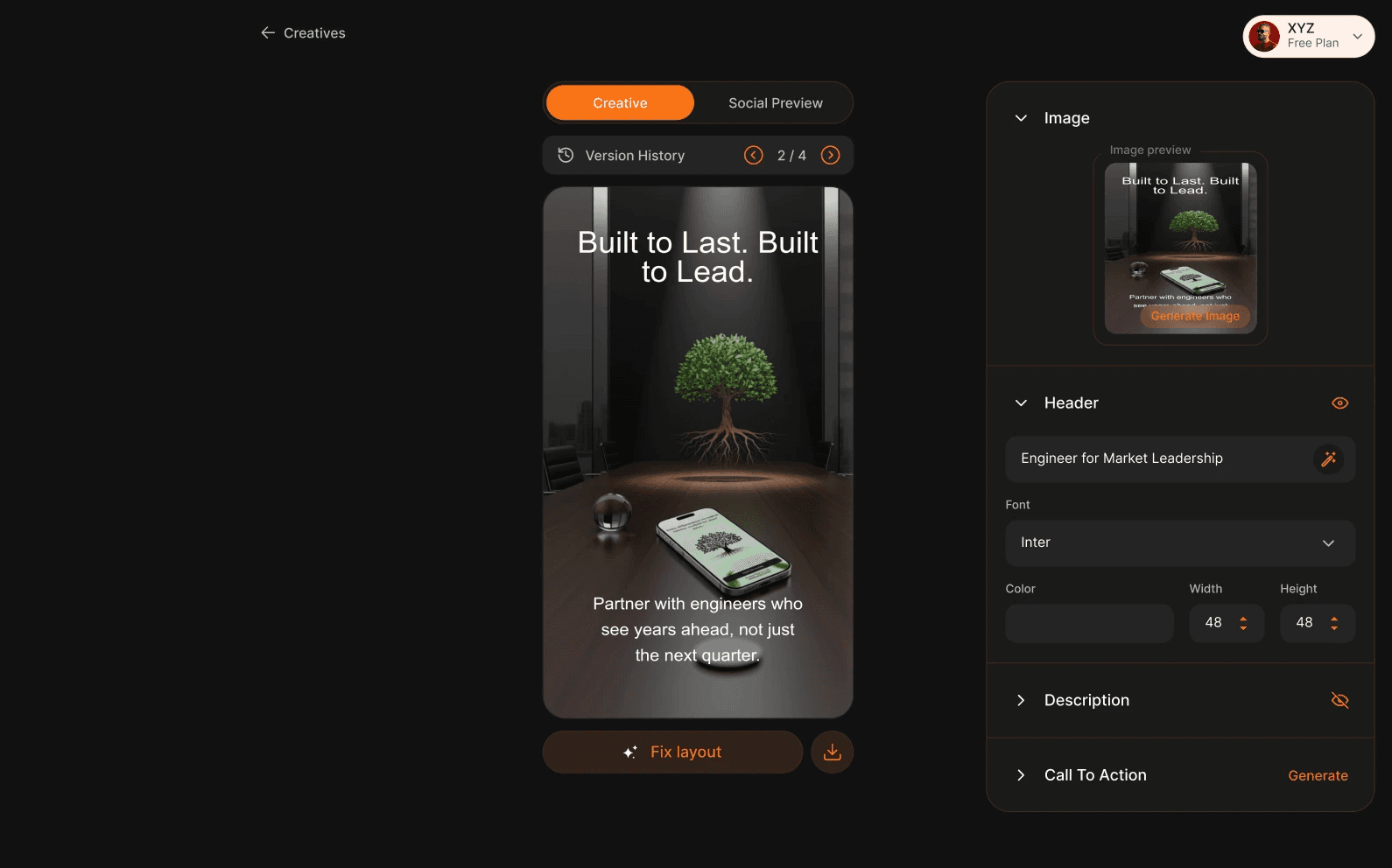
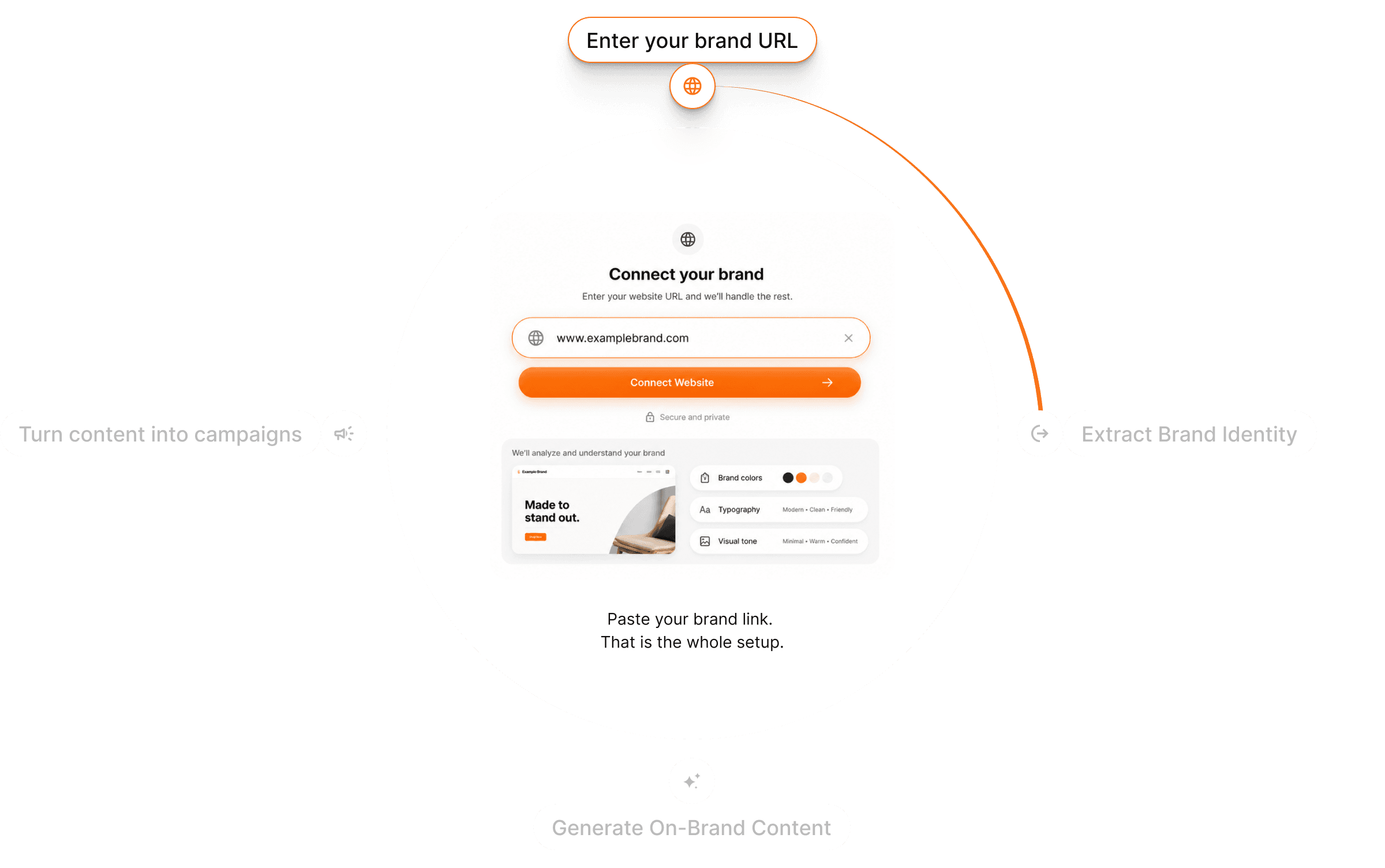
Gullabs reads your website and pulls your colors, fonts, logo, and tone. Every frame uses them, so the explainer matches your site and your product.
From topic to explainer in three steps
Describe or upload
Explain the feature in words, or drop in a screenshot to build the shot around.
Pick your model
Stills for diagrams, video for walkthroughs. Brand DNA is already applied.
Generate & refine
Preview, regenerate anything that isn't clear, and export.
Questions? Answers!
Quick answers about explainer videos with Gullabs.
Yes. Describe what to explain and Gullabs writes the script, generates matching visuals, and adds a voiceover.