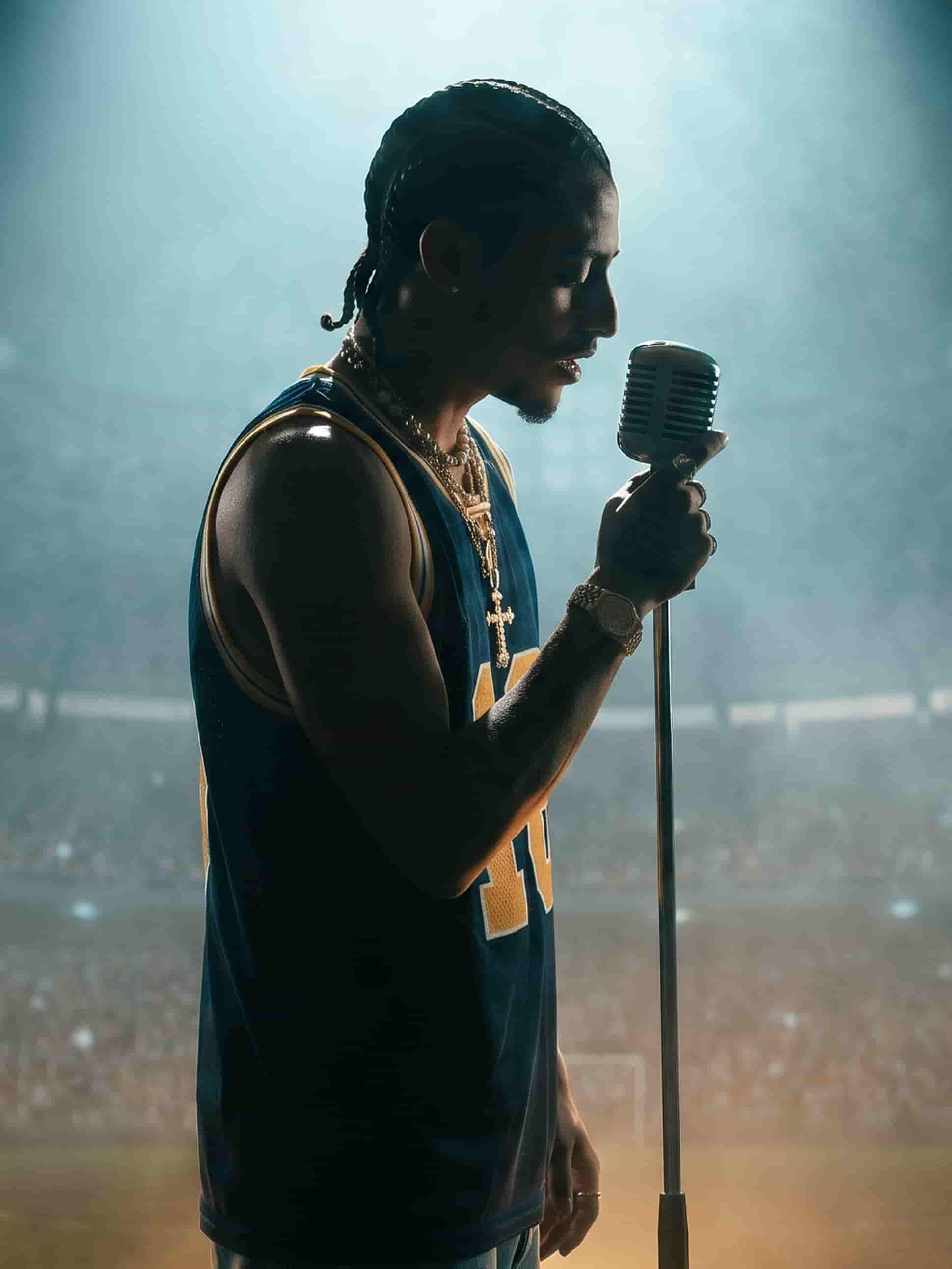
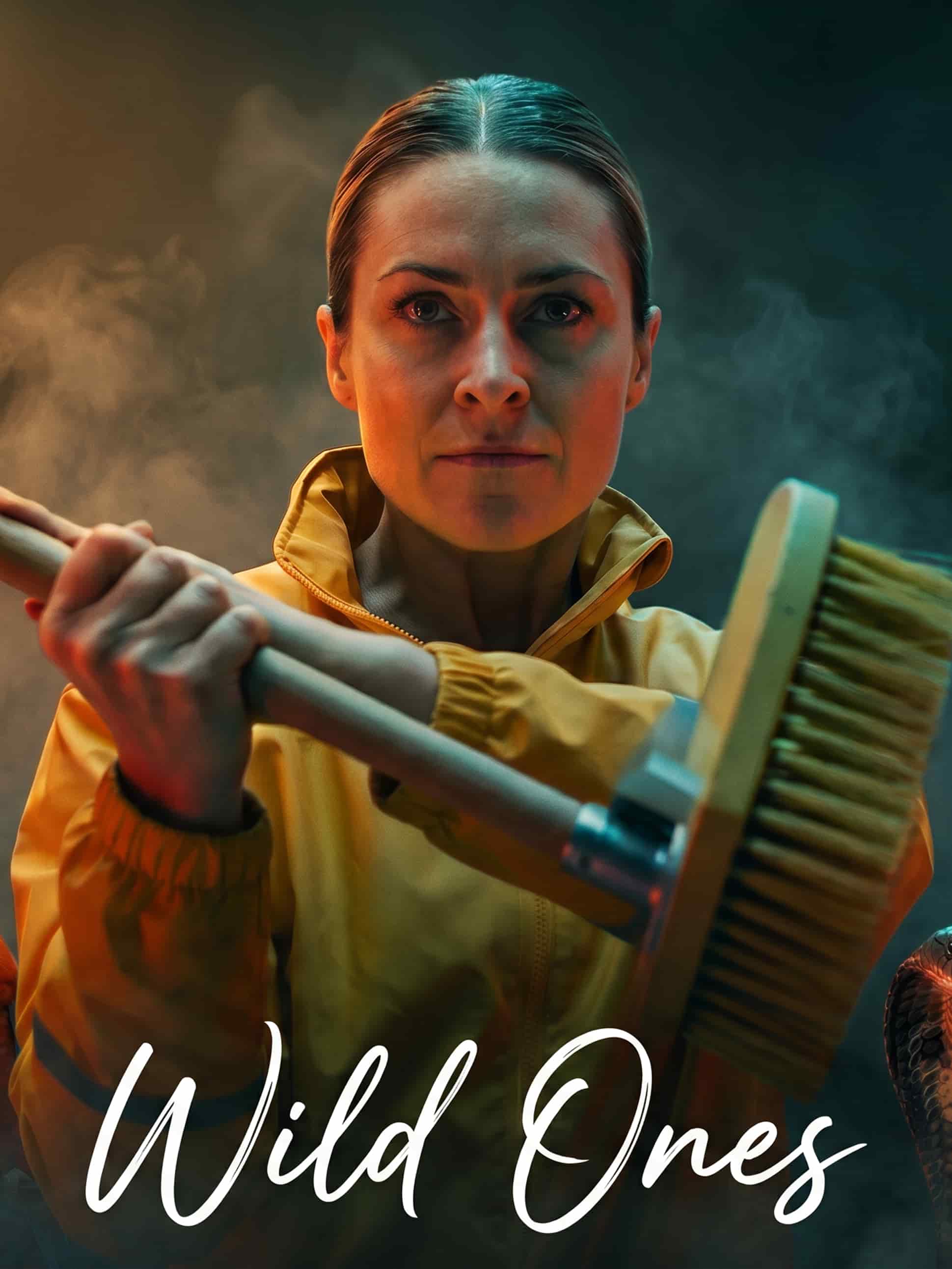
The best video models, one studio
Fast models for quick tests, flagship models for final cuts. Run the same still through any of them and keep the motion that fits.
One photo. A whole clip.
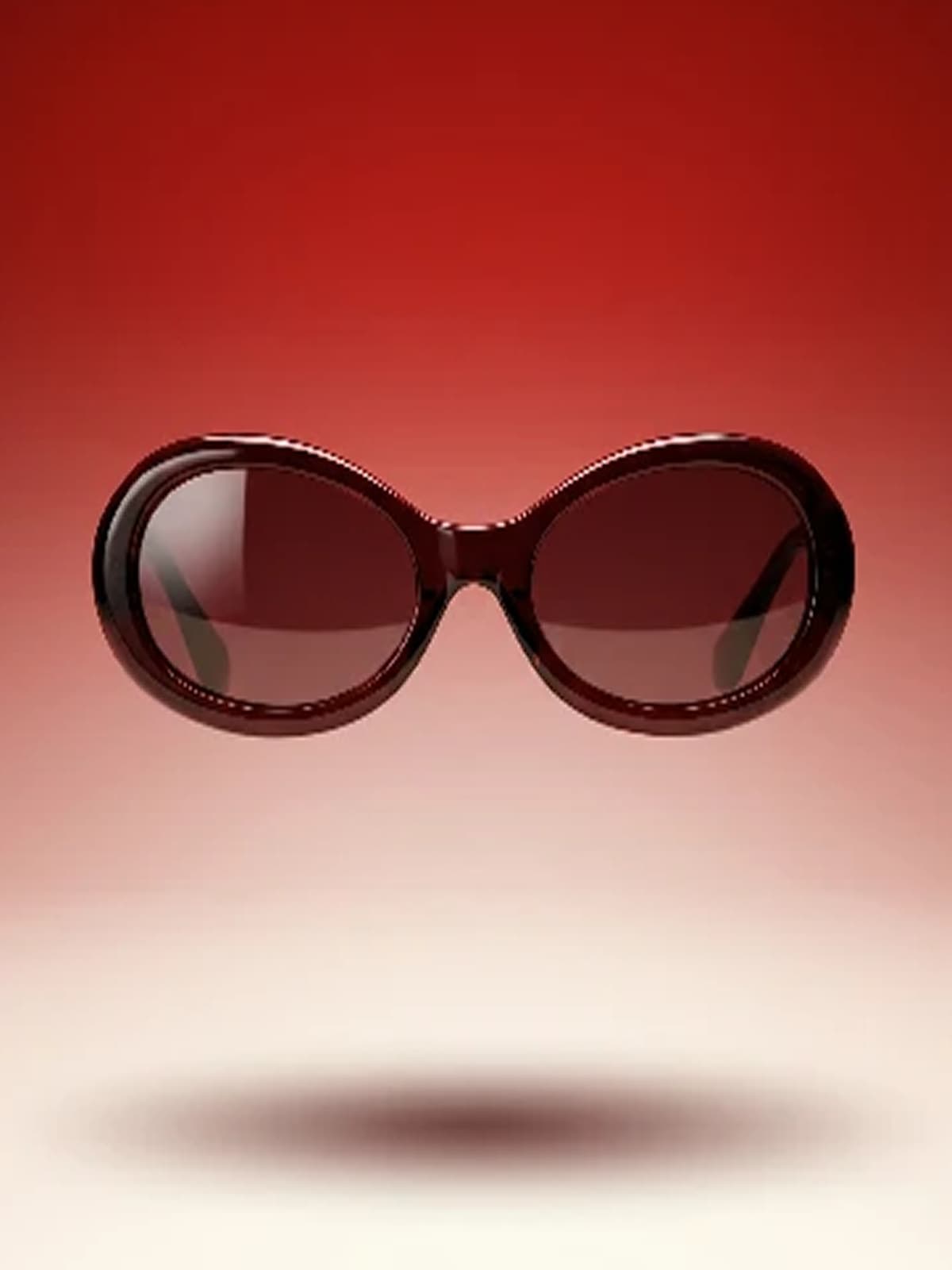
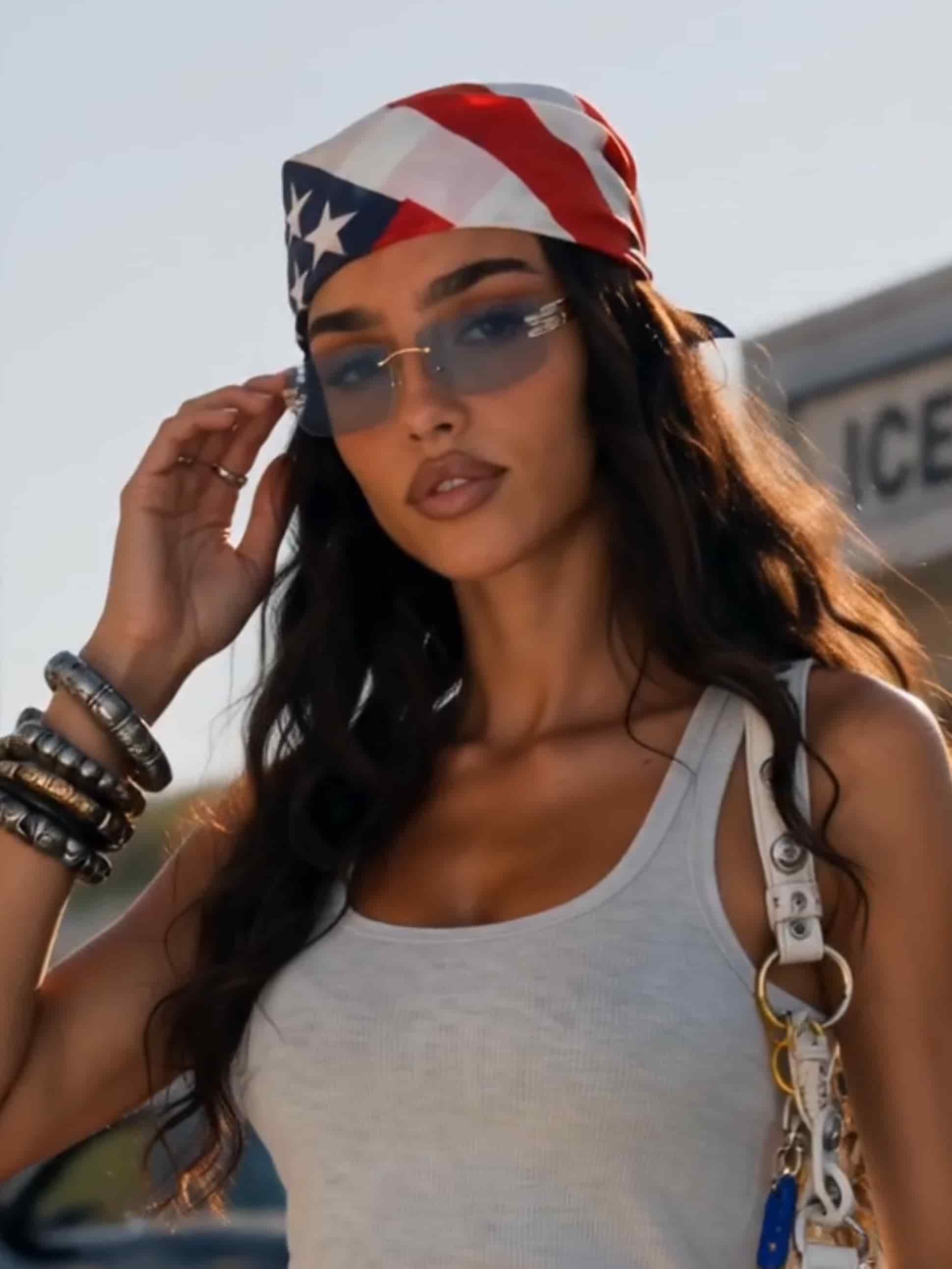
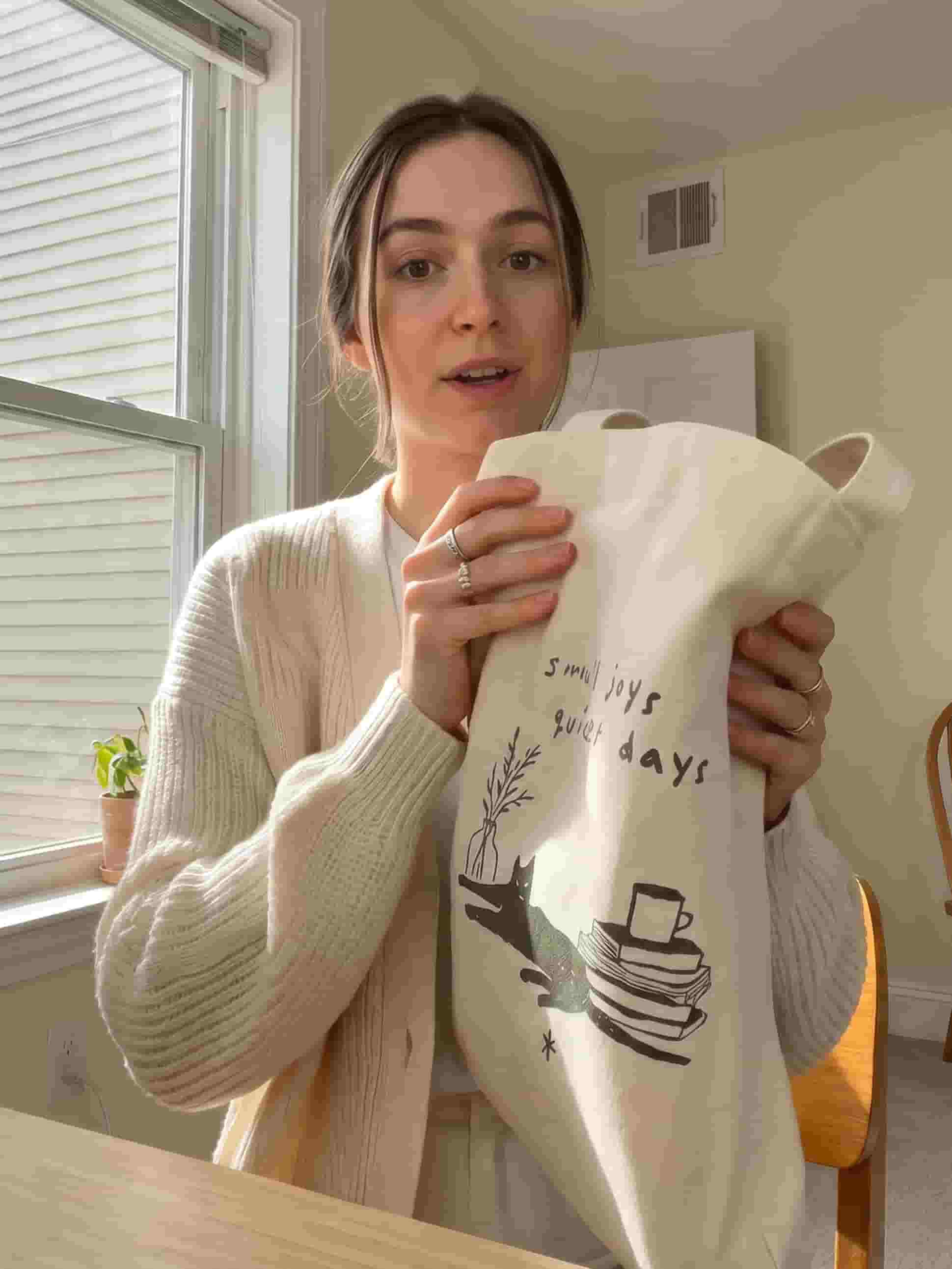
Turn a single product shot or hero image into motion with camera moves, timing, and pacing you control by prompt.
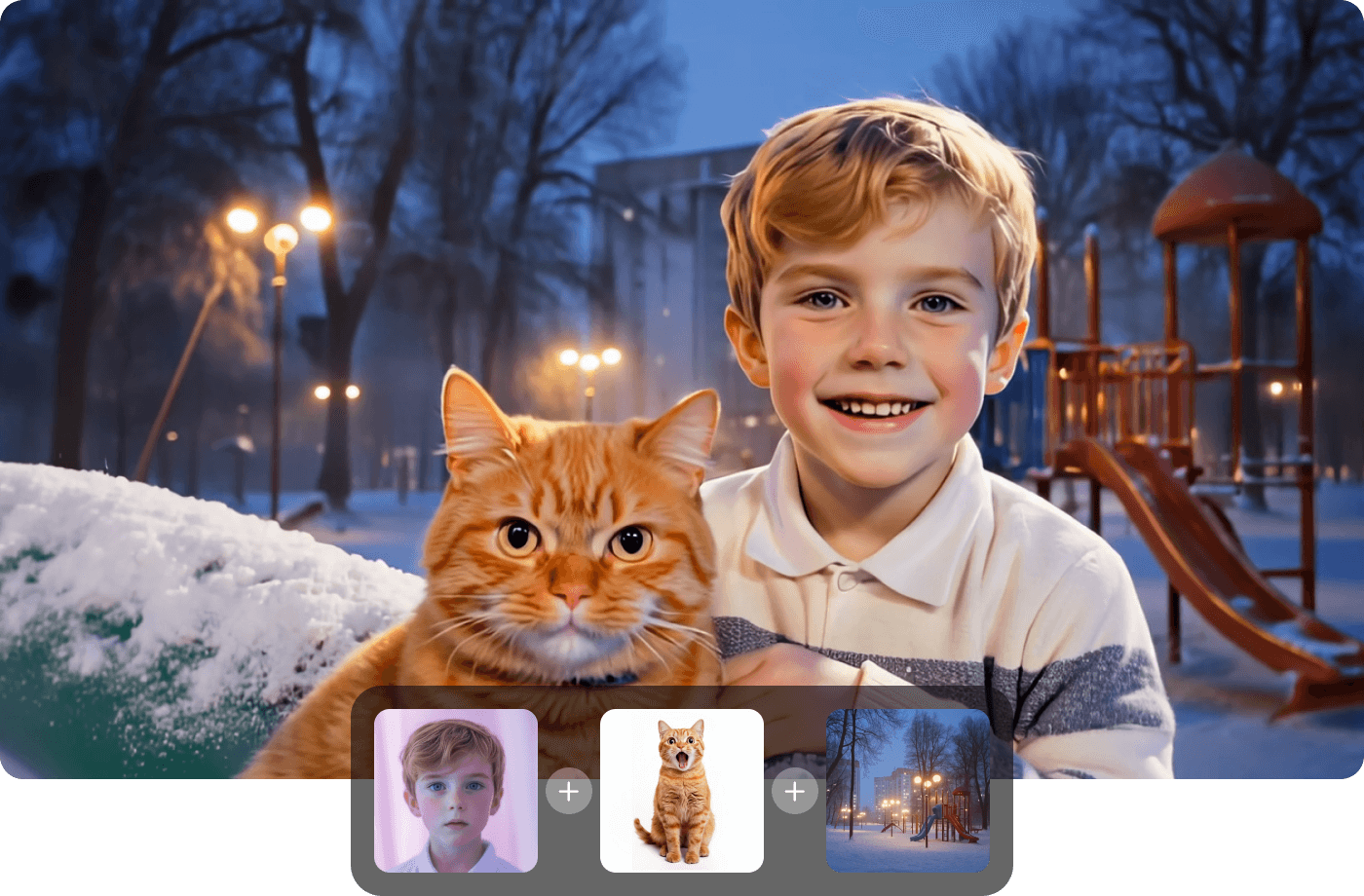
Say where it ends up
Set a last frame and the model animates toward it, or add a character reference to keep a face consistent across clips. You direct the shot instead of regenerating until something sticks.
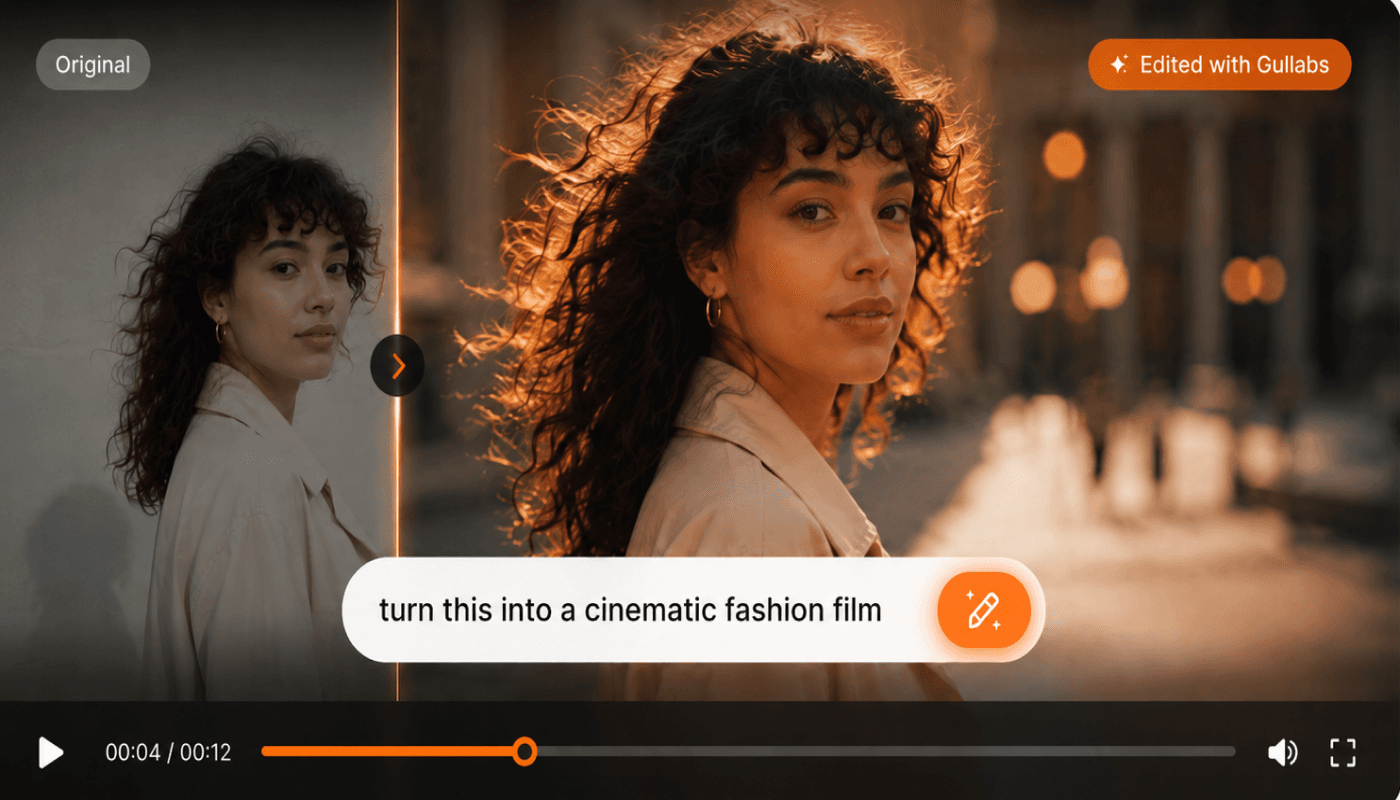
On-brand, automatically
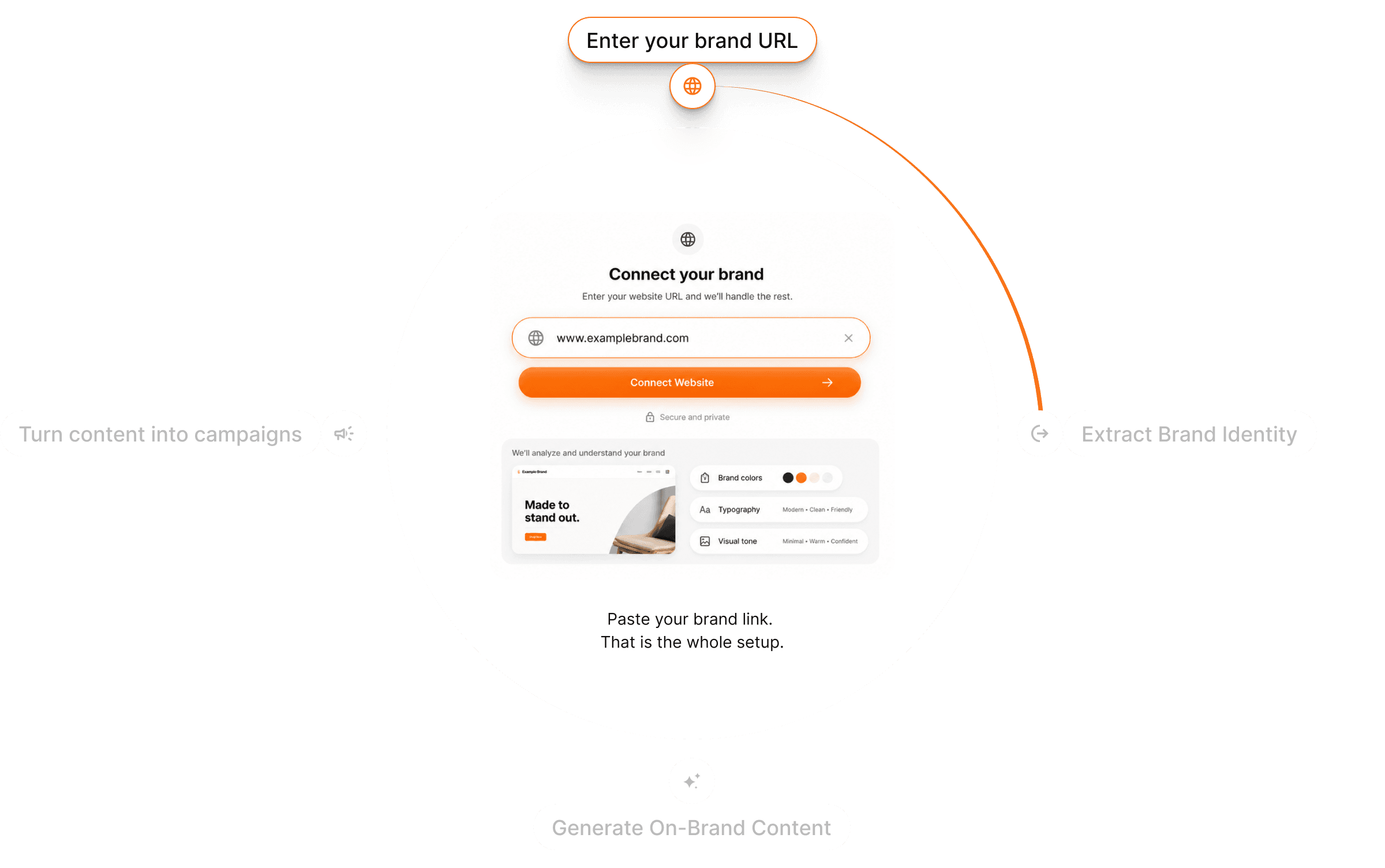
Gullabs reads your website and pulls your colors, fonts, logo, tone, and product details. Every clip uses them, so a run of animations looks like one brand made it.
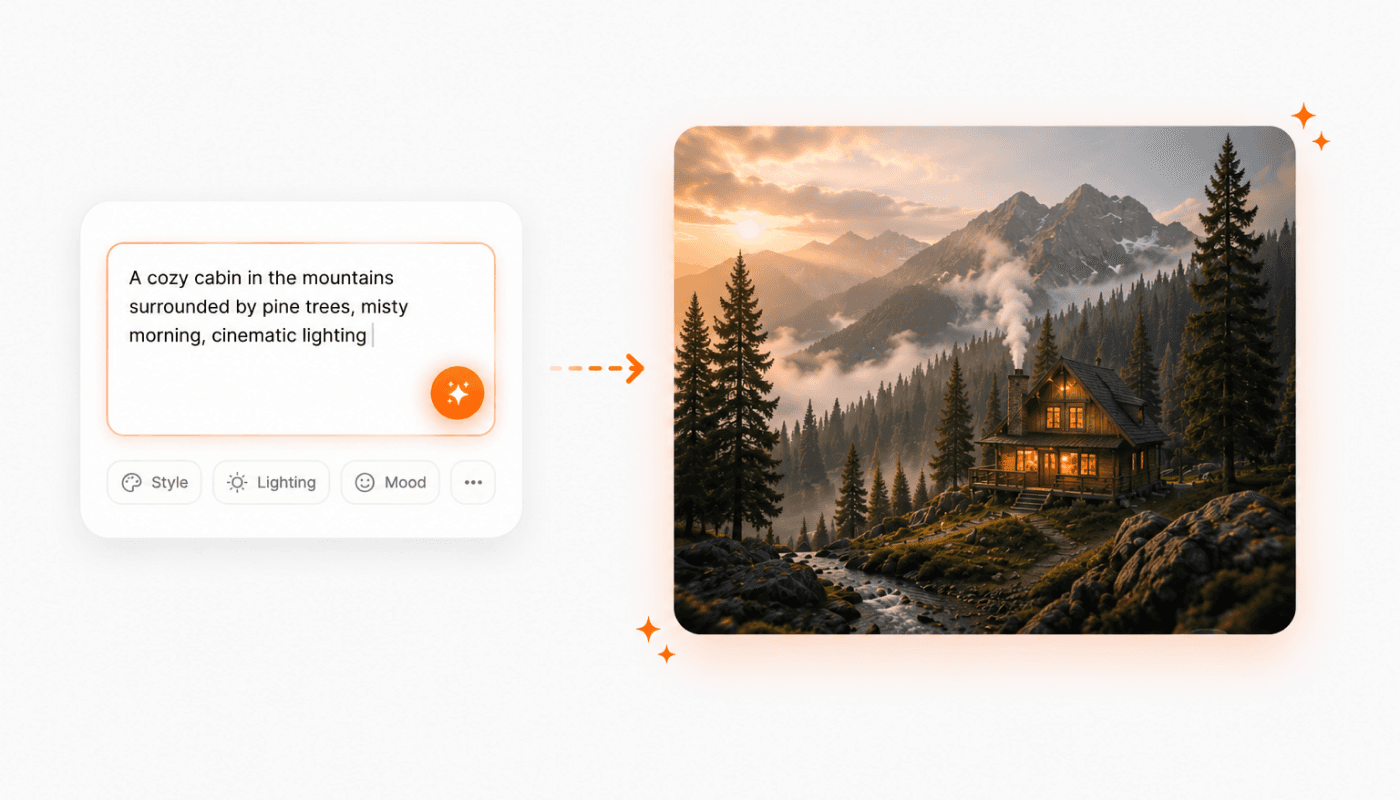
Need a still first?
Generate the source image from a prompt, then animate it without leaving the studio. No export, no re-upload.
From still to video in three steps
Upload your image
Drop in a product shot, hero image, or any still you want to animate.
Pick your model
Choose the model, then set your motion, duration, and ratio. Brand DNA is already applied.
Generate & refine
Preview, regenerate, or send it to the editor. Export when it's right.
Questions? Answers!
Quick answers about turning images into video with Gullabs.
Clear, well-lit stills with an obvious subject: product shots, hero images, portraits. The model builds motion around what's in frame, so a sharp source gives a cleaner result.