
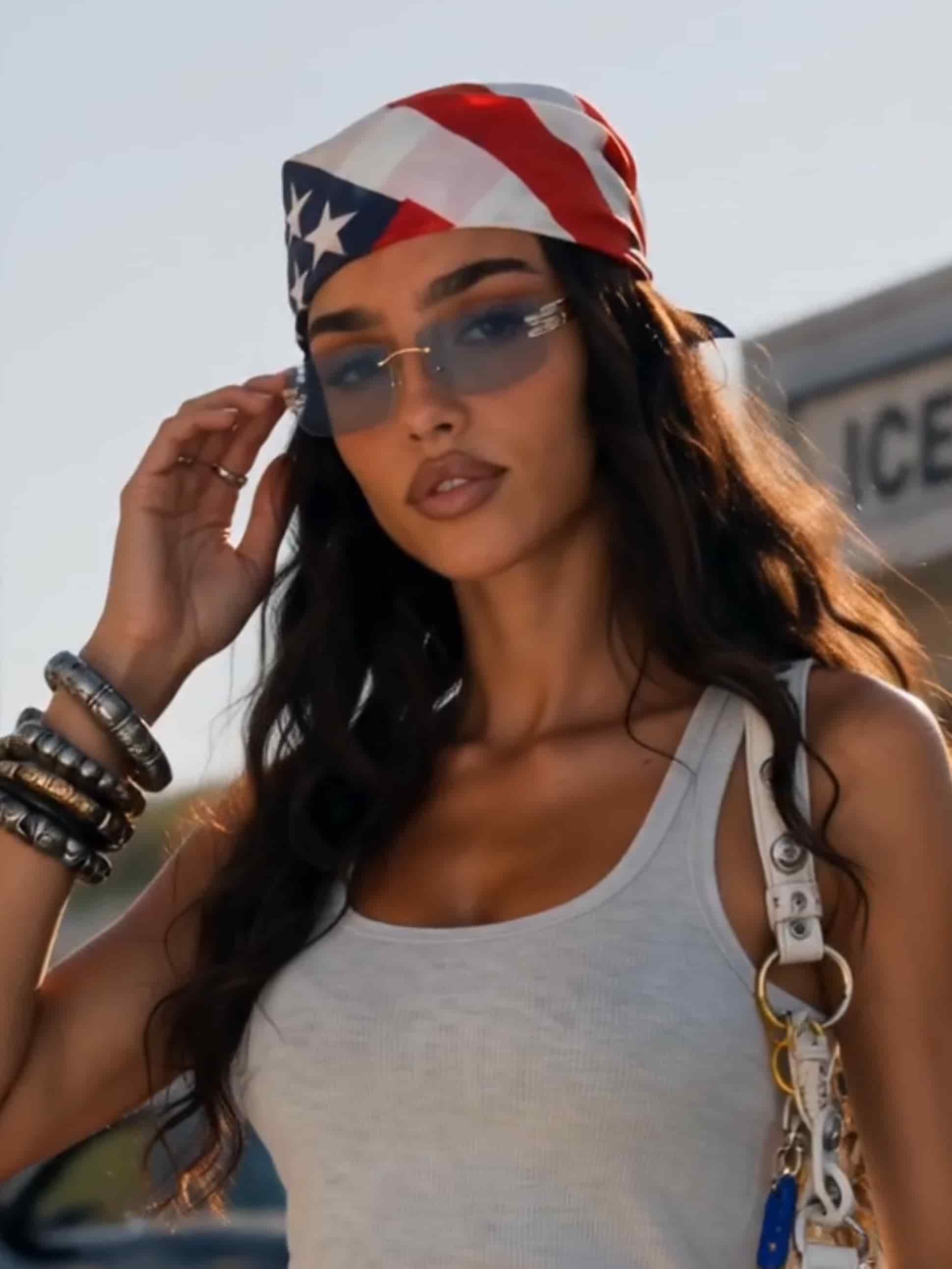
The best cinematic video models
Run the same scene through different models and keep the shot that feels like film.
Describe the scene. Get the shot.
Write a beat from your script and Gullabs generates it: framing, movement, and light. Work through your trailer one shot at a time.
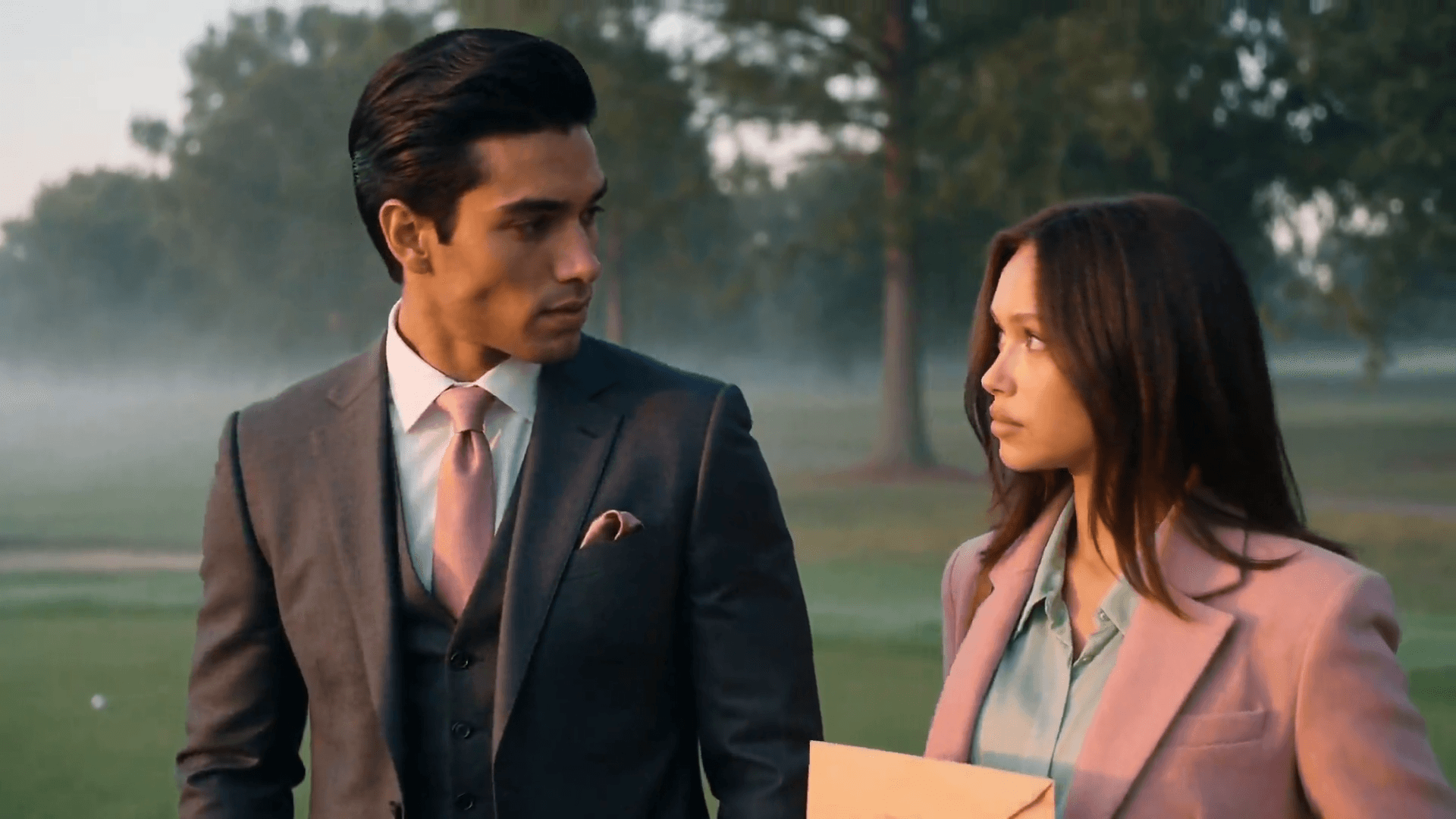
Shots that feel shot
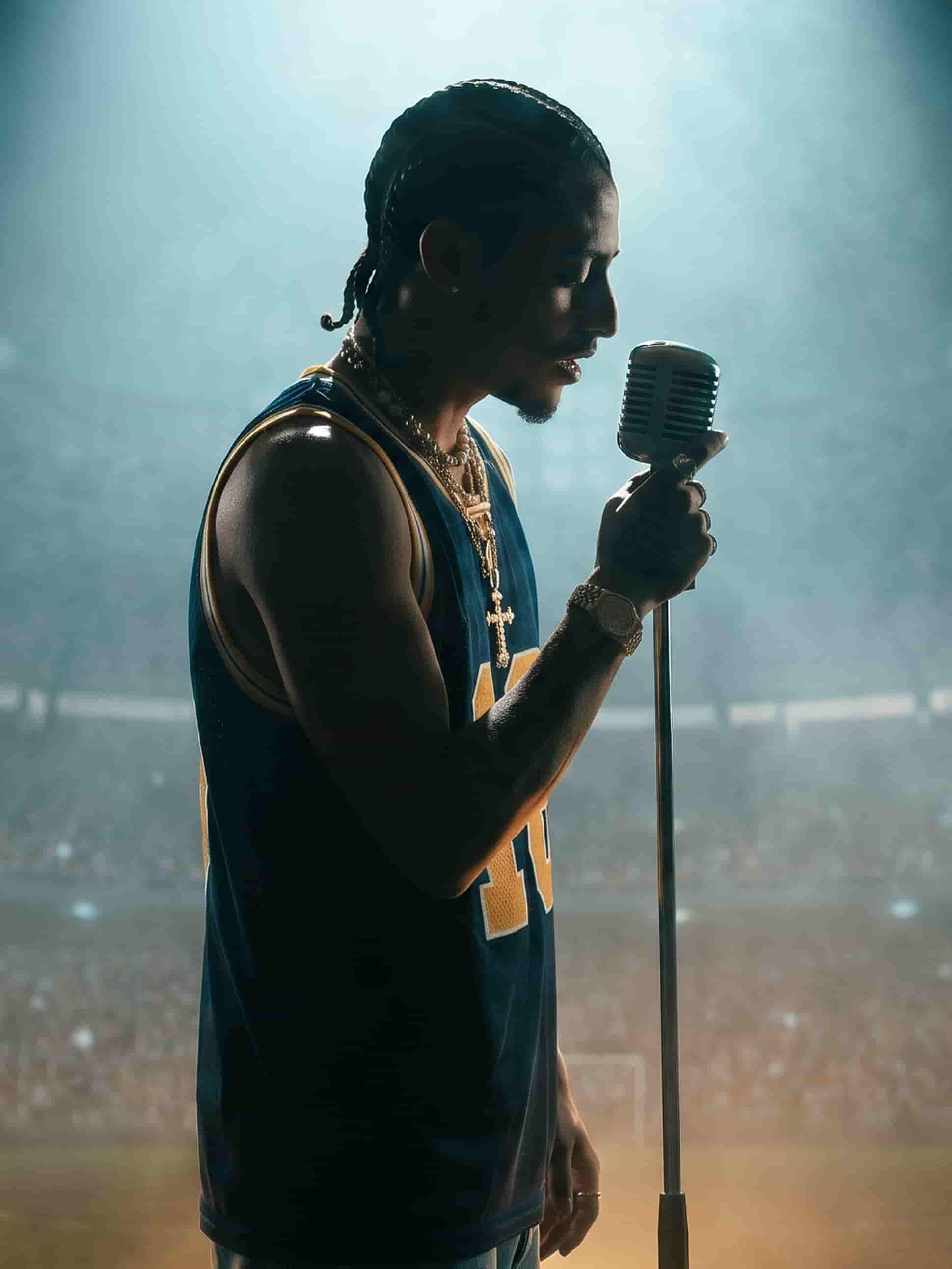
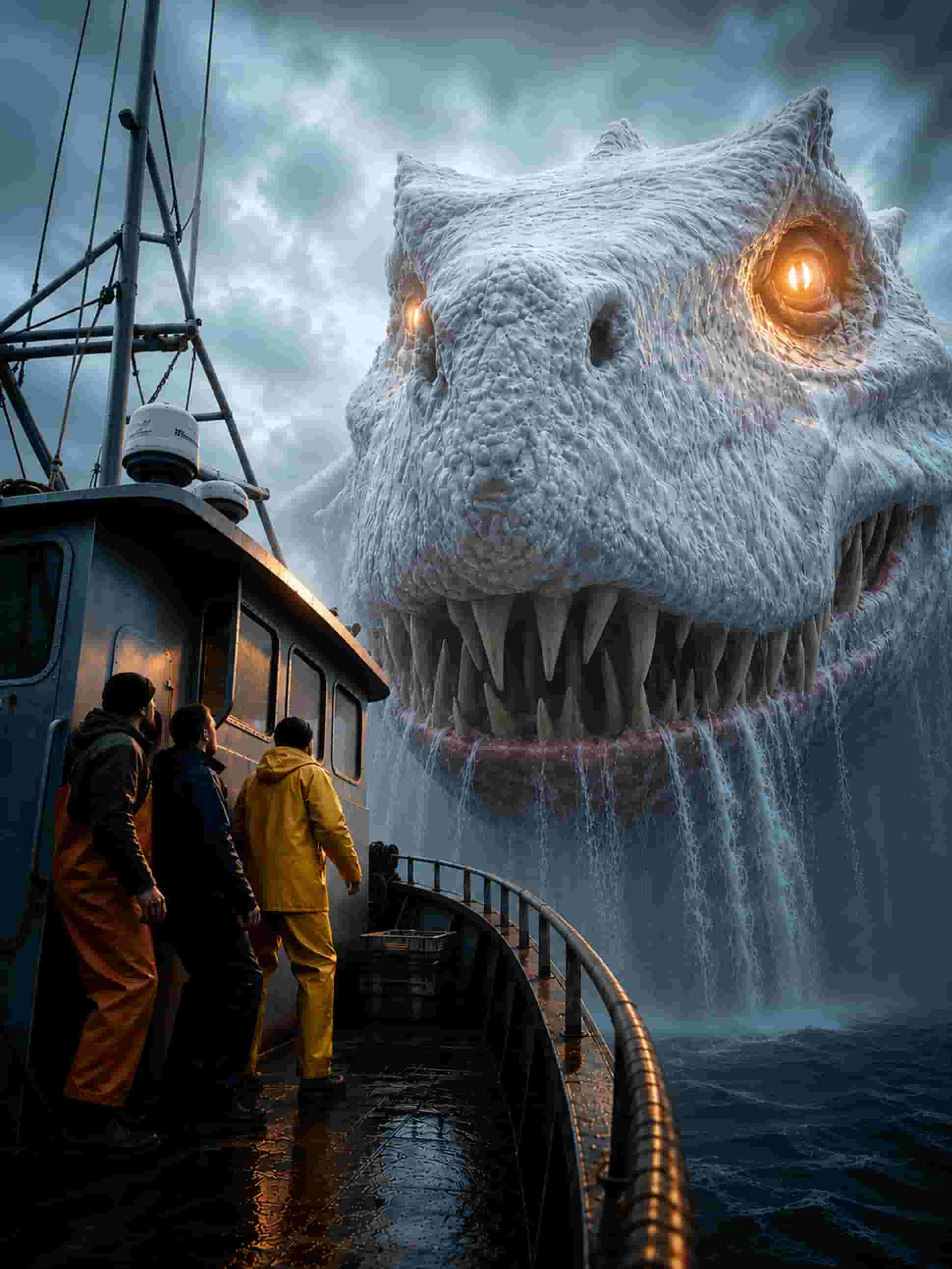
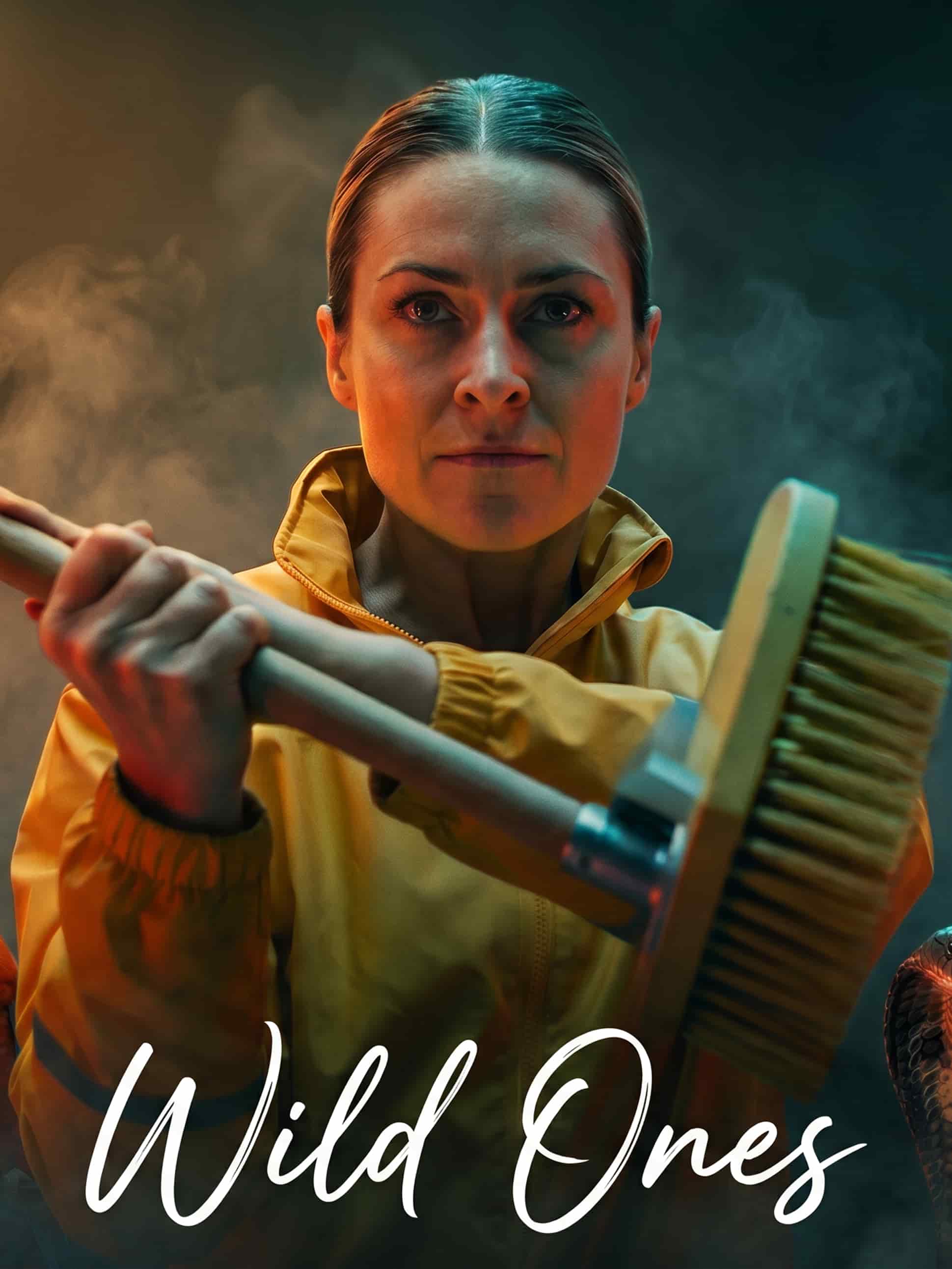
Cinematic camera moves, depth, and lighting from the best video models — push-ins, wides, and slow reveals that read like film.

Re-cut by describing the change
Darker, wider, slower on the reveal. Describe what's off and generate the shot again instead of settling for the first take.
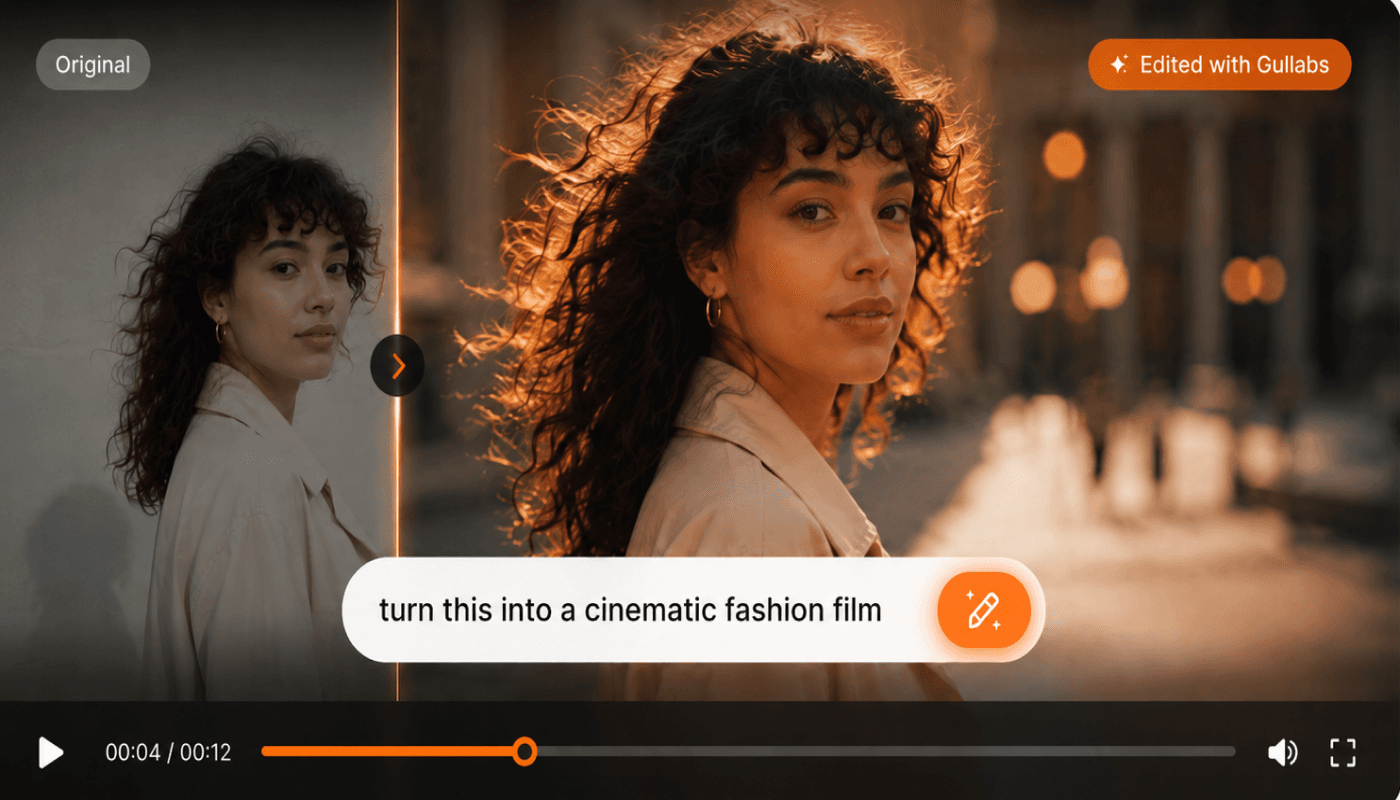
A look that holds across shots
Set your palette, grade, and mood once and carry it through every generation, so shots cut together instead of looking like separate films.
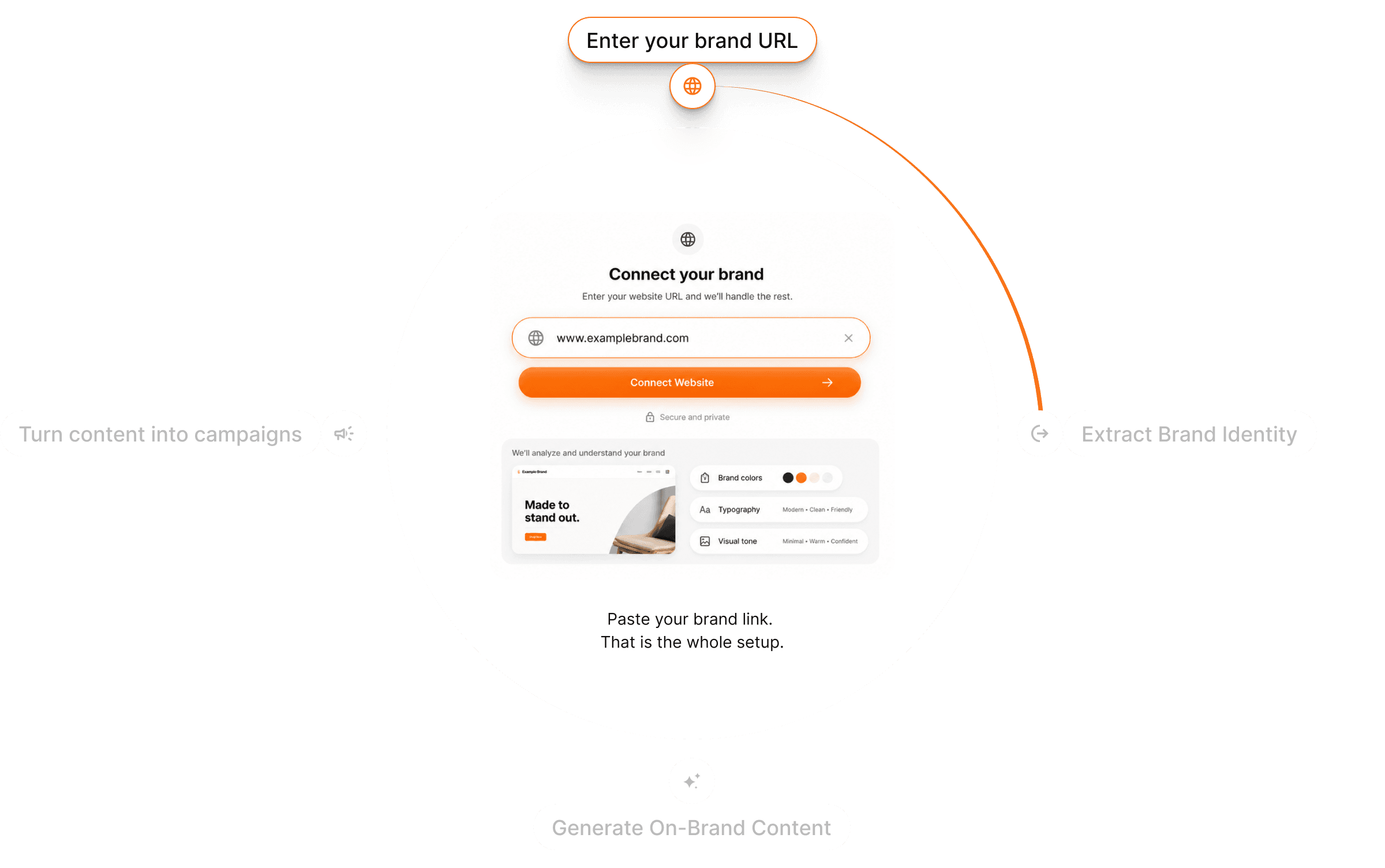
From script to trailer in three steps
Describe the shot
A beat from your script, a logline, or a storyboard frame.
Pick your model
Choose the model that fits the look, then set its motion and duration options.
Generate & refine
Preview, re-generate until the shot lands, and export.
Questions? Answers!
Quick answers about film trailers with Gullabs.
A logline, a line from your script, or a storyboard frame. Describe the beat and Gullabs generates the shot.