The best video models for music
Run the same idea through different models and keep the visuals that hit.
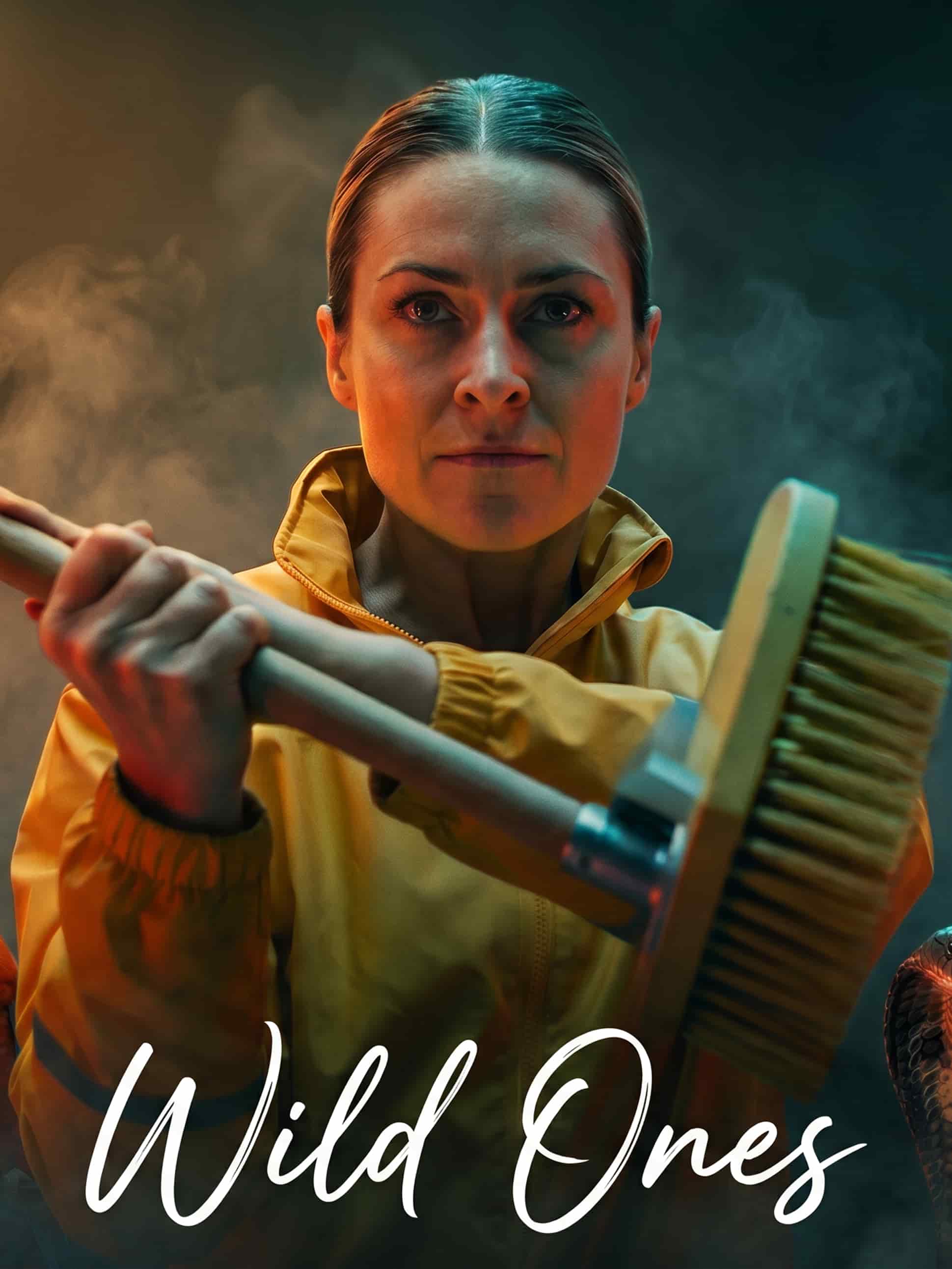
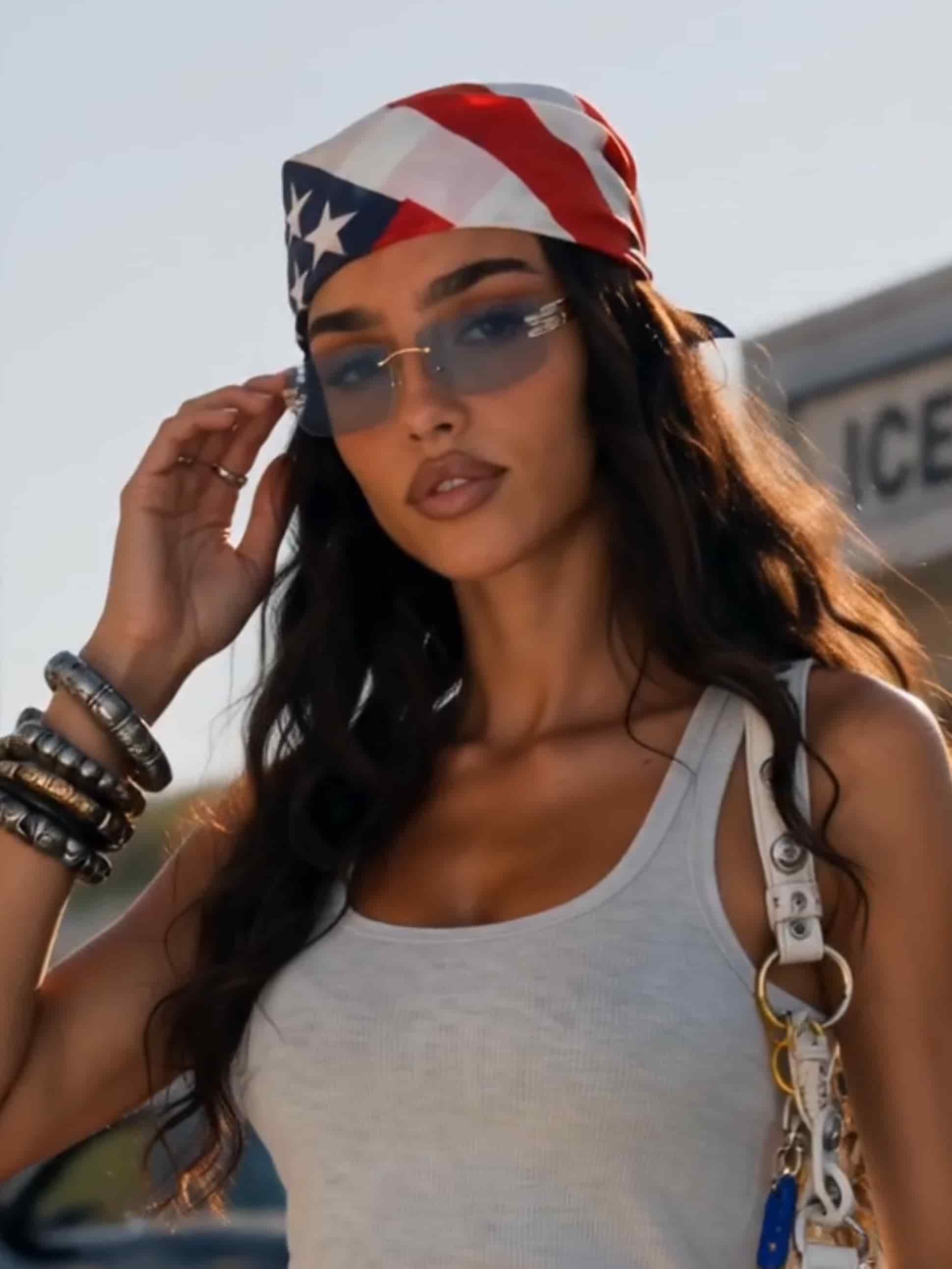
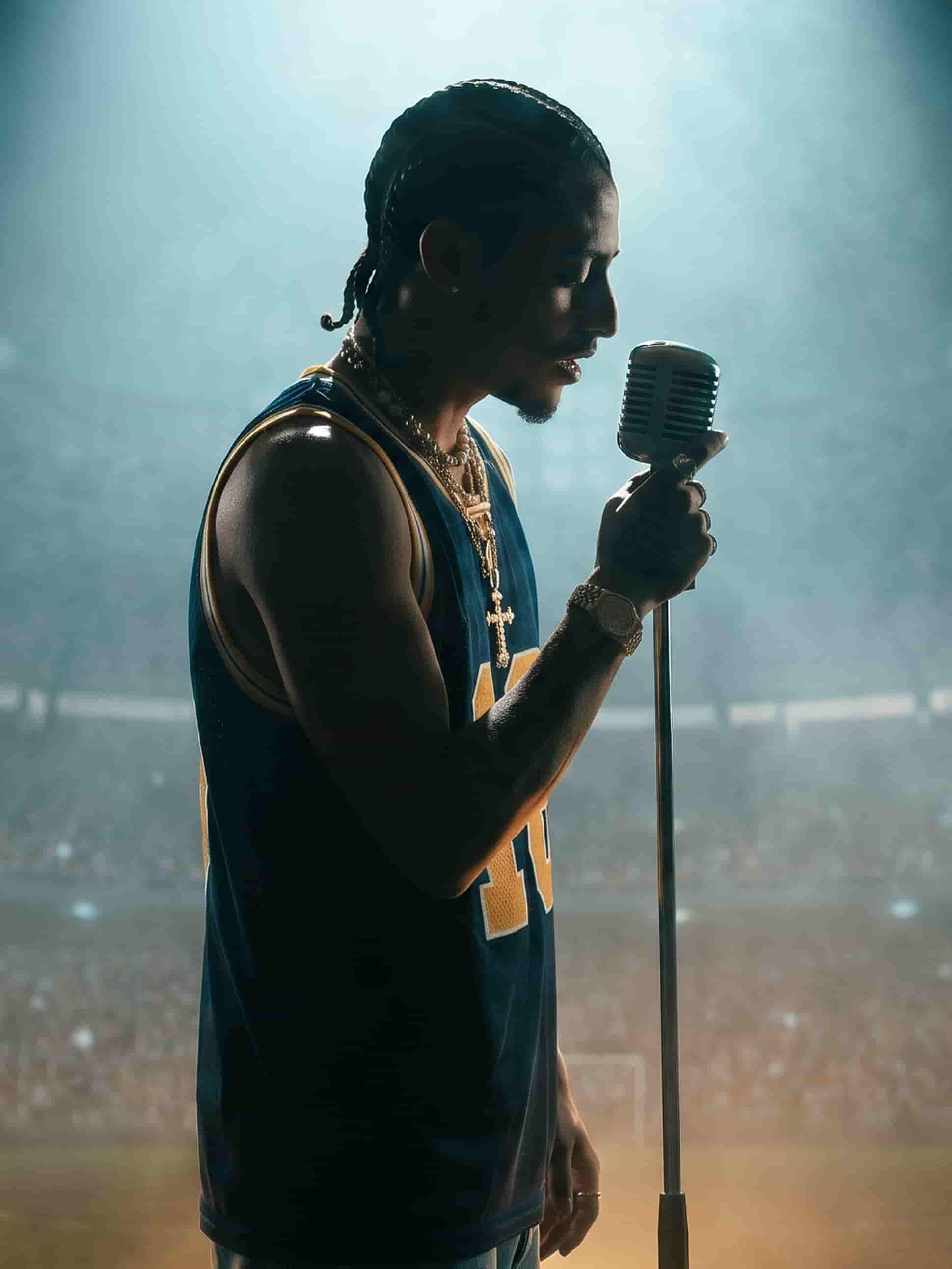
Performance, narrative, or pure mood
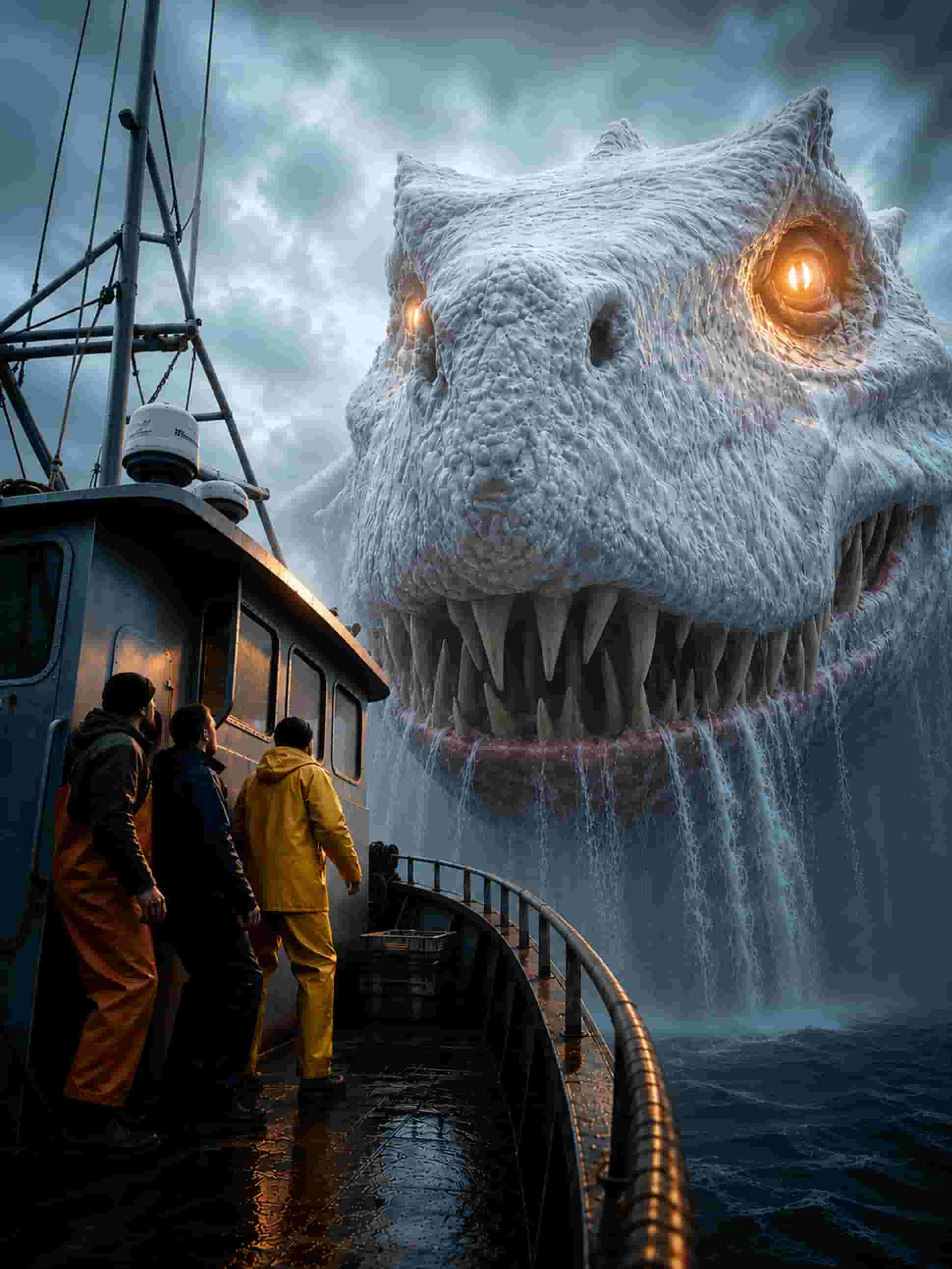
A singer under stage light, a story unfolding, or abstract visuals built on color and movement. Describe the direction and generate it.
The grade is yours
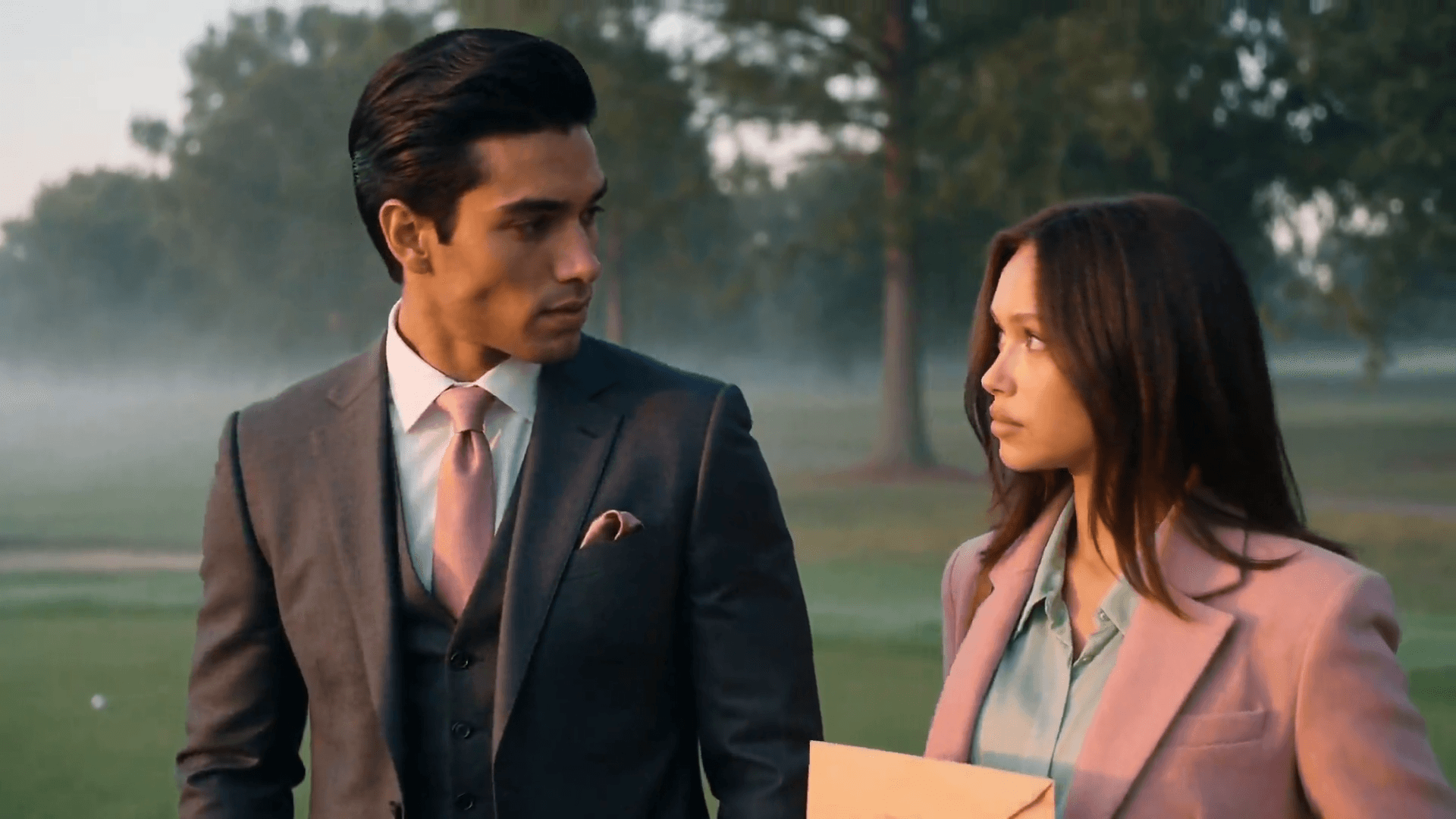
Grain, neon, washed-out film, high contrast black and white. Set the visual language of the track and every shot follows it.
Change a shot, not the whole idea
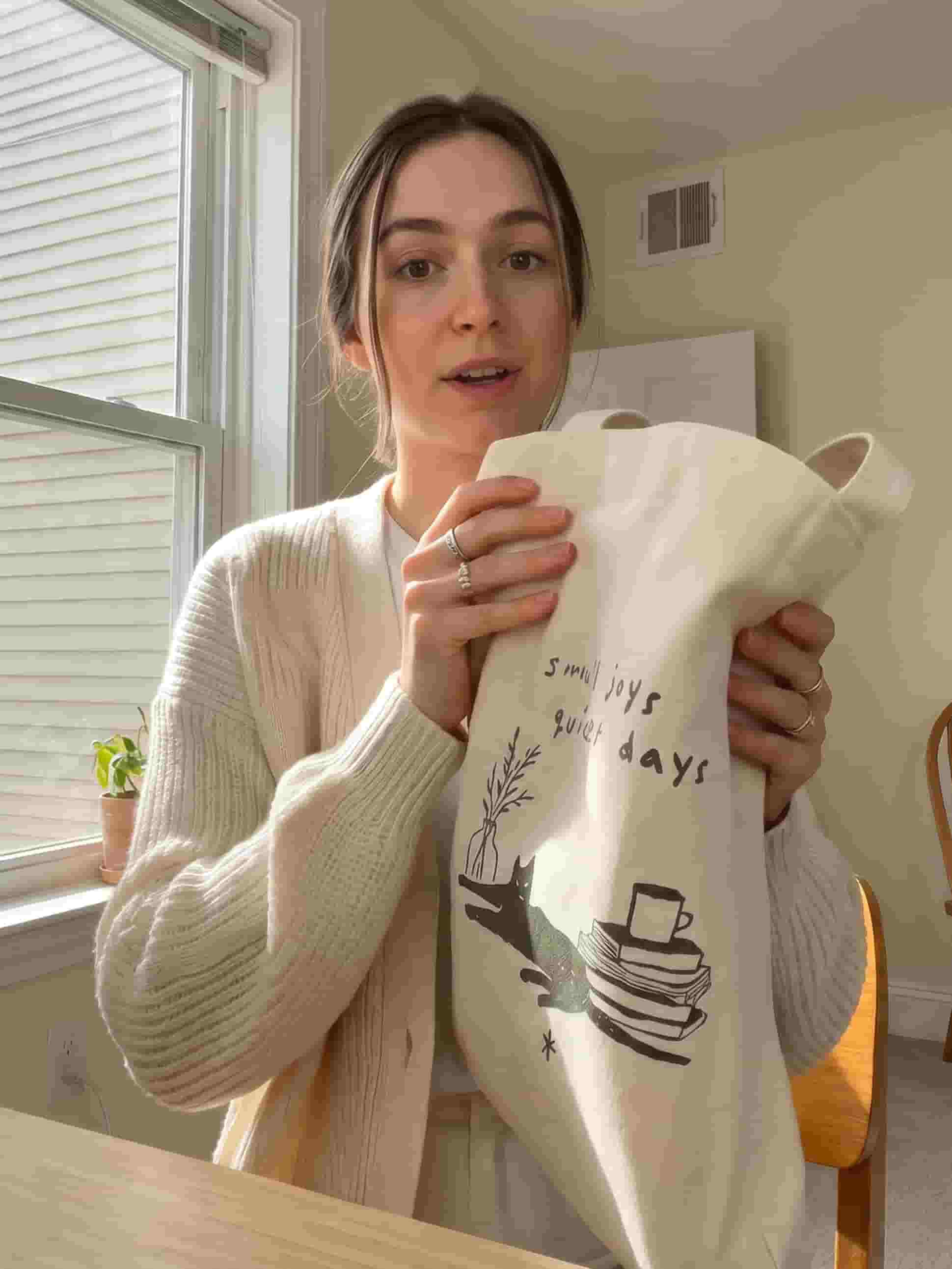
Darker, wider, slower. Describe what's off and generate that shot again without reworking the rest.
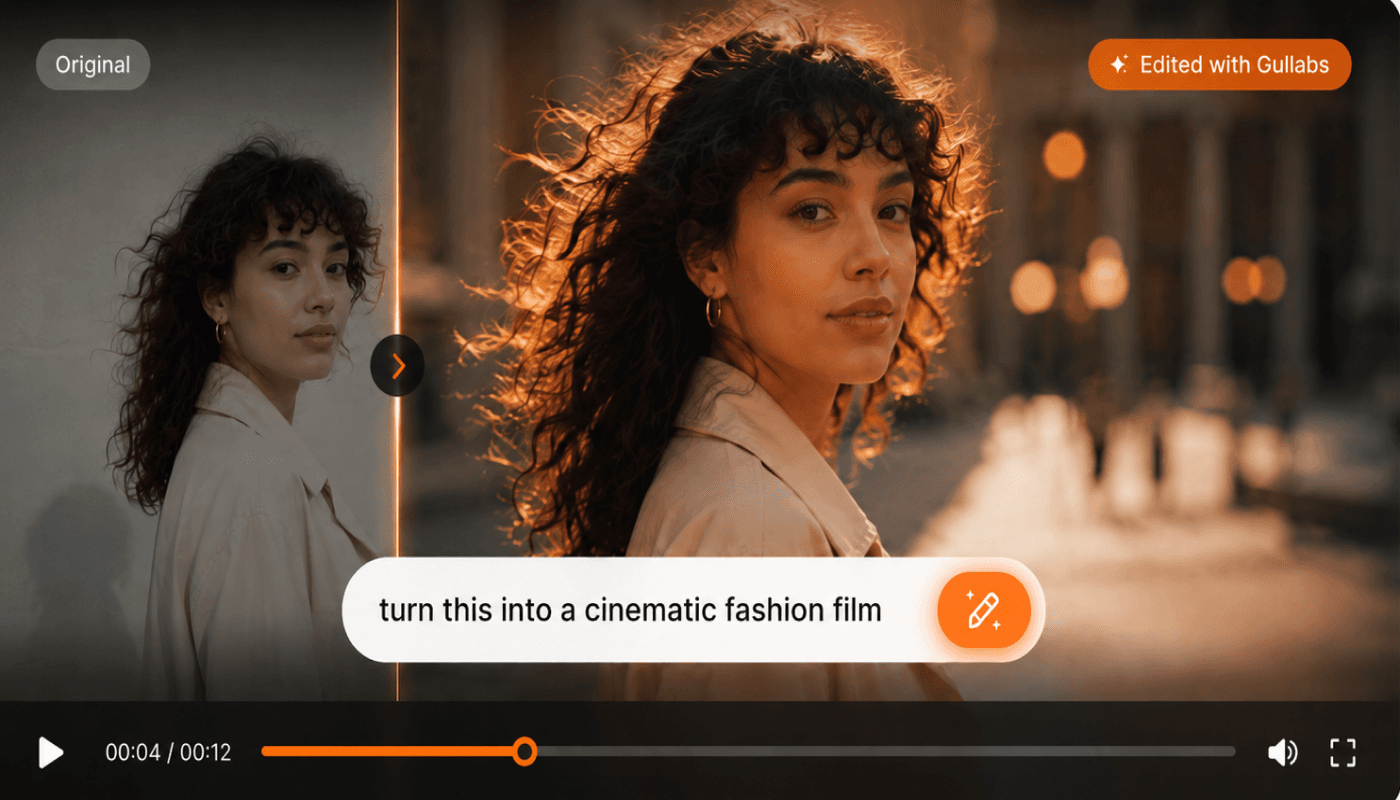
Shots that cut together
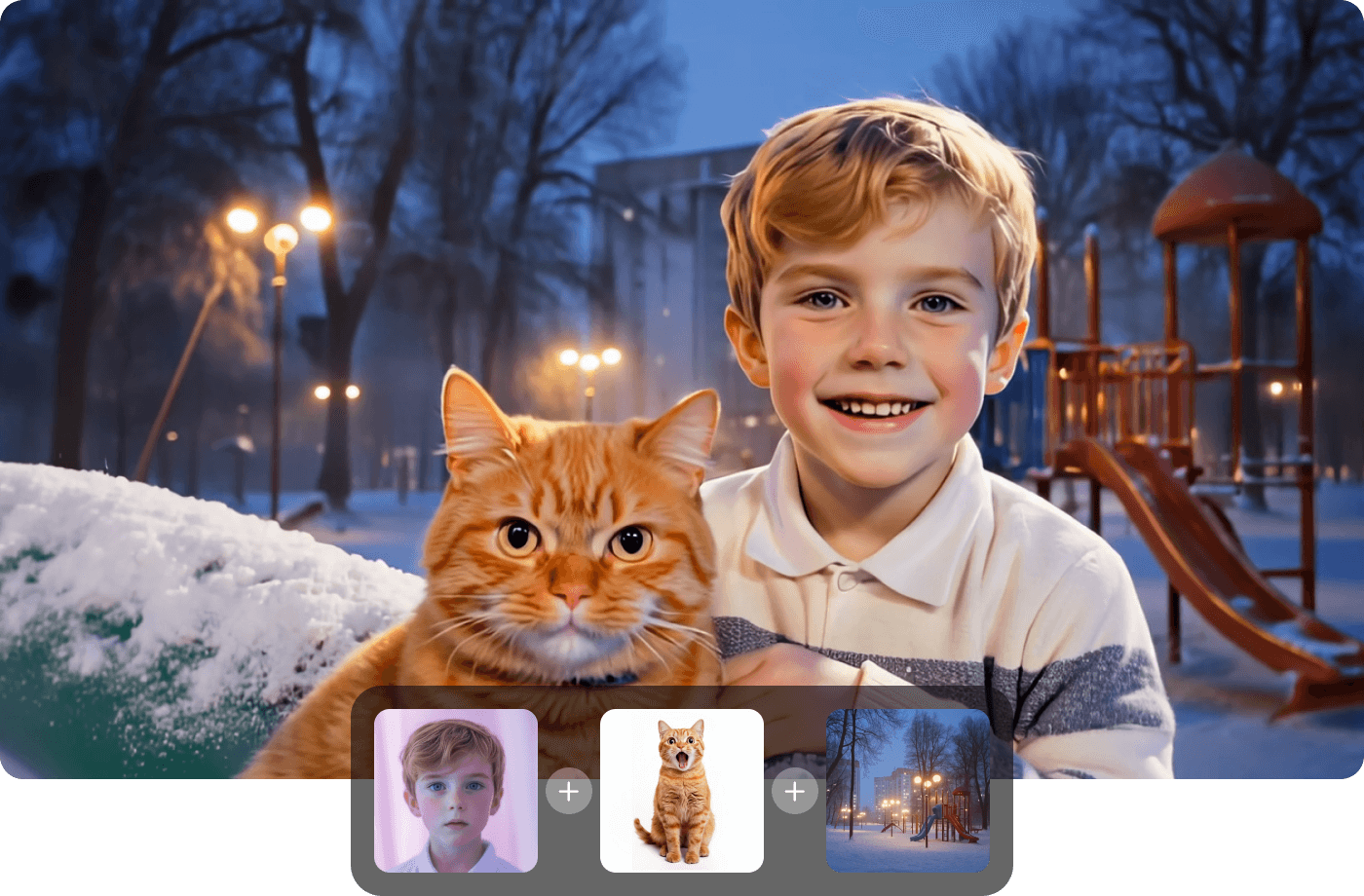
Keep the same model, palette, and reference across generations so footage from different sessions still belongs in one video.

From track to music video in three steps
Describe the look
Performance, narrative, or mood. Name the grade and the energy.
Pick your model
Choose the model that fits, then set its motion and duration options.
Generate & refine
Preview, regenerate any shot, and export.
Questions? Answers!
Quick answers about music videos with Gullabs.
Performance footage, narrative scenes, and abstract visuals — whatever fits the track. Describe the look and the energy.