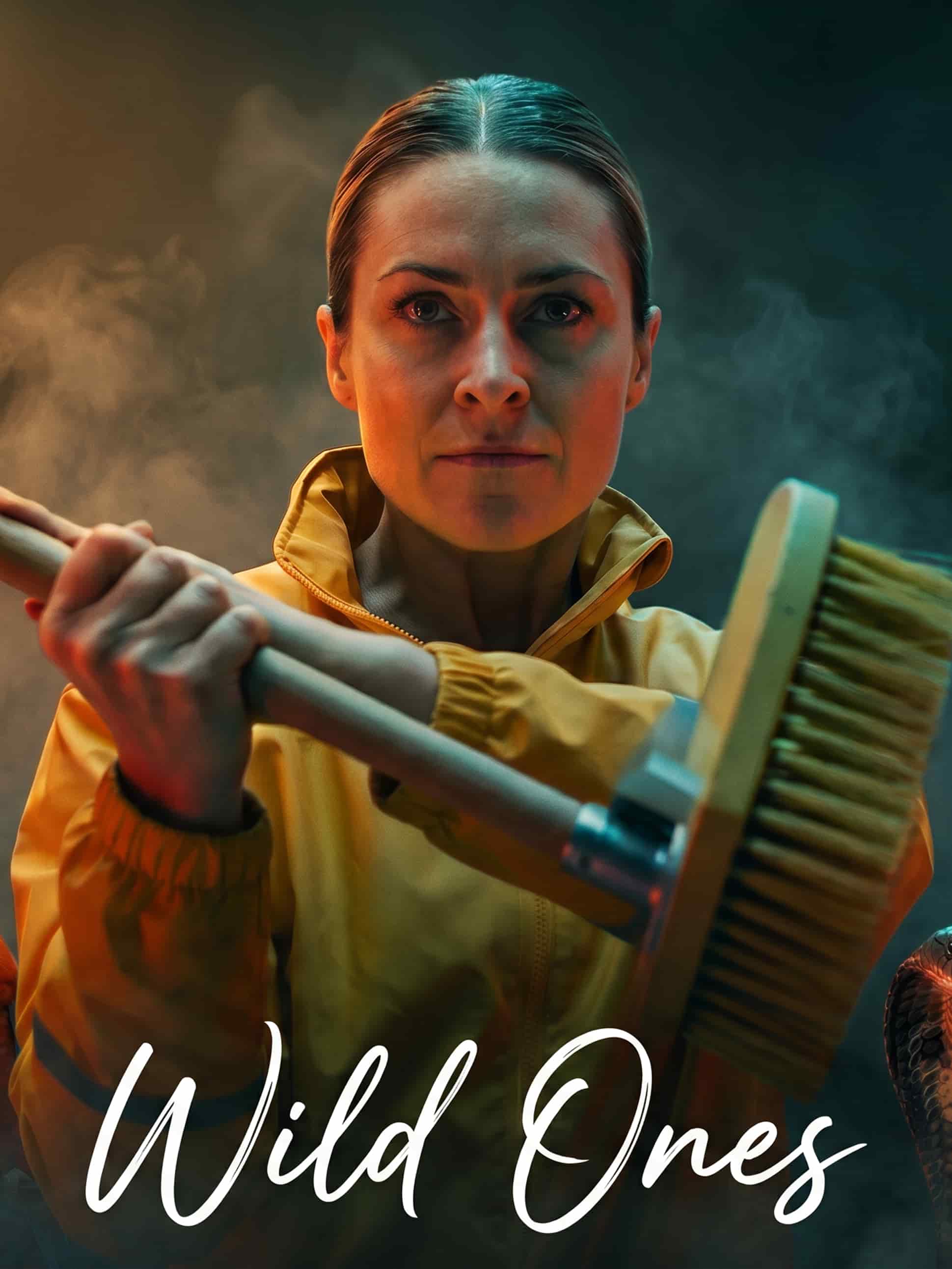
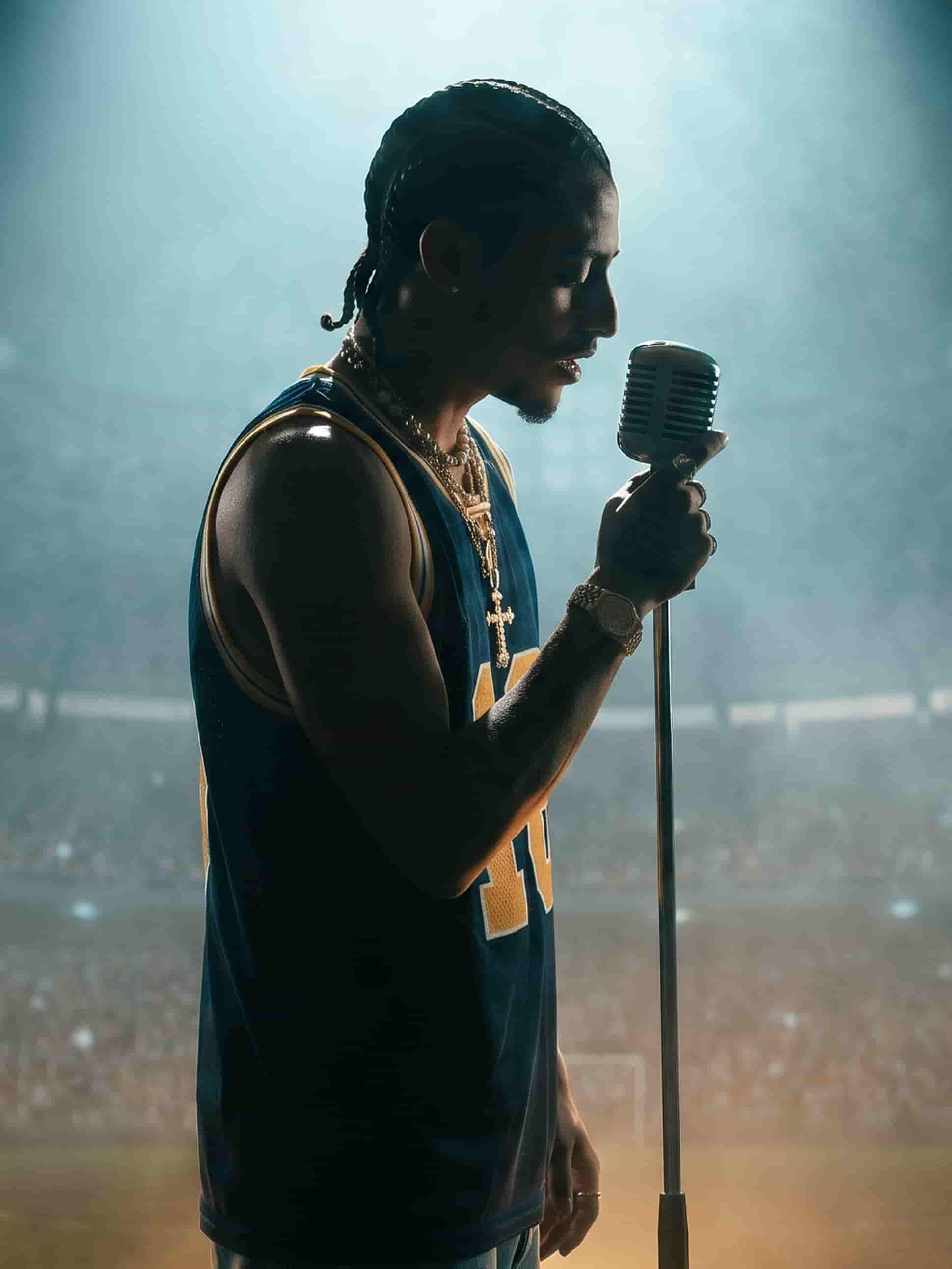
Built on the models behind the best ad creative
Image models for the hero shot, video models for the spot. Run the same product through any of them and keep the take that sells.
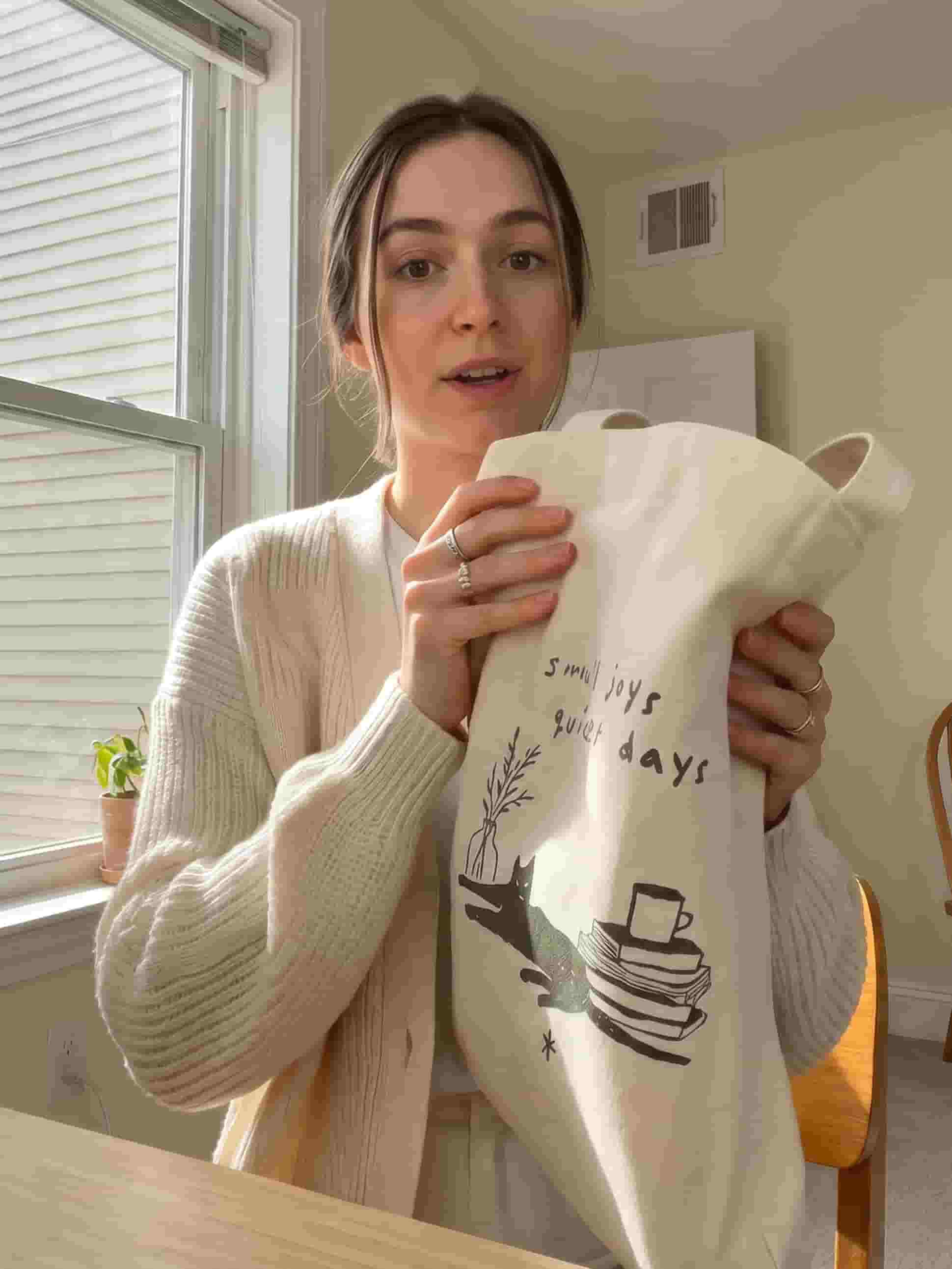
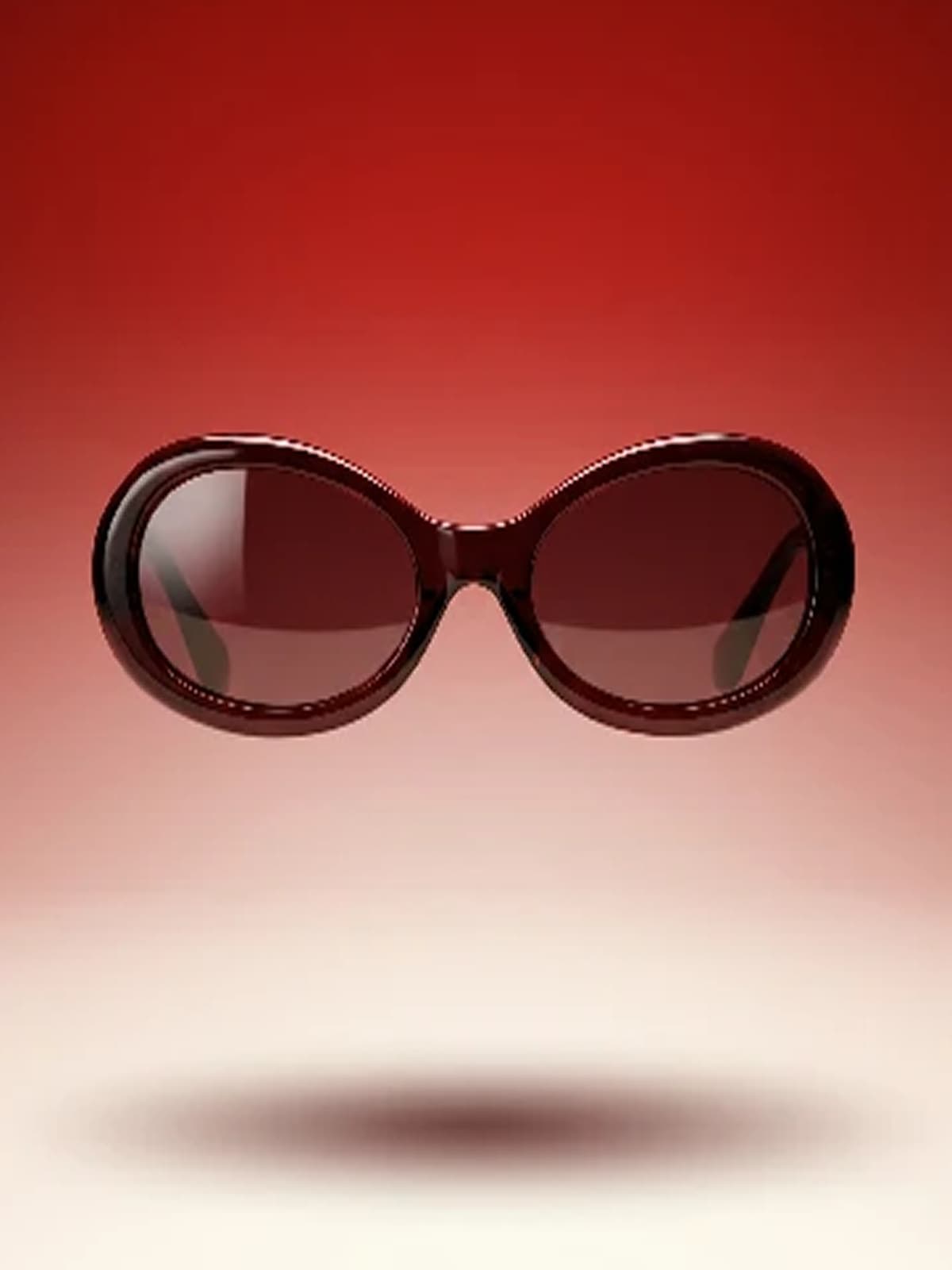
From phone photo to studio shot
Upload a quick product photo and Gullabs relights it, cleans the background, and stages it like a professional shoot. No studio, no photographer, no shoot day.
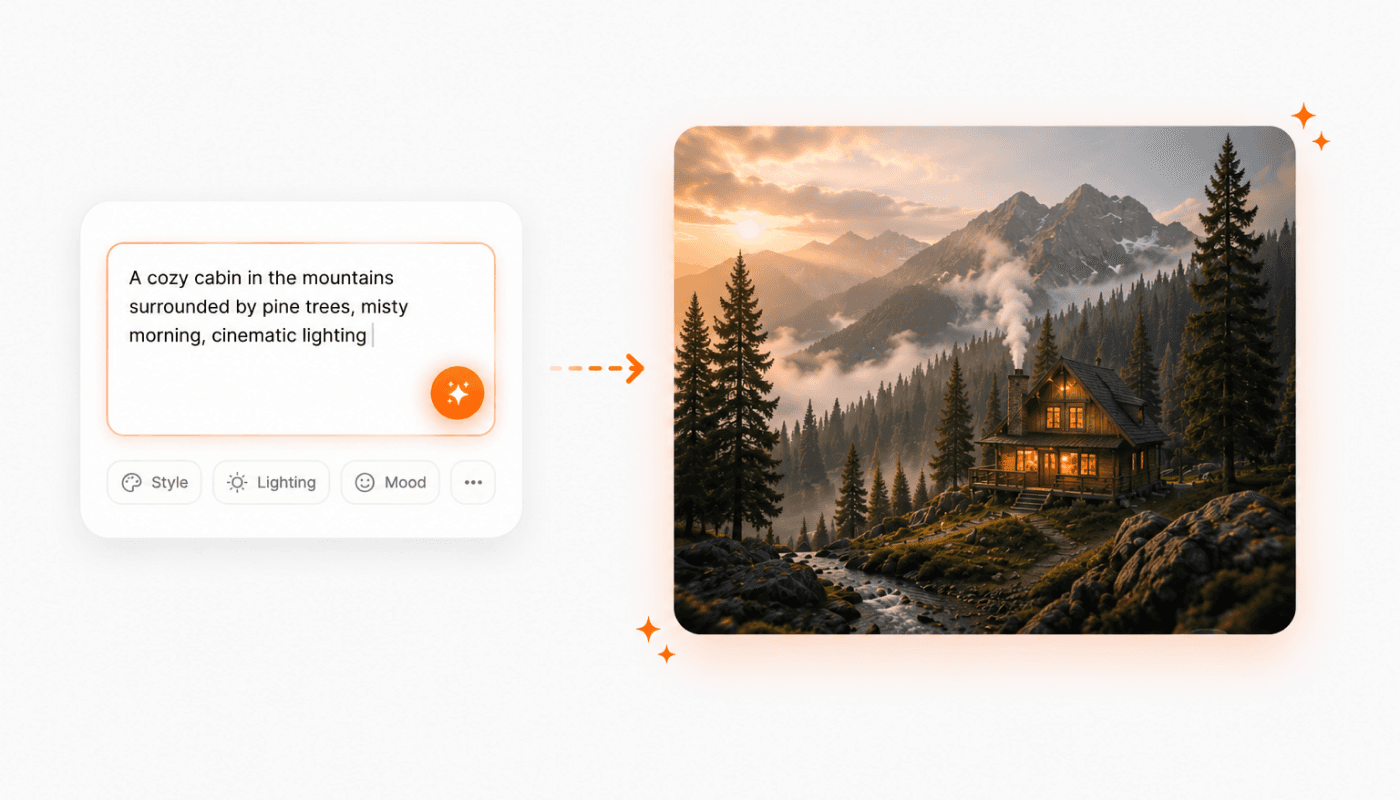
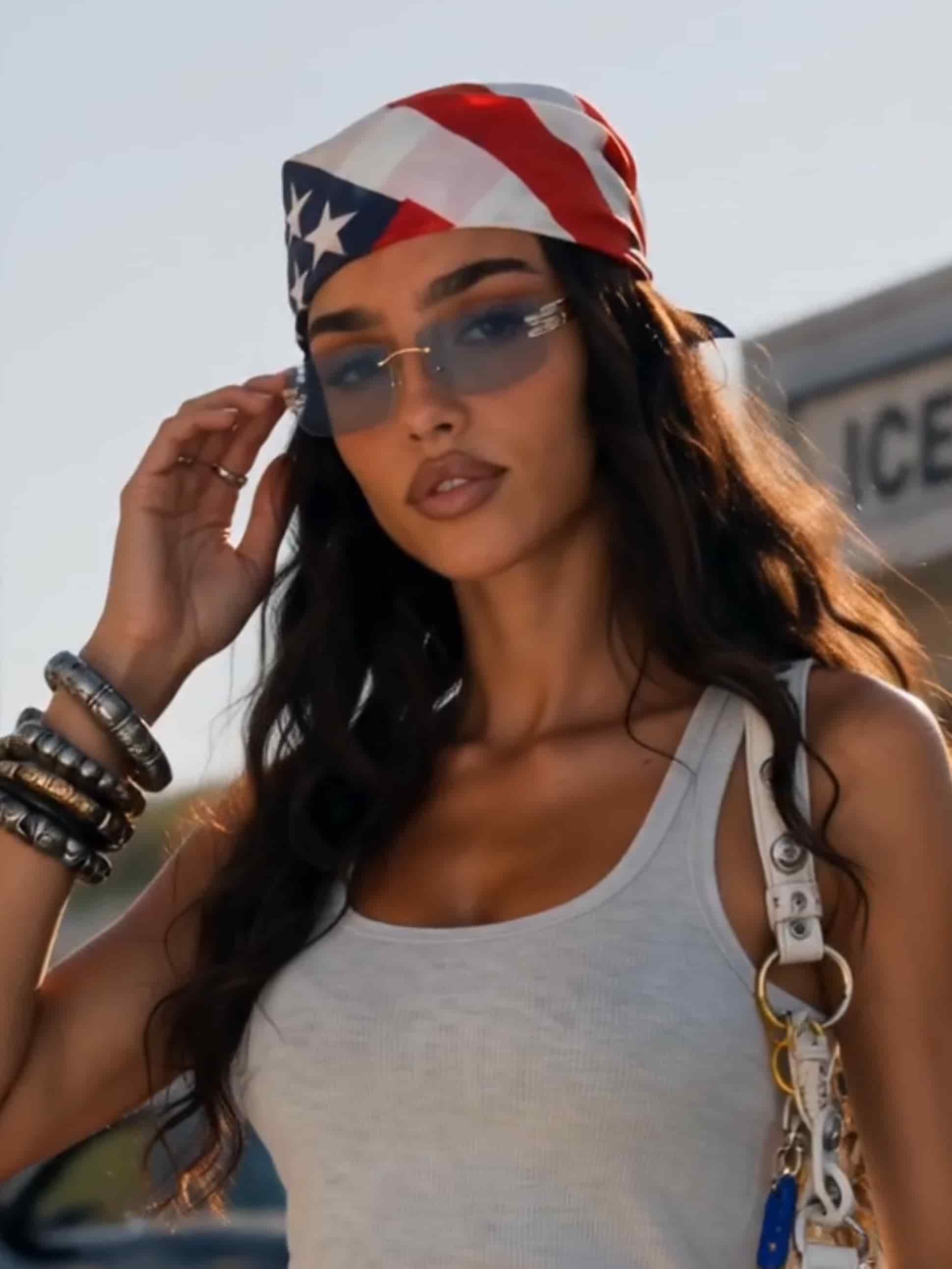
Turn the still into a spot
Describe the ad: a slow spin, a lifestyle scene, a punchy short cut. Get finished video with motion, pacing, and a call to action.
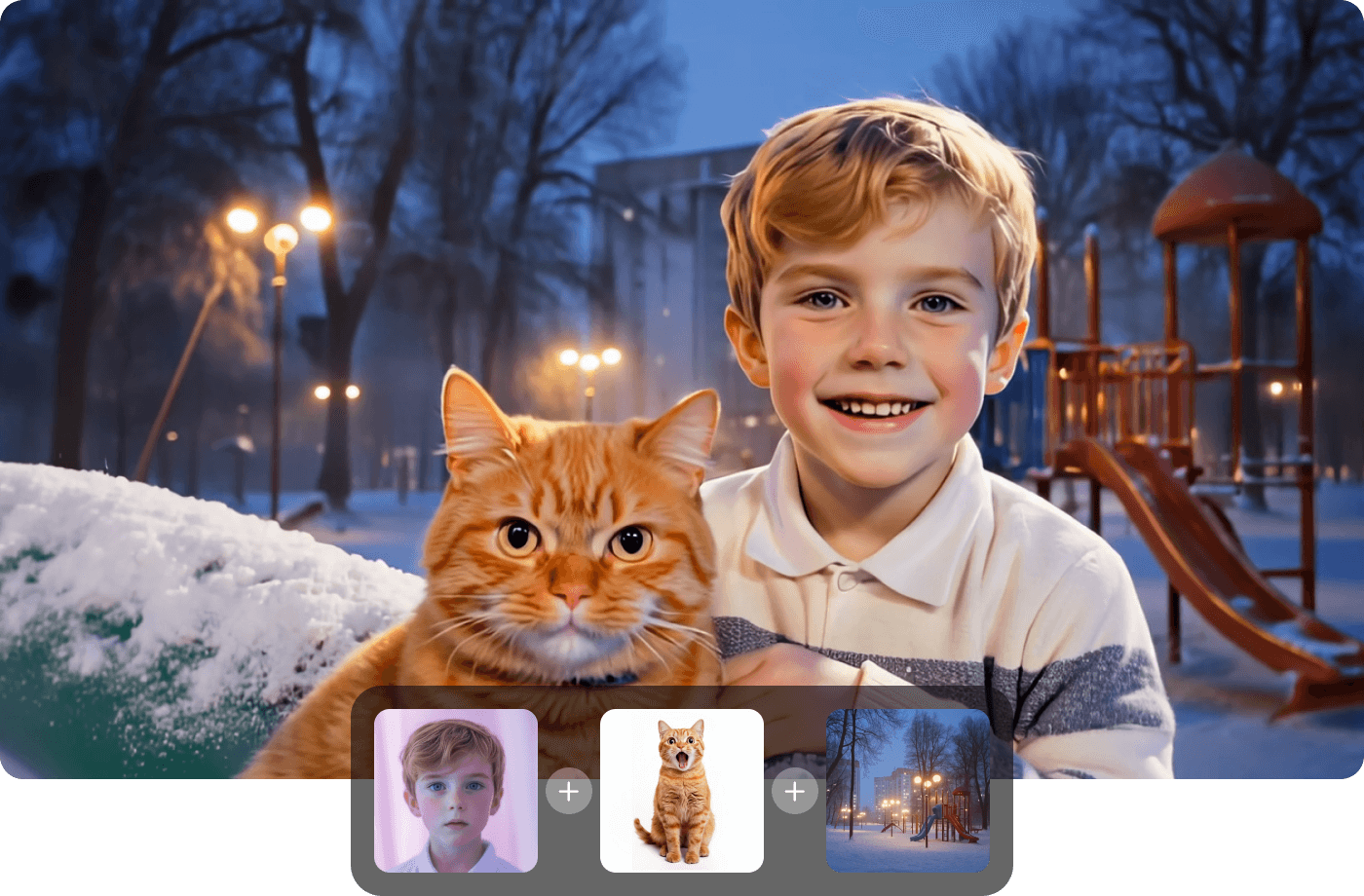
On-brand, automatically
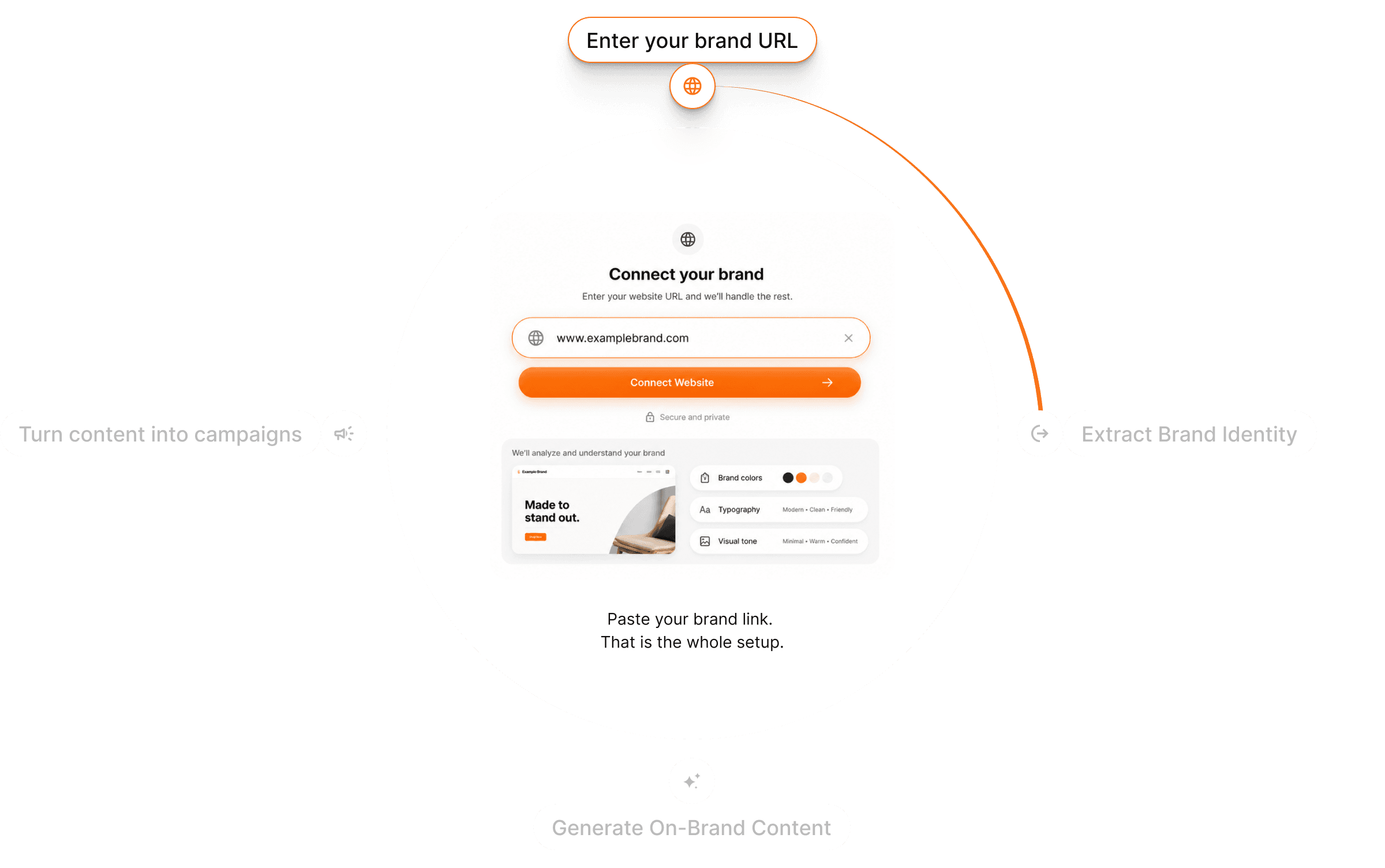
Gullabs reads your website and pulls your colors, fonts, logo, tone, and product details. Every ad uses them, so a full campaign looks like one brand instead of a stack of templates.
Every size, every channel
Generate the same ad in square, vertical, and landscape for feed, story, and display. One prompt, every placement covered.

From product photo to ad in three steps
Upload your product
Drop in a product photo — even one from your phone. Gullabs handles lighting and background.
Describe the ad
Format, scene, pacing, call to action. Brand DNA is already applied.
Generate & export
Preview, generate variations per format, and export when it's right.
Questions? Answers!
Quick answers about making product ads with Gullabs.
Just a product photo — even one taken on your phone. Gullabs handles lighting, background, and staging, then builds stills or video from it.