Gullabs, inside every AI tool you use
Connect Gullabs to Claude, Cursor, ChatGPT, or any MCP-enabled tool and generate on-brand images and videos without leaving your workflow.

Connected in simple steps
Add the Gullabs server
Open your AI tool's MCP settings and paste the server URL. Works with every client above — that's the whole install.
https://mcp.gullabs.comSign in once
A browser opens, you approve, done in seconds. Your credits and Brand DNA connect with your account, automatically.
gullabs /connectGenerate from chat
Ask for images, videos, or edits in plain language. Gullabs picks the right model and renders it on-brand.
"Create an on-brand launch teaser"What your AI tool can do with Gullabs
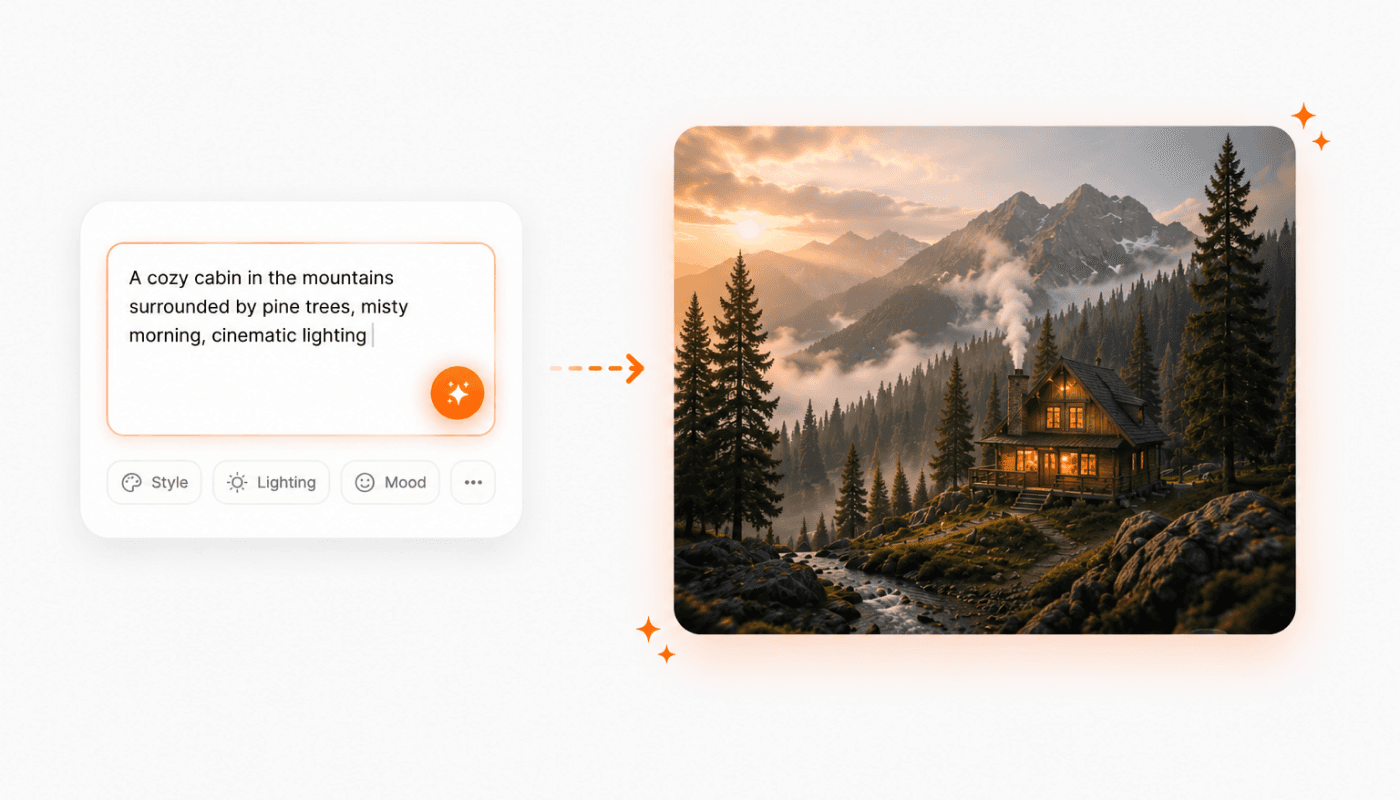
Describe it. Get publish-ready images.
Text-to-image with Gullabs' top models, straight from your AI tool. Refine style, composition, and detail in the same conversation until every asset is ready to ship.
Example Prompt
“Generate a hero image for our sneaker launch, studio lighting, bold shadows, on-brand colors.”
Turn prompts and stills into polished video
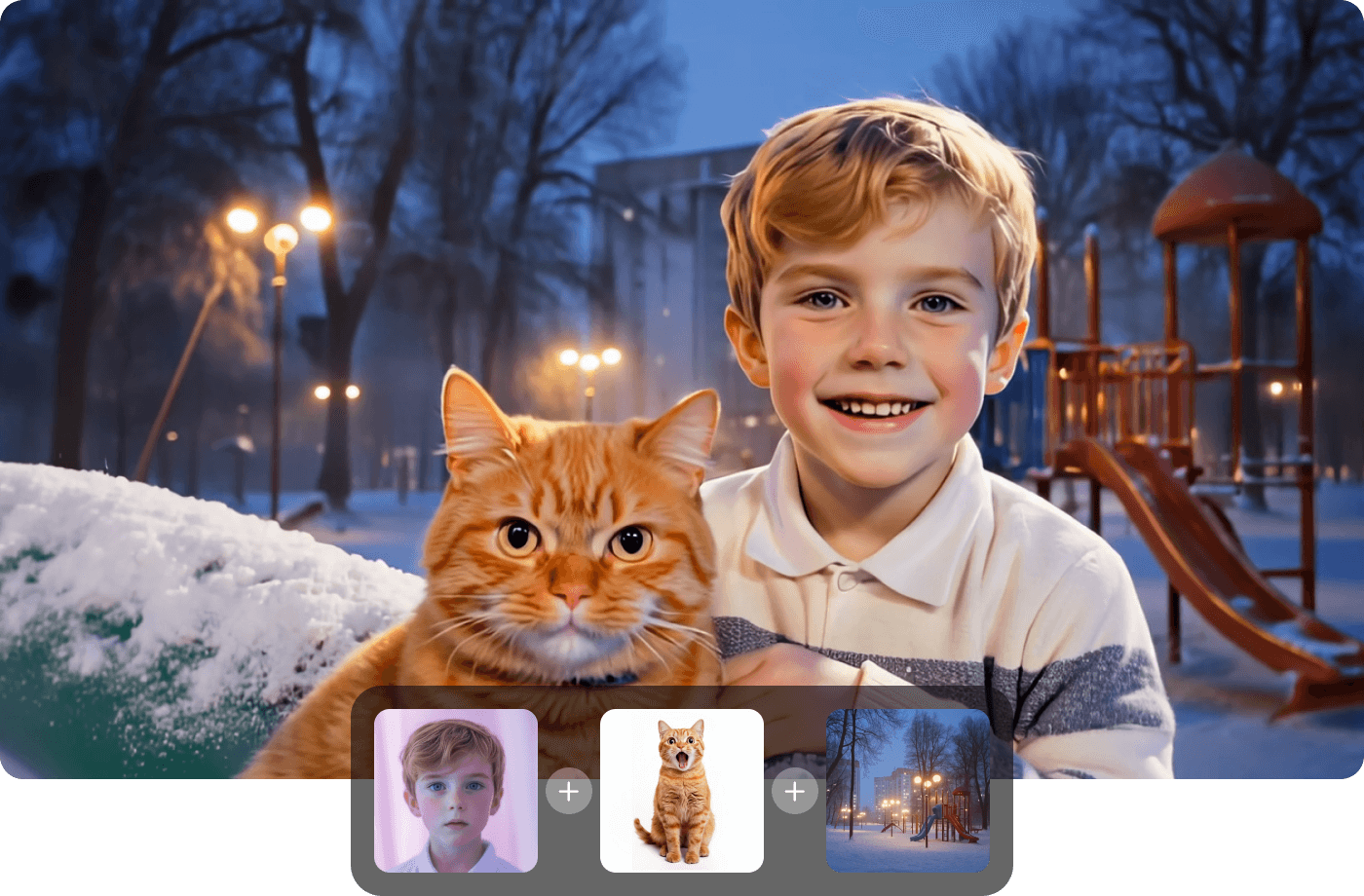
Ask for a video and Gullabs renders it, from a script, a prompt, or a product photo. Social clips, ads, and campaign spots without opening an editor.
Example Prompt
“Turn this product photo into a 6-second launch video for Reels, slow push-in, upbeat.”
Edit video by describing the change
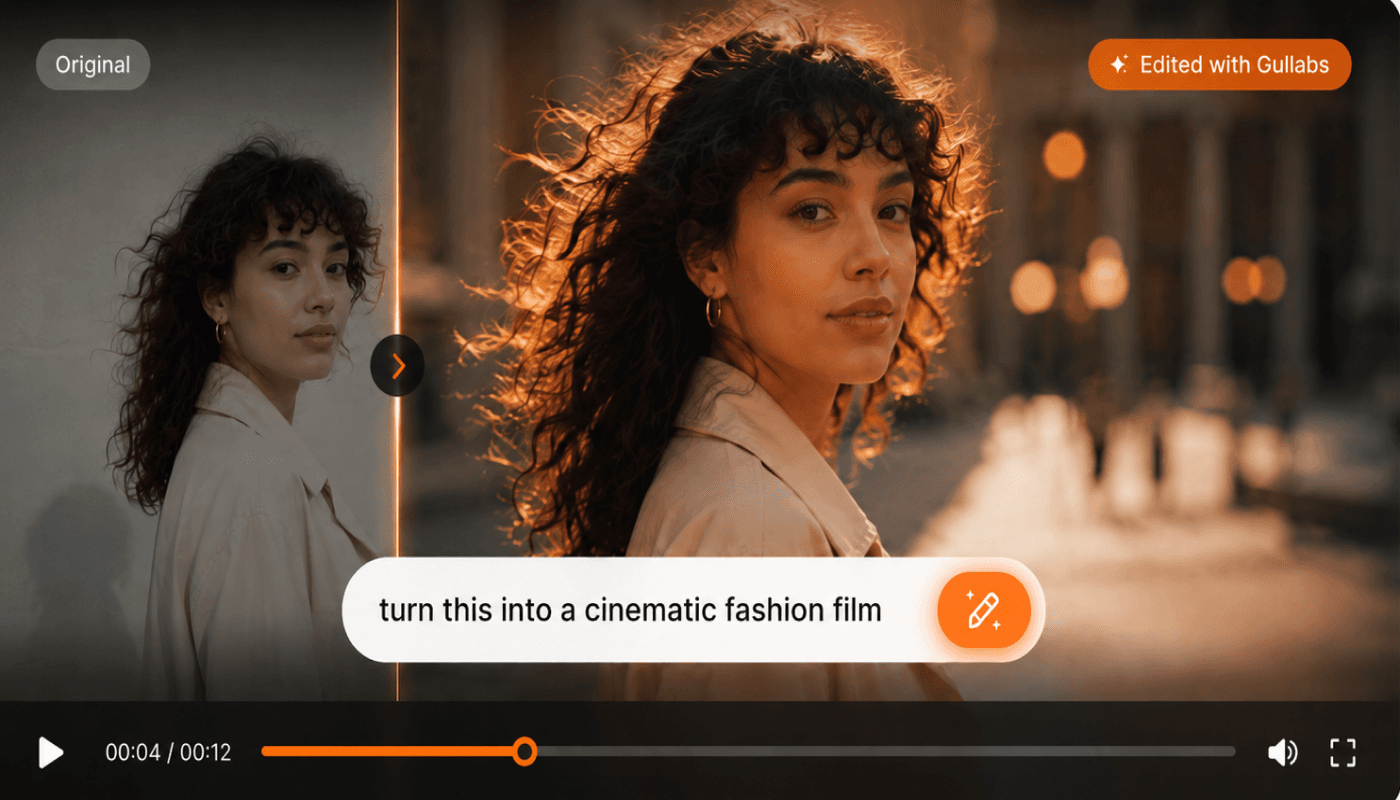
No timelines, no keyframes. Tell your AI tool what to change, trim the intro, swap the background, add motion, and Gullabs returns the new cut.
Example Prompt
“Swap the background to golden hour and tighten the intro to 3 seconds.”
Your Brand DNA, applied automatically
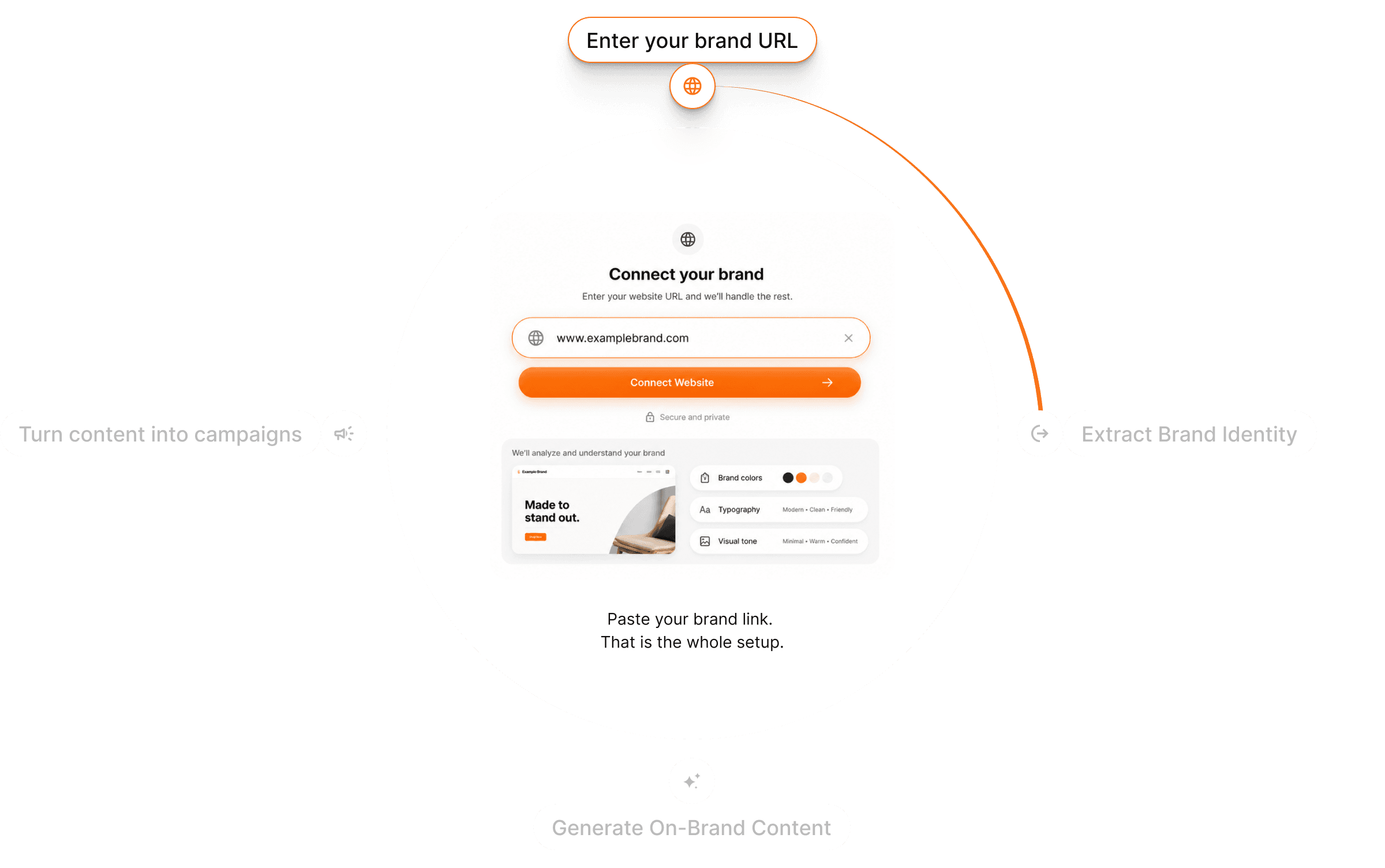
The connection carries your brand. Colors, fonts, and tone from your website are applied to every generation, no style guide pasting, no prompt gymnastics.
Example Prompt
“Make the whole set match our brand.”
Know the cost before you render
Ask for your balance or the cost of a render before you commit. Credits work exactly like they do on gullabs.com, one balance, everywhere.
Example Prompt
“How many credits will a 10-second video cost?”
Questions? Answers!
Find Some quick answers to the most common questions.