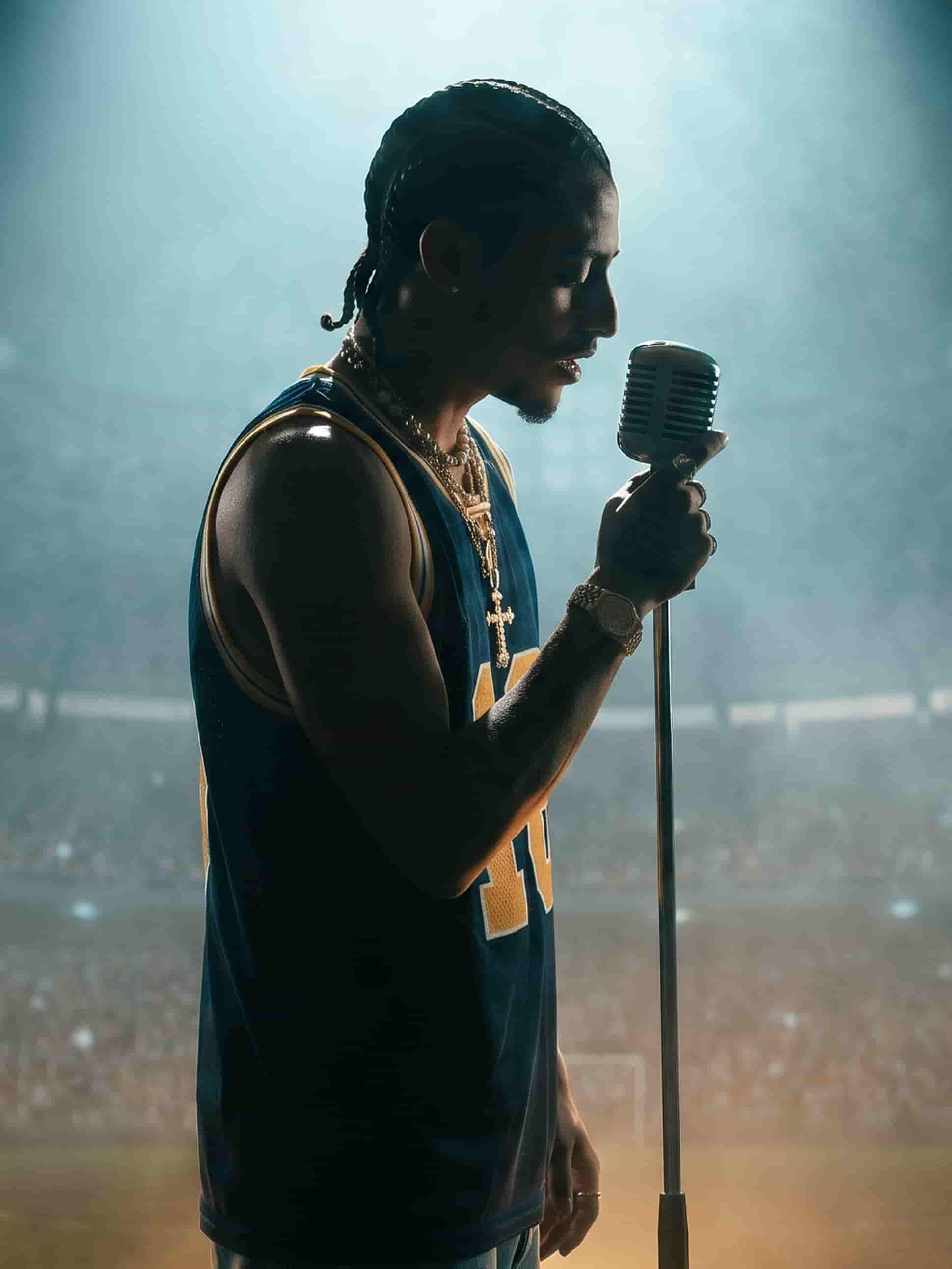

The best video models, one studio
Bring your own footage or generate fresh — edit it all in one place.
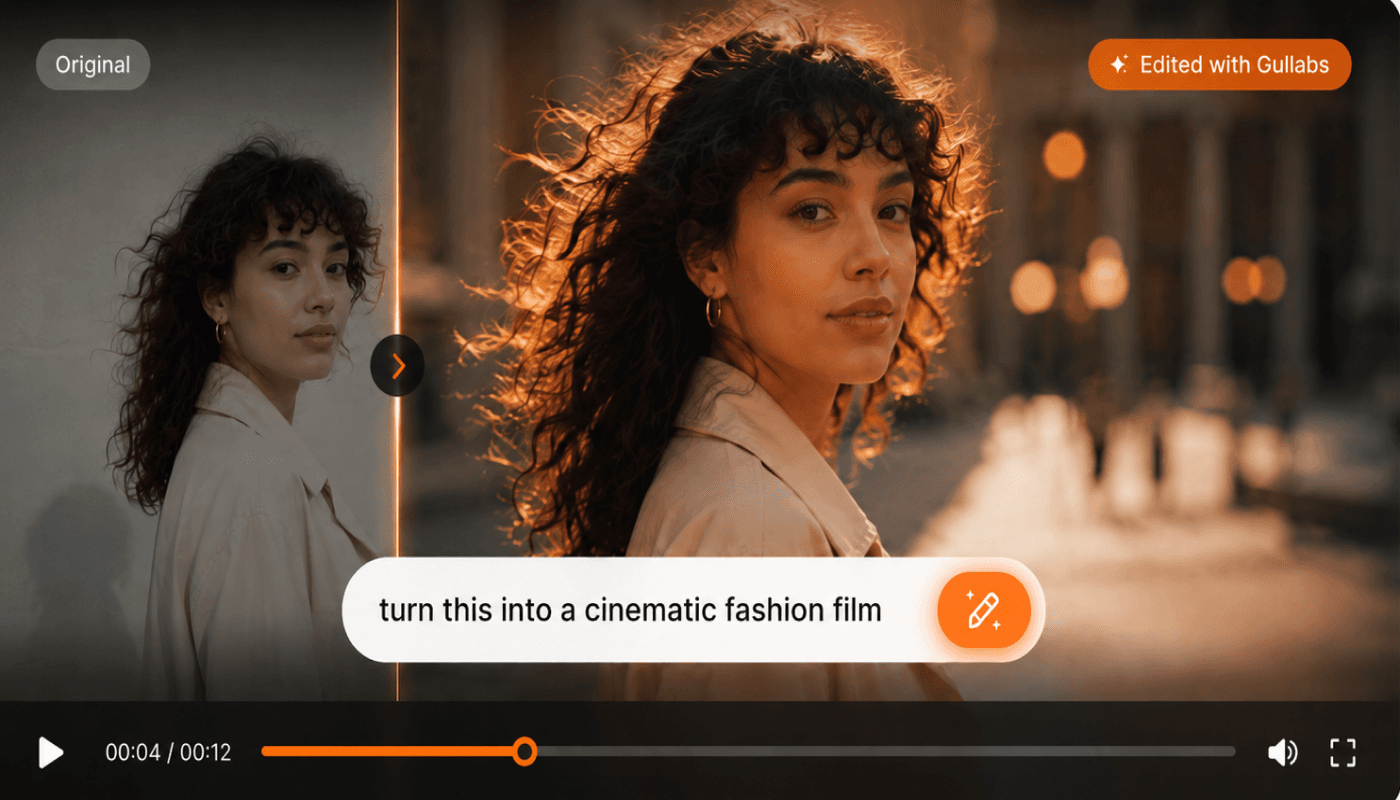
Say it. See it.
Swap the background to golden hour, tighten the intro to 3 seconds, add subtle motion — one instruction at a time, no editor required.
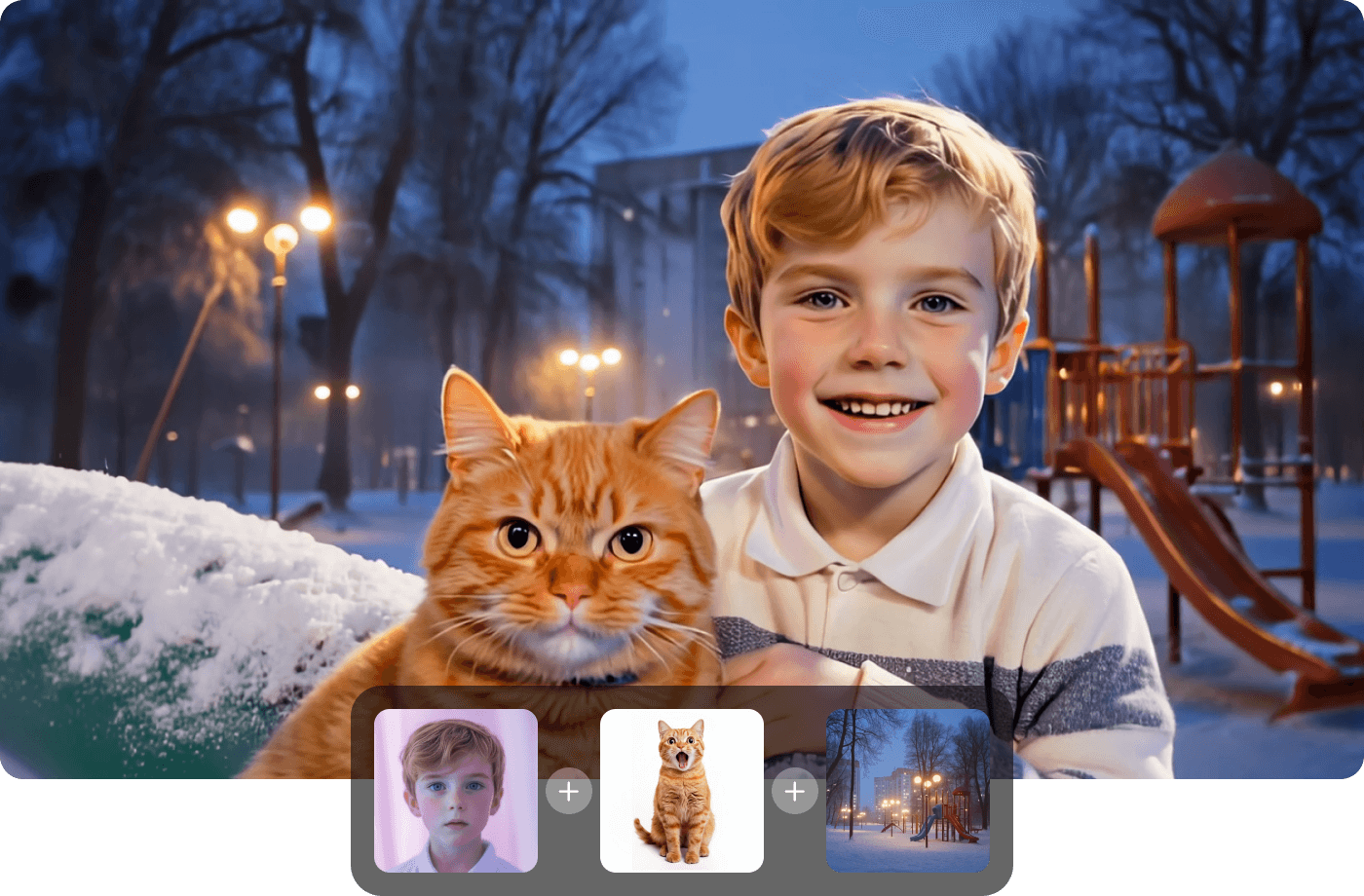
Start from anything
Bring your own footage or generate fresh video from a prompt, then edit it all in the same flow.
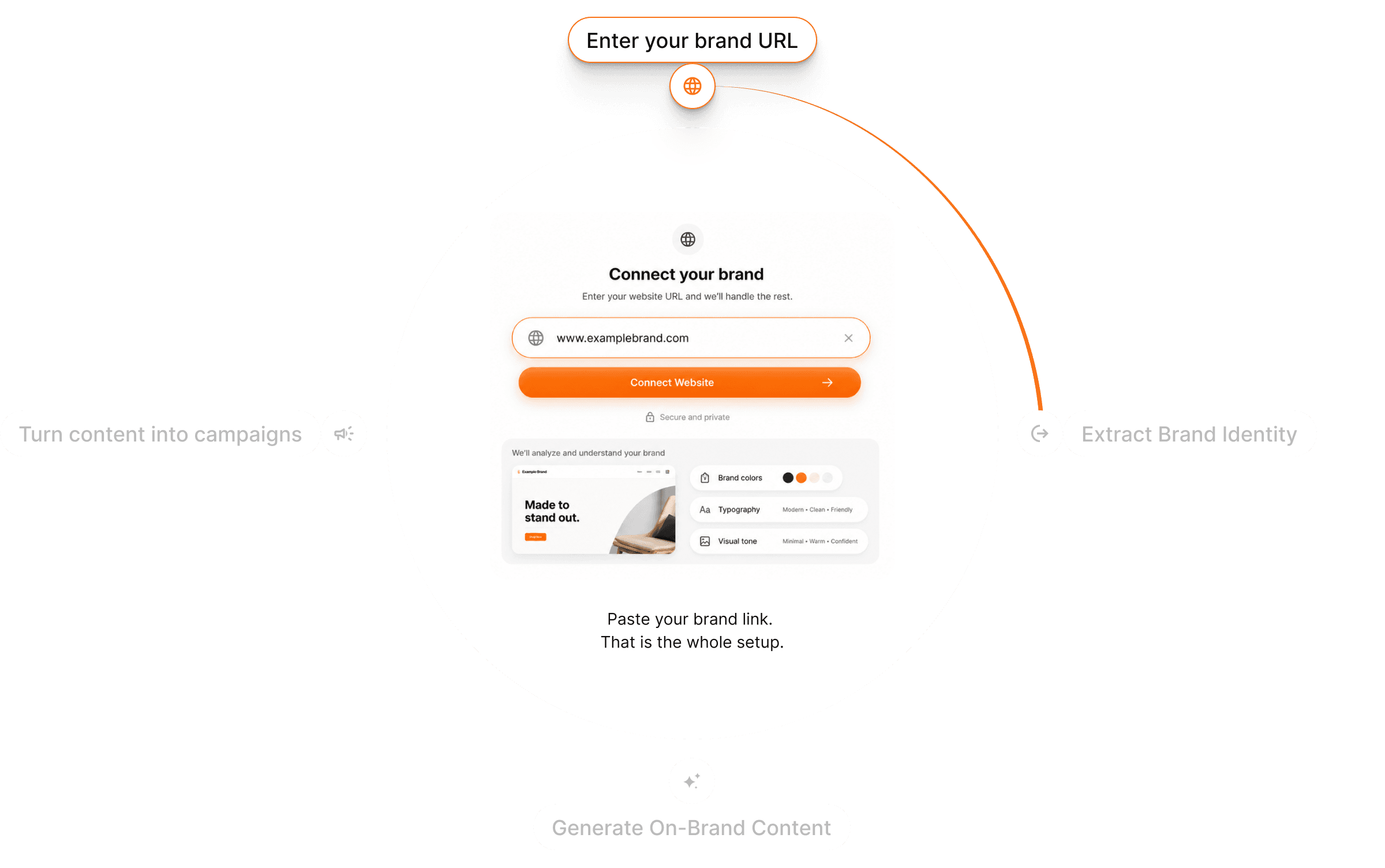
Stays on-brand
Your brand look is preserved through every edit, so revisions never drift off-style.
The right model for every cut
Each model has a strength. Switch on the same clip and compare results side by side instead of settling.
From clip to final cut in three steps
Bring your clip
Upload footage or generate a fresh clip from a prompt to start.
Describe the change
Trim, swap, restyle, or retime in plain language. Your Brand DNA stays applied.
Generate & refine
Preview the new cut, iterate, and export when it's right.
Questions? Answers!
Quick answers about editing video with Gullabs.
Every generation draws from your credit balance and you always see the cost before you render. See the usage guide for the full breakdown.