

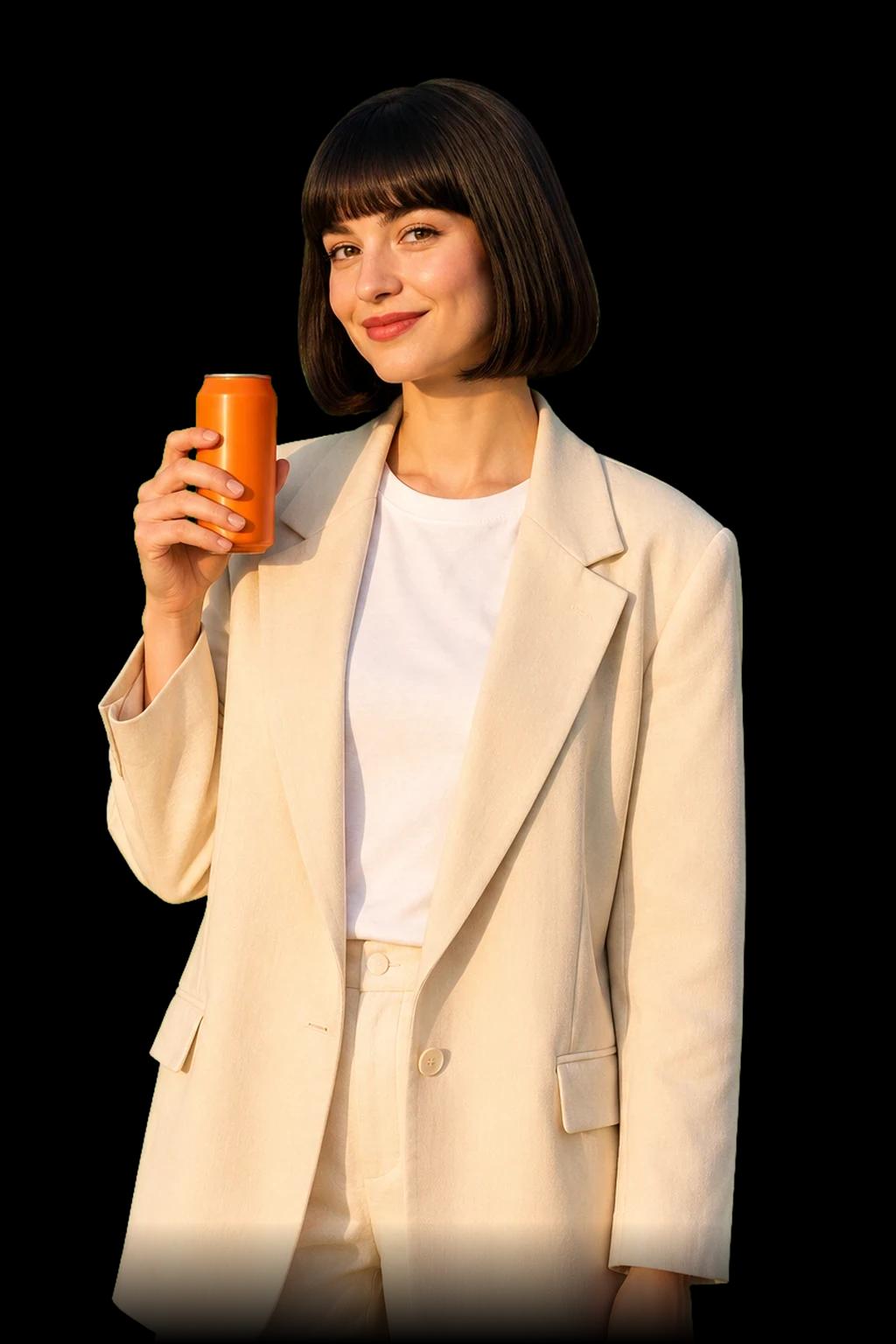

 @Mikaholding
 @Yuzu Canat
 @Rooftopat golden hour
 @Latte Cup
 @Corner Café
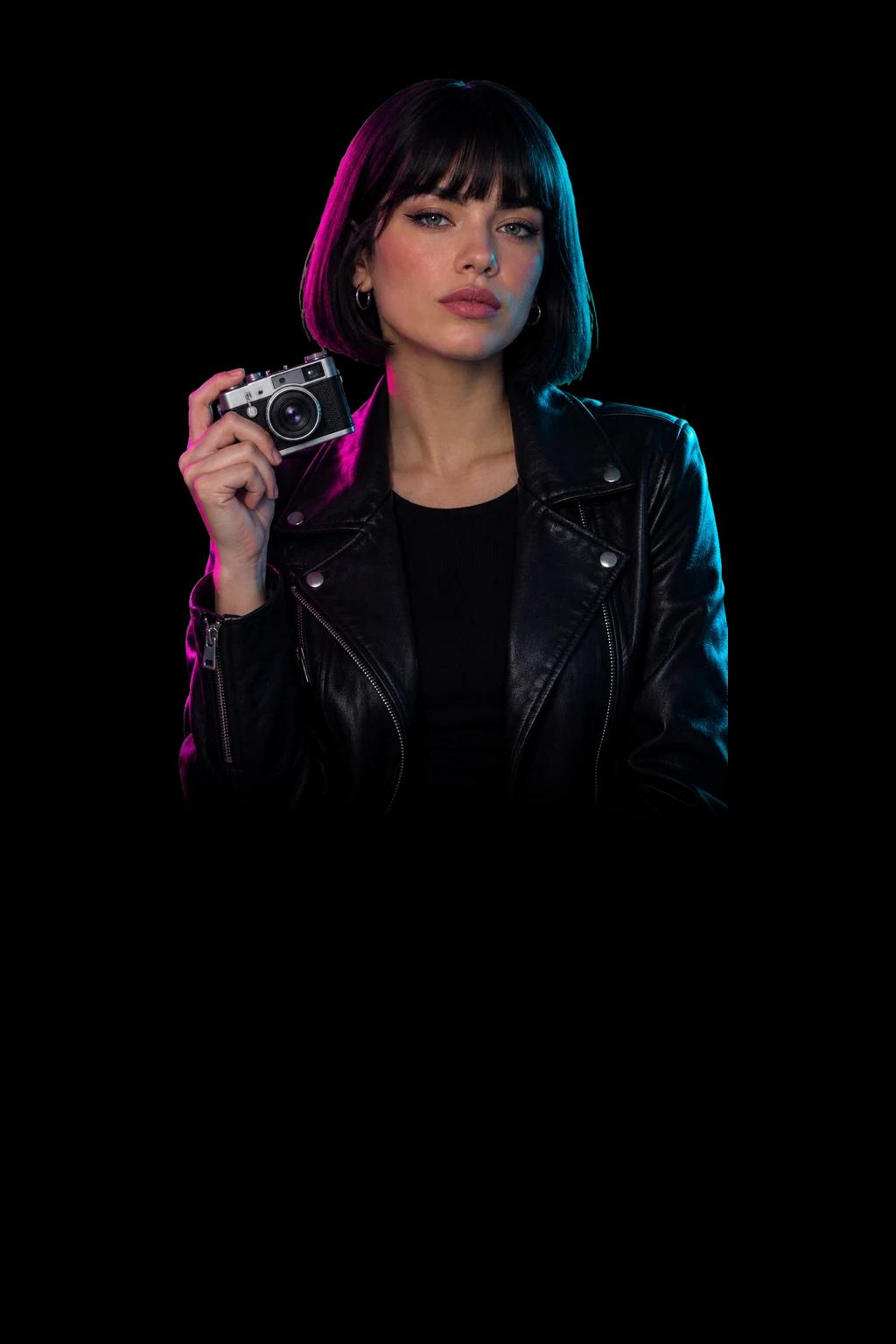
 @Film Camera
 @Neon Street
Create your character, location and prop once. Tag them in any prompt, and the same elements show up in every image and video.
Create ElementBest uses for your AI influencer
Creators and social channels
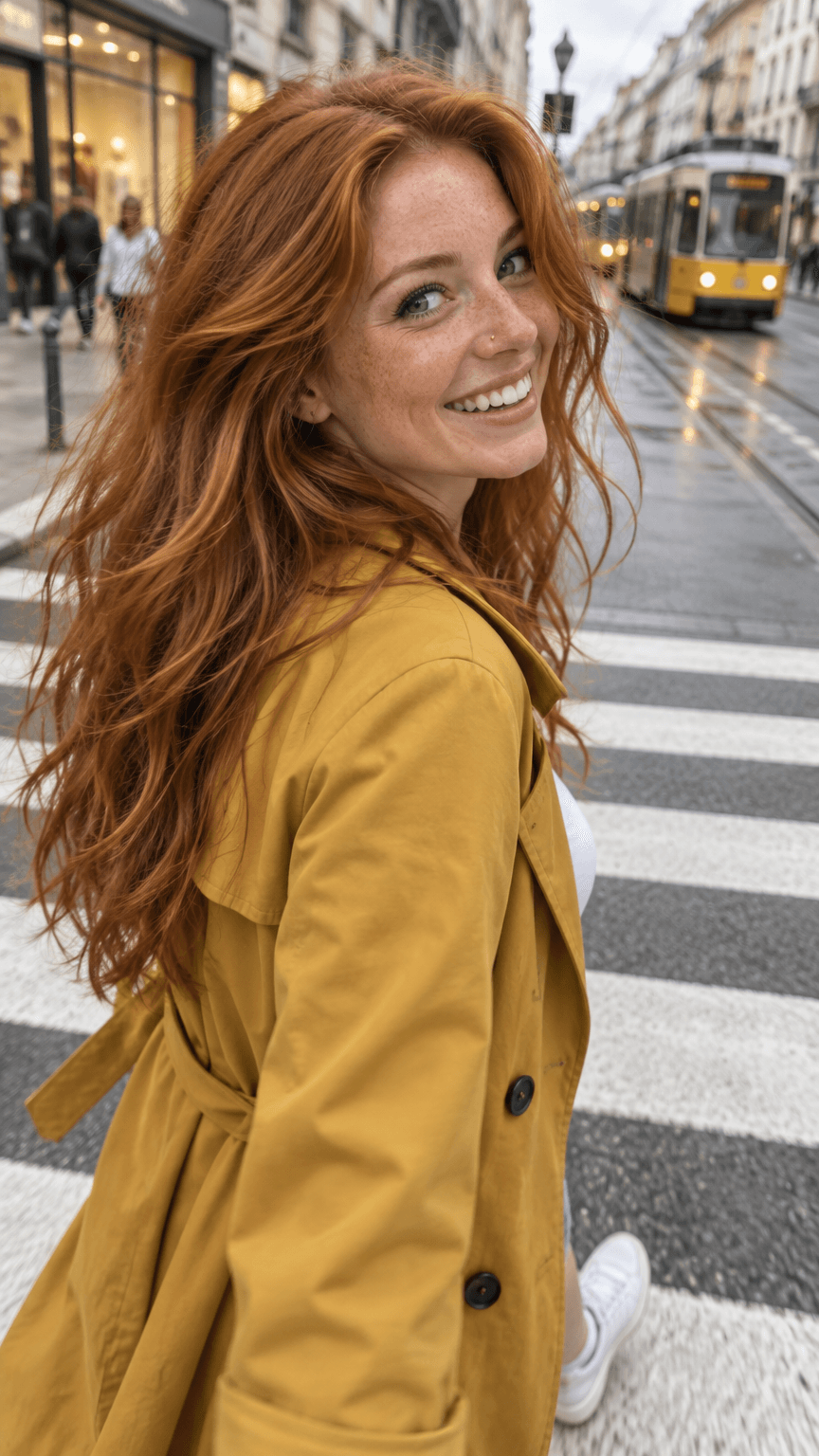
Post every day with one consistent face. Make Reels, Shorts and photo posts of your character without a shoot.
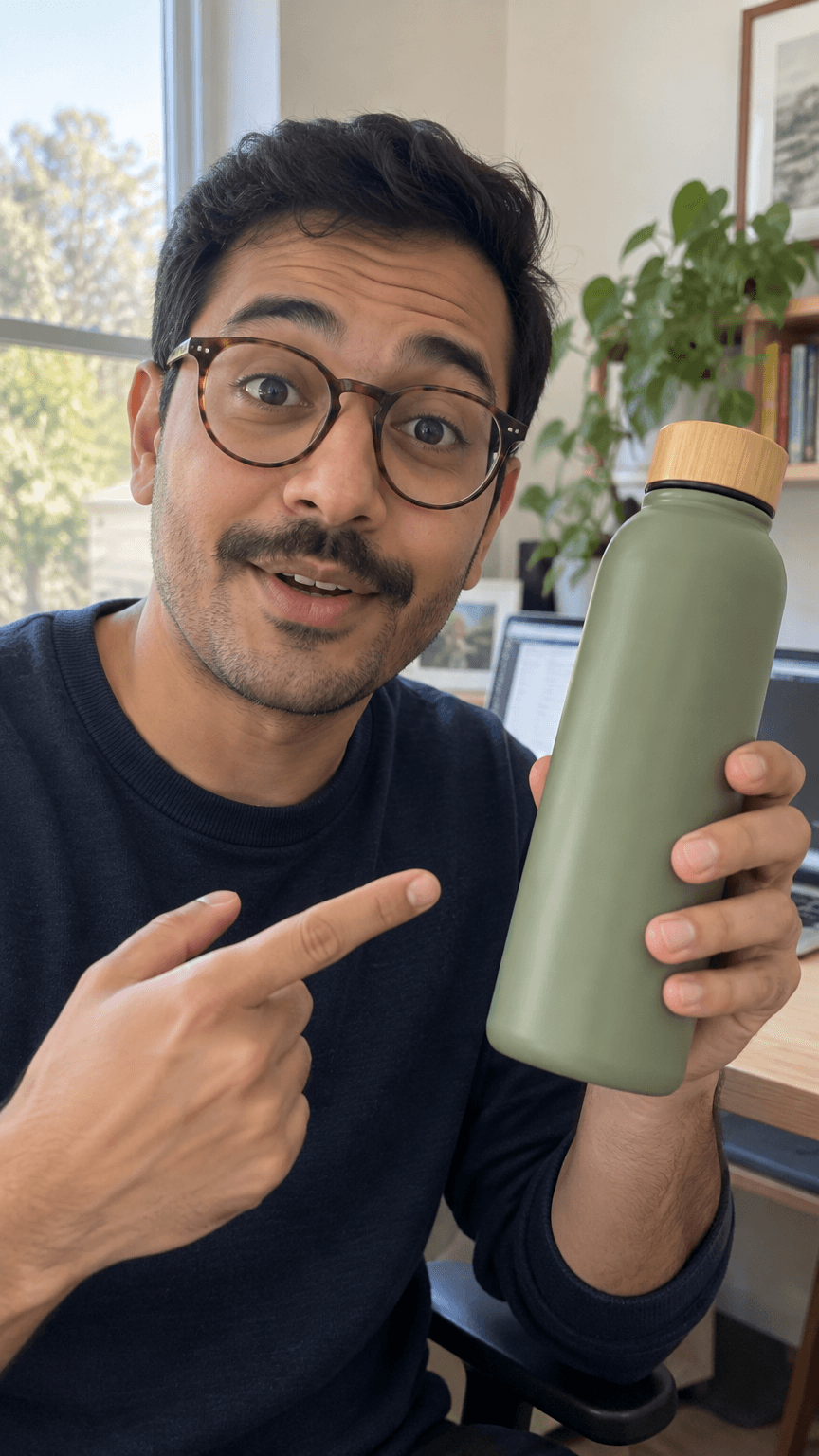
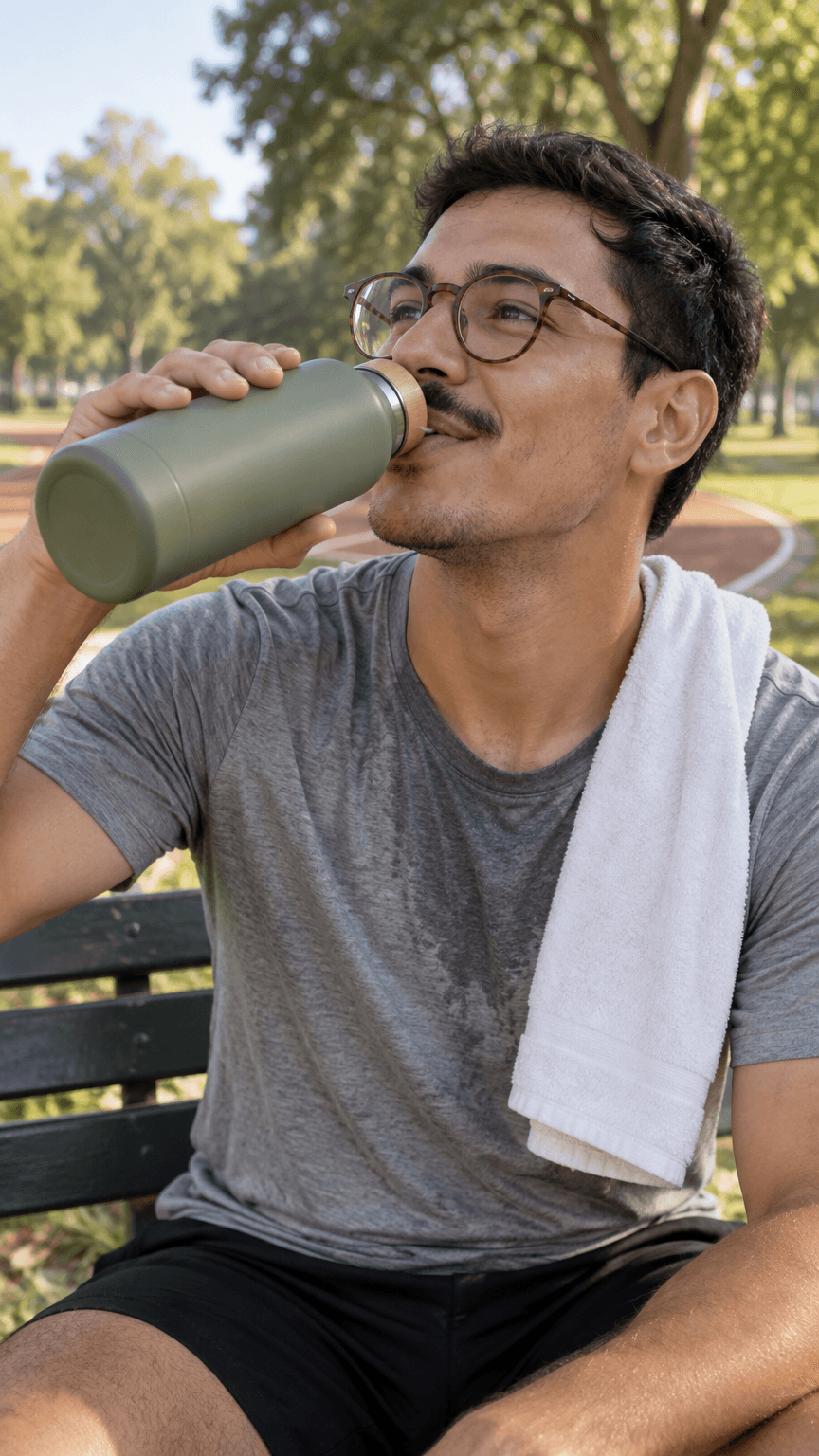
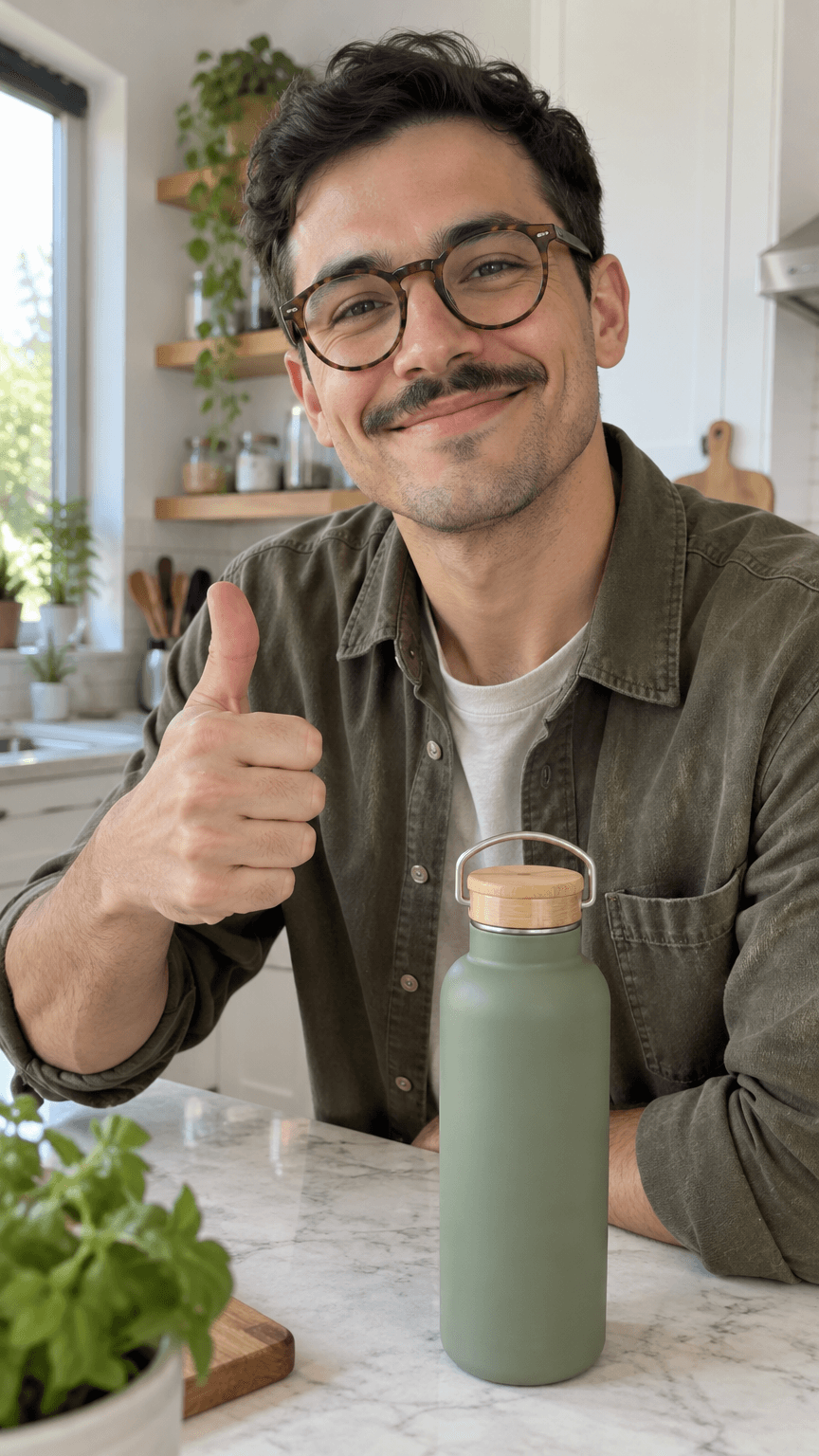
UGC-style product ads
Brand ambassadors
Stories and series

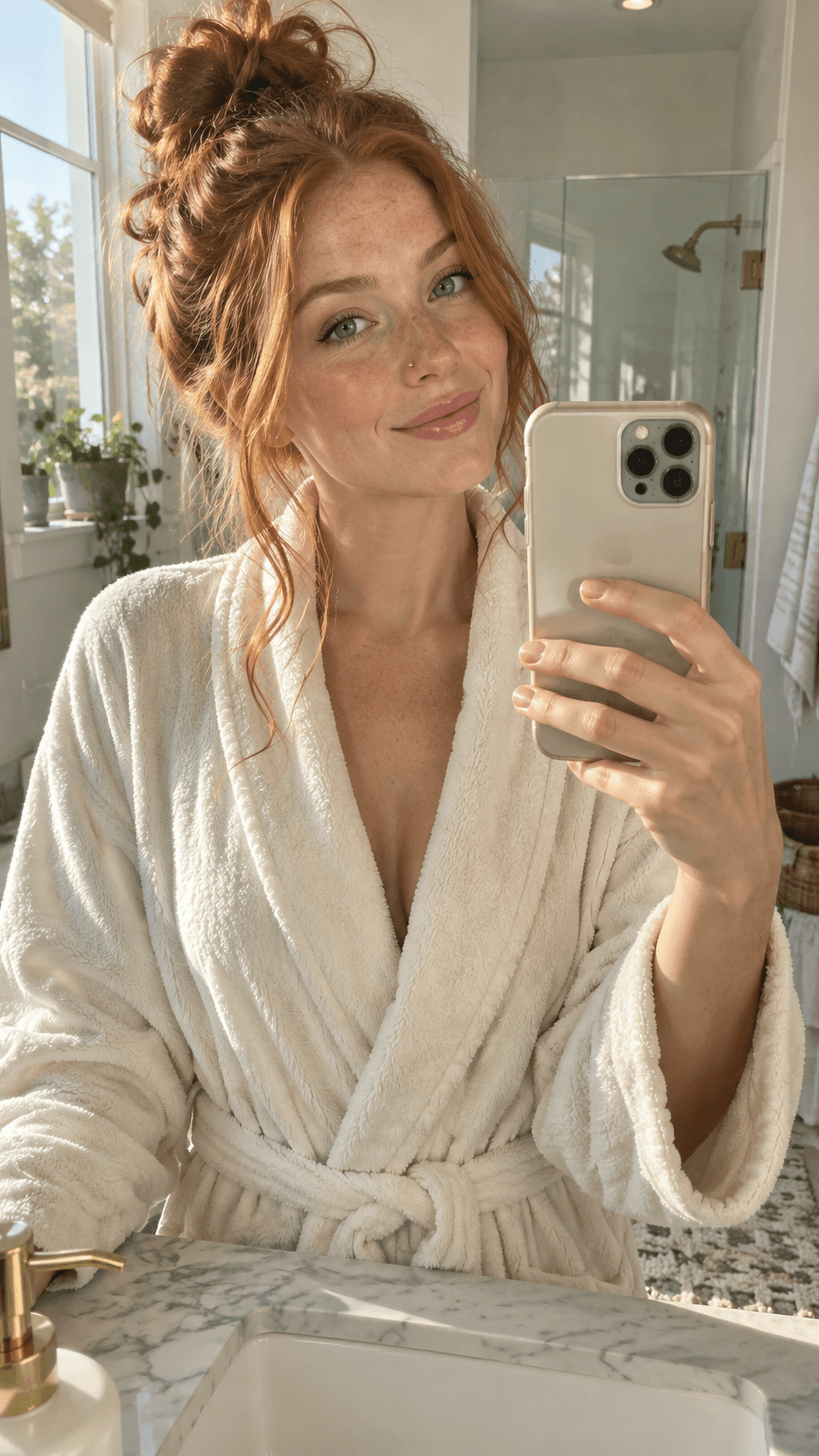





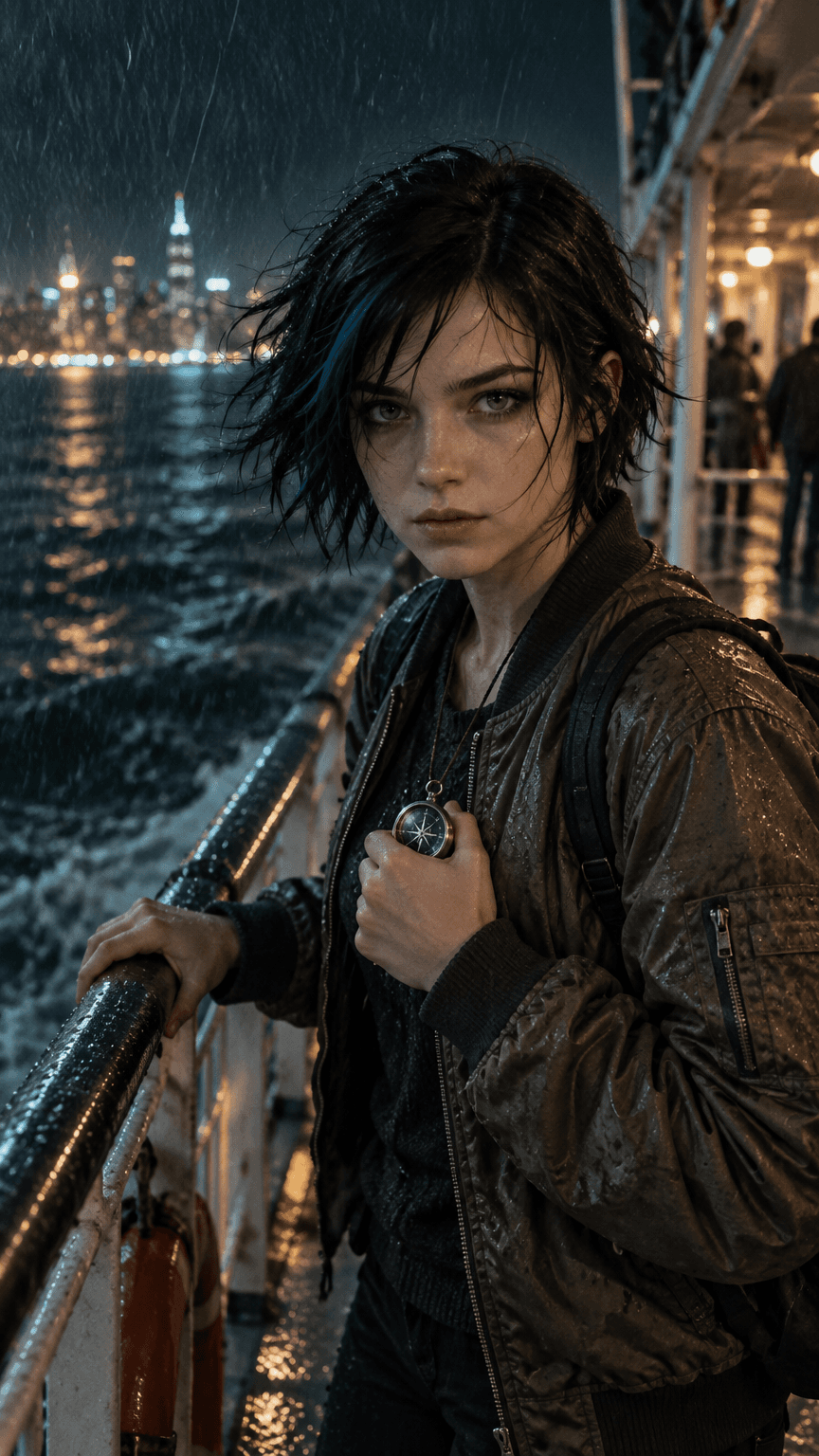
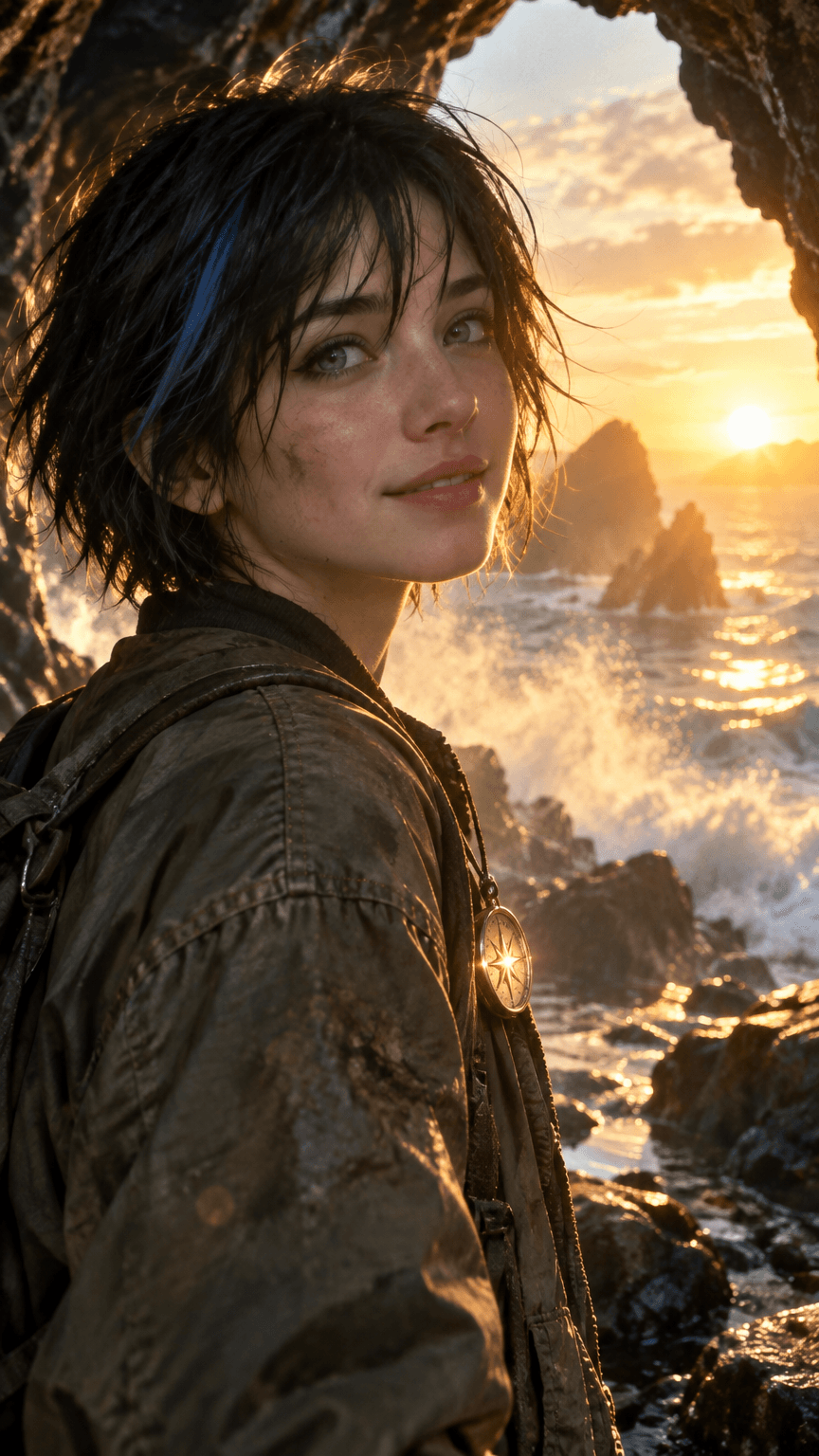
What Elements can do for you
Save a character, a place or a product once. Tag it with @ in any prompt and it comes back the same in every image and video.


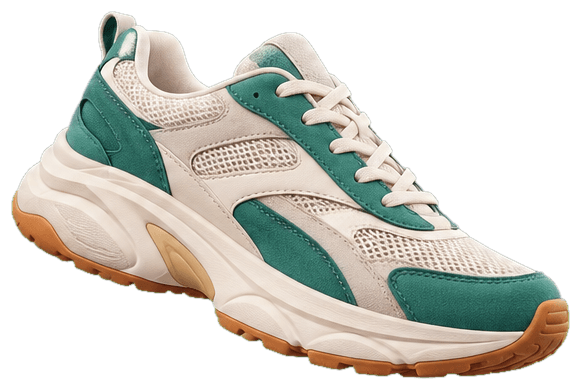
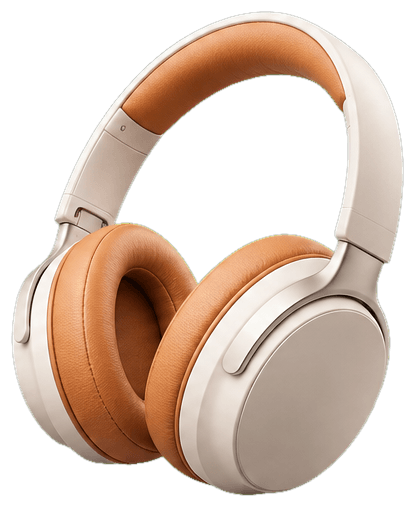
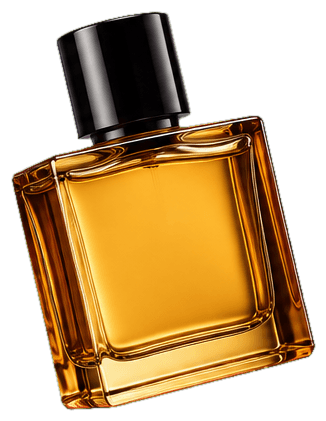
Props
Save your product, an outfit or any object. It stays the same in every hand and every scene.



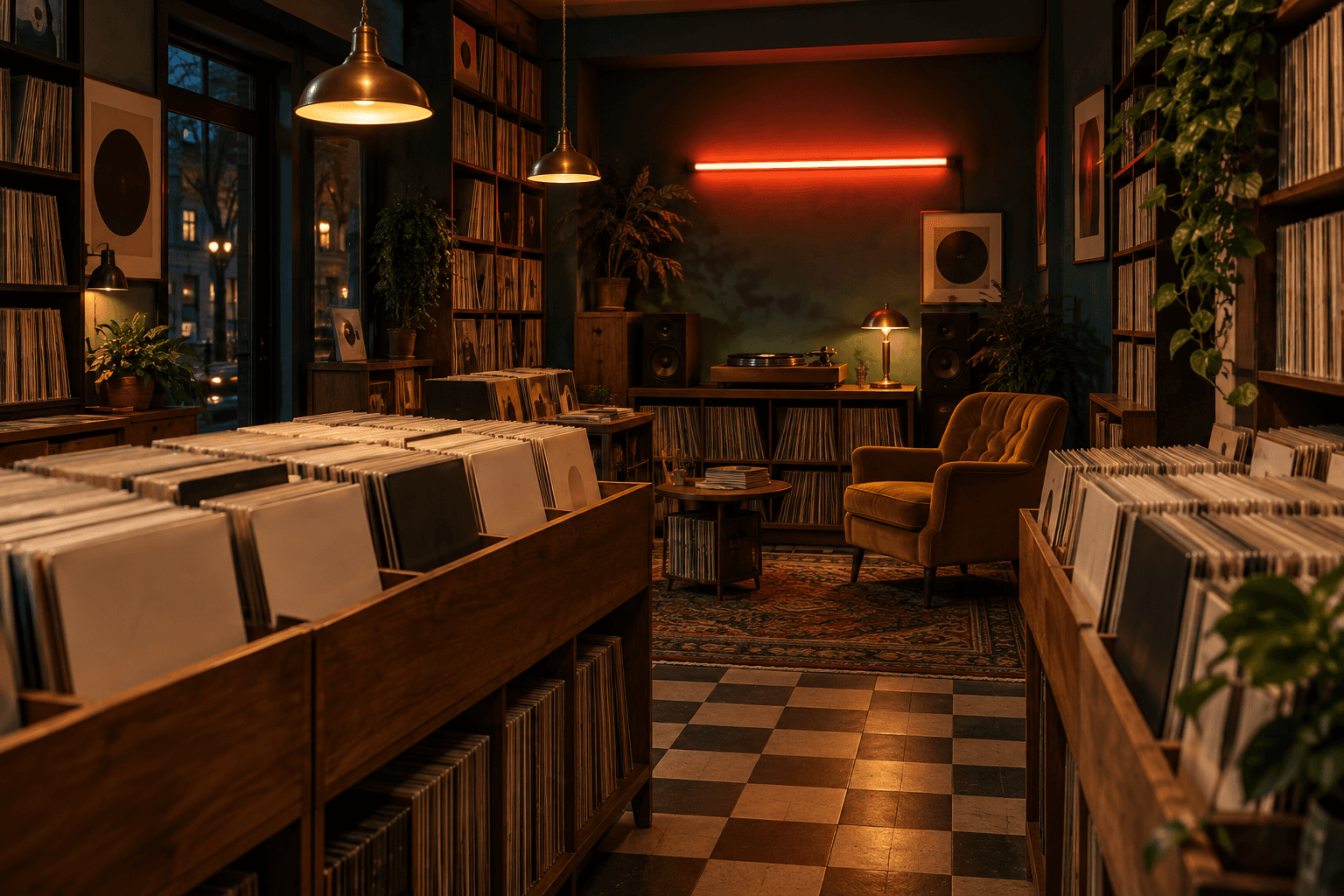
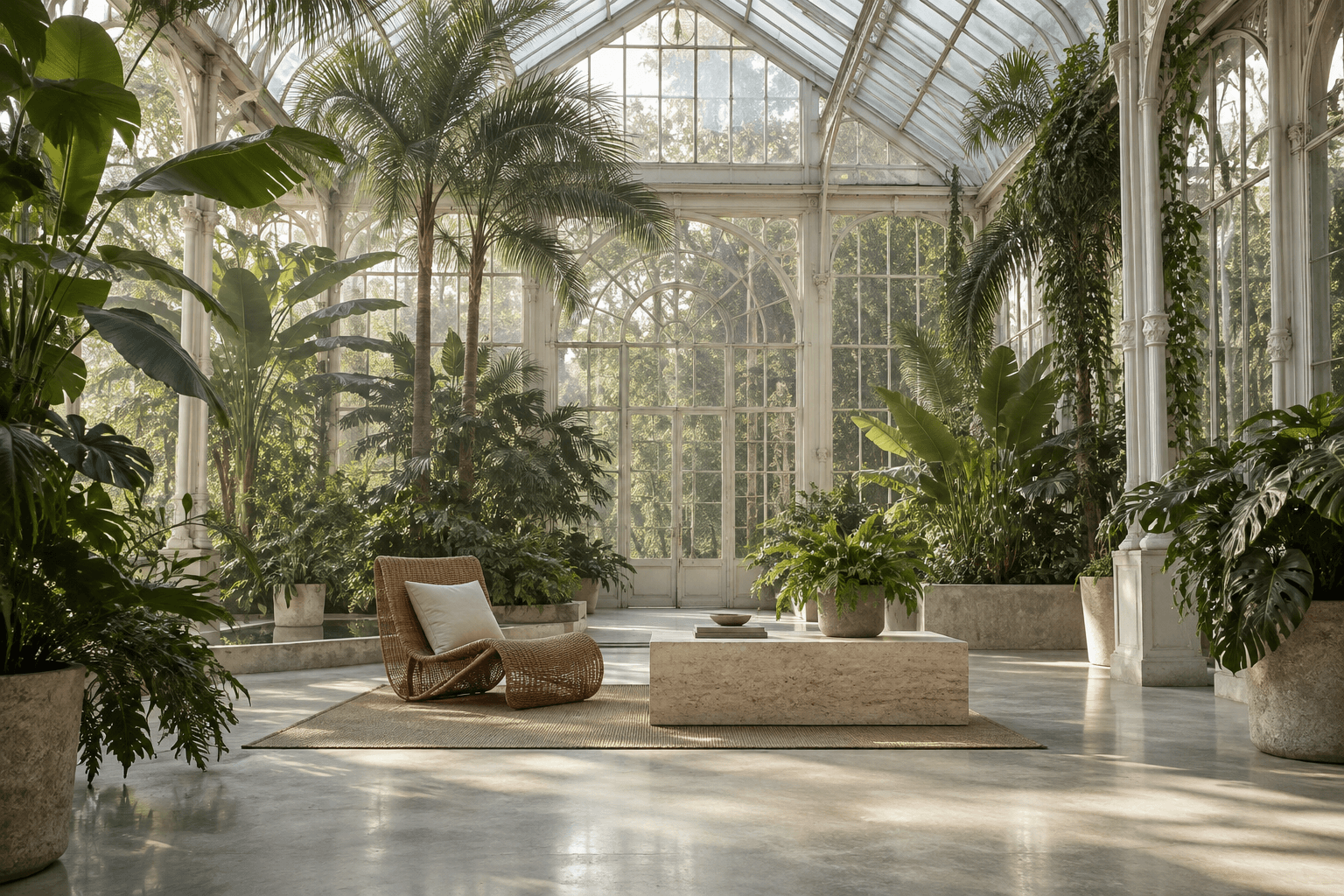
Locations
Save a café, a studio or a whole street. Every new shot returns to the same place, from any angle.



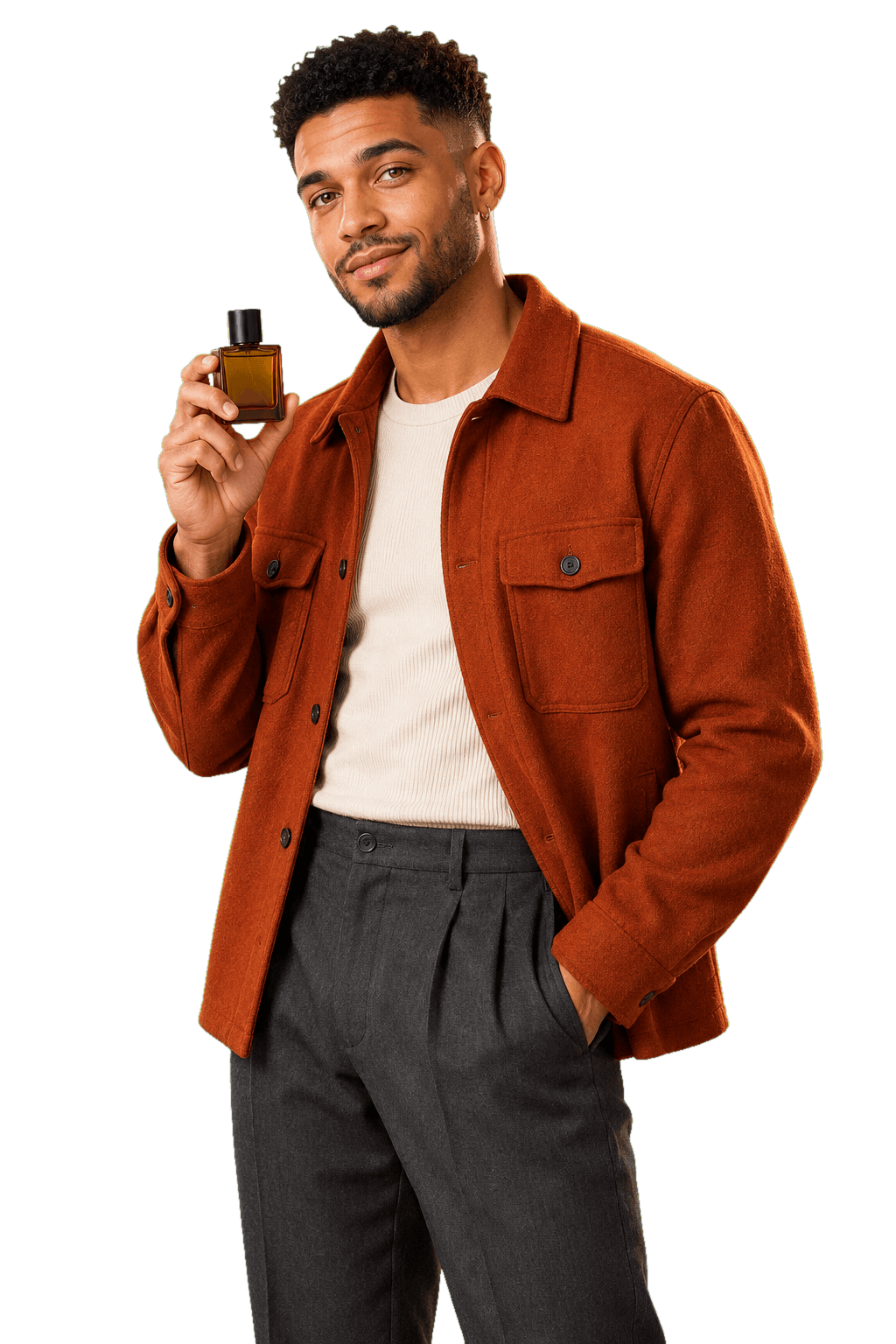
Characters
Your influencer, model or mascot keeps the same face, hair and style in every image and video.
How Gullabs creates your character
Build one with AI in a few quick choices, or bring your own photos.
Watch each one from start to finish.
Key features of Elements
What a saved character, location and prop let you do.
One face in every shot
Tag your character and the face, hair and style stay the same in every image and video, whatever the outfit, the light or the camera angle.
A place that never changes
Save a location once and every new shot returns to it. The same room, light and details, from any angle and with any character.
Your product, exact in every shot
Save a product or any object as a prop. Its shape, colour and details stay the same in every hand, scene and angle.
Tag all three in one prompt
Put a character, a location and a prop in the same prompt with @. Change one tag and only that part of the picture changes.
How it works
Three steps from saved Elements to finished posts.

@Leo
Character
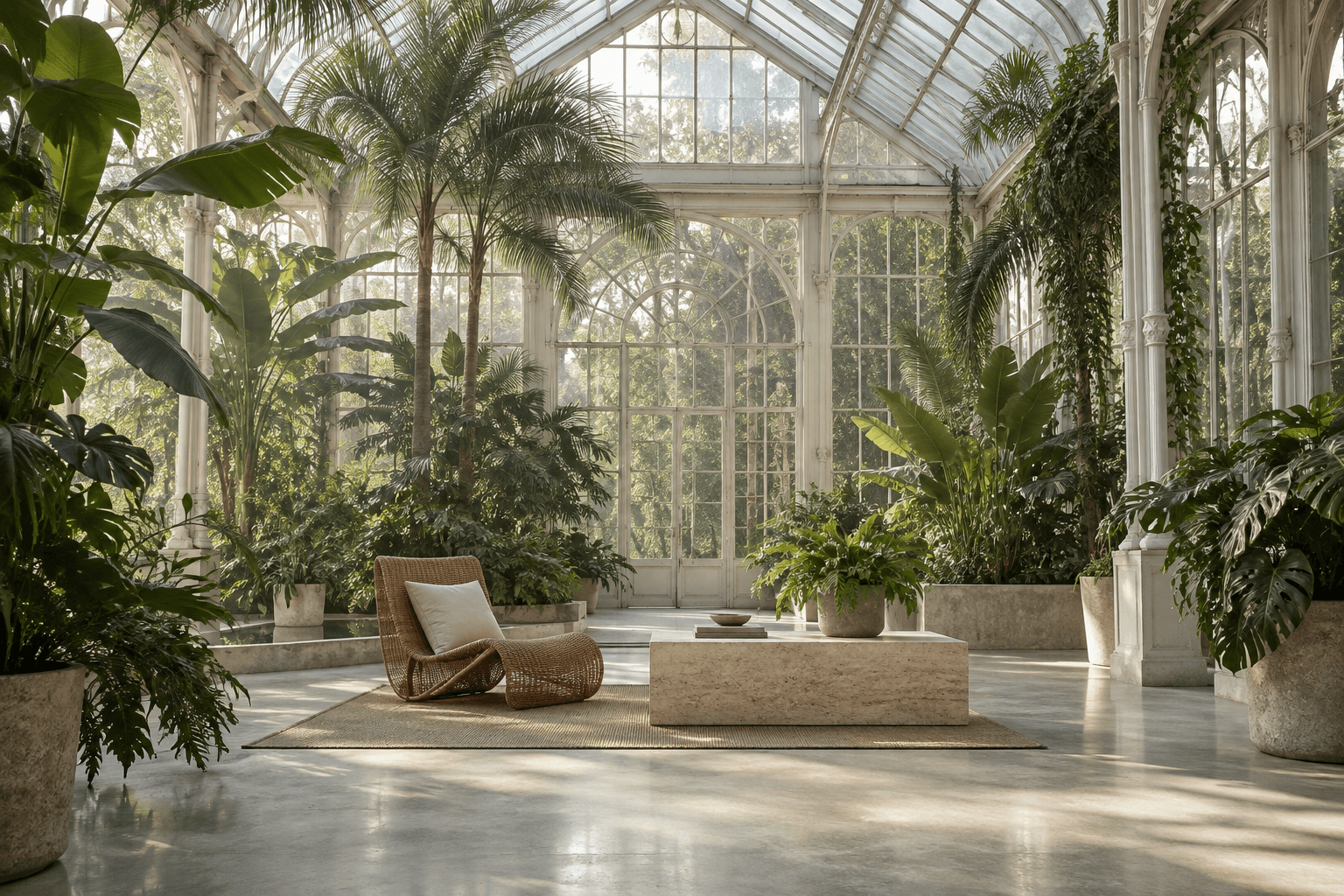
@Glasshouse
Location
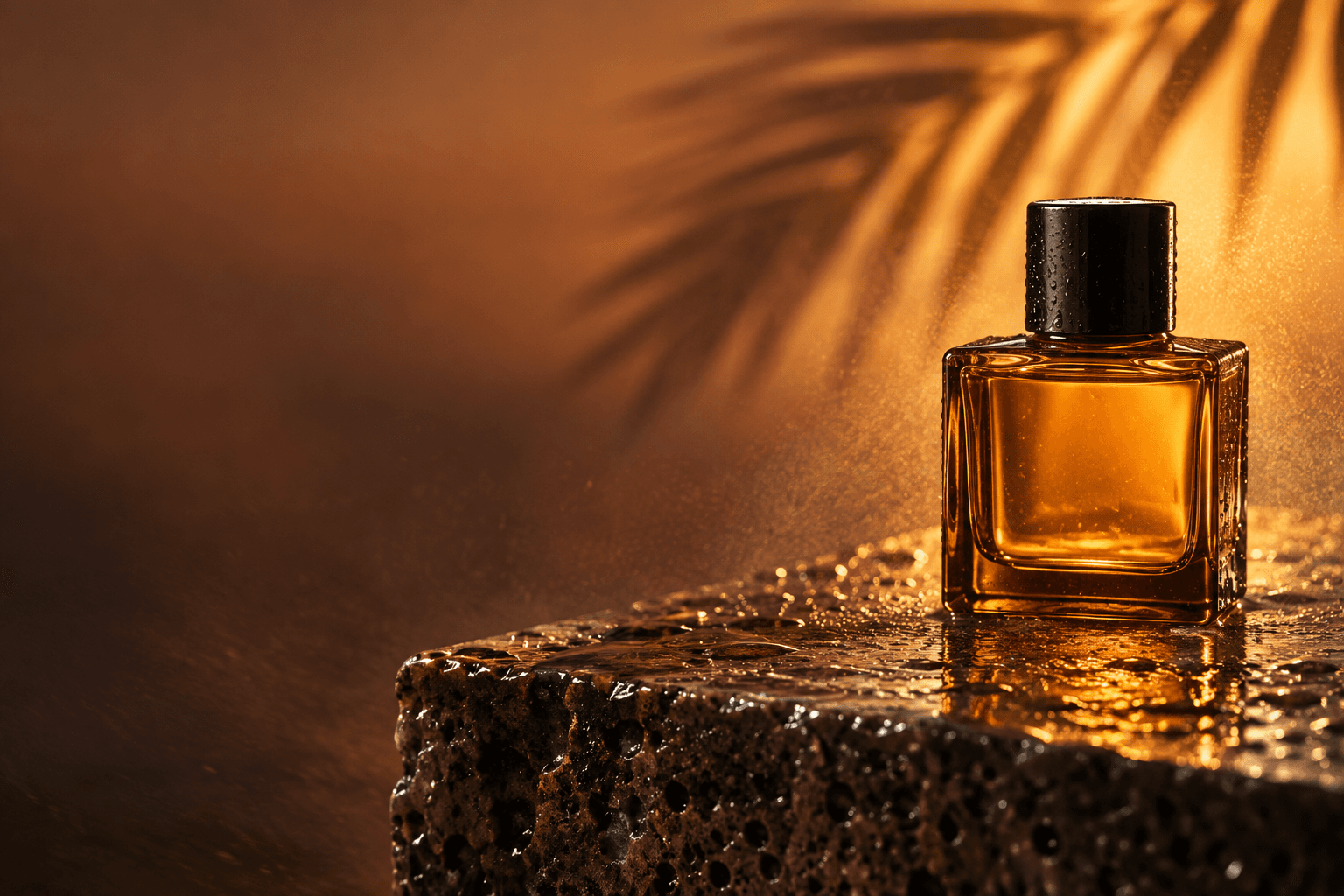
@Amber Perfume
Prop
Step 01
Save your Elements
Create a character with AI or from your photos. Save locations and props the same way.
@Leo with @Amber Perfume in
@
@Glasshouse
Location

@Desert Villa
Location
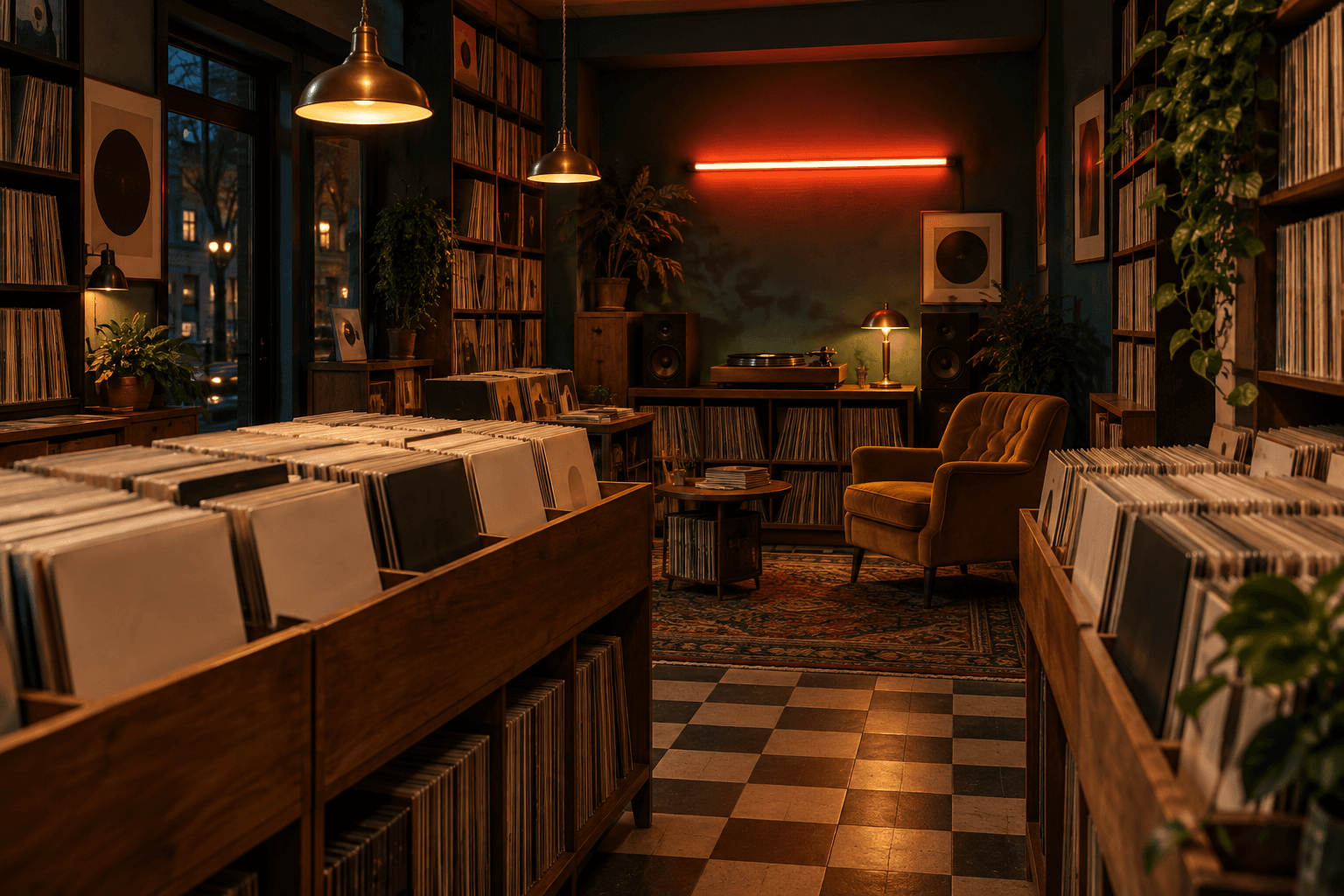
@Record Store
Location
Step 02
Tag them with @
Type @ in any prompt and pick what you saved. Mix a character, a location and a prop.
 ImageReel · 0:08
Step 03
Generate images and videos
Get the picture or the Reel, with every tagged Element exactly as you saved it.
Questions? Answers!
Everything you need to know about characters, locations and props.
A tool that turns a simple product photo into professional product shots: packshots, lifestyle scenes and close-ups, without a studio or a photographer.
Still have questions? Mail us at Hello@devshineteam.com

Create your AI influencer
Build a character once and use the same face in every image and video.
 Create your character